
Product video effect
Product Ingredient Ad: Put the Ingredients in Frame
Ingredient-led advertising answers the question a pack shot raises and never settles. Upload one product photo and the source ingredients are generated around it.
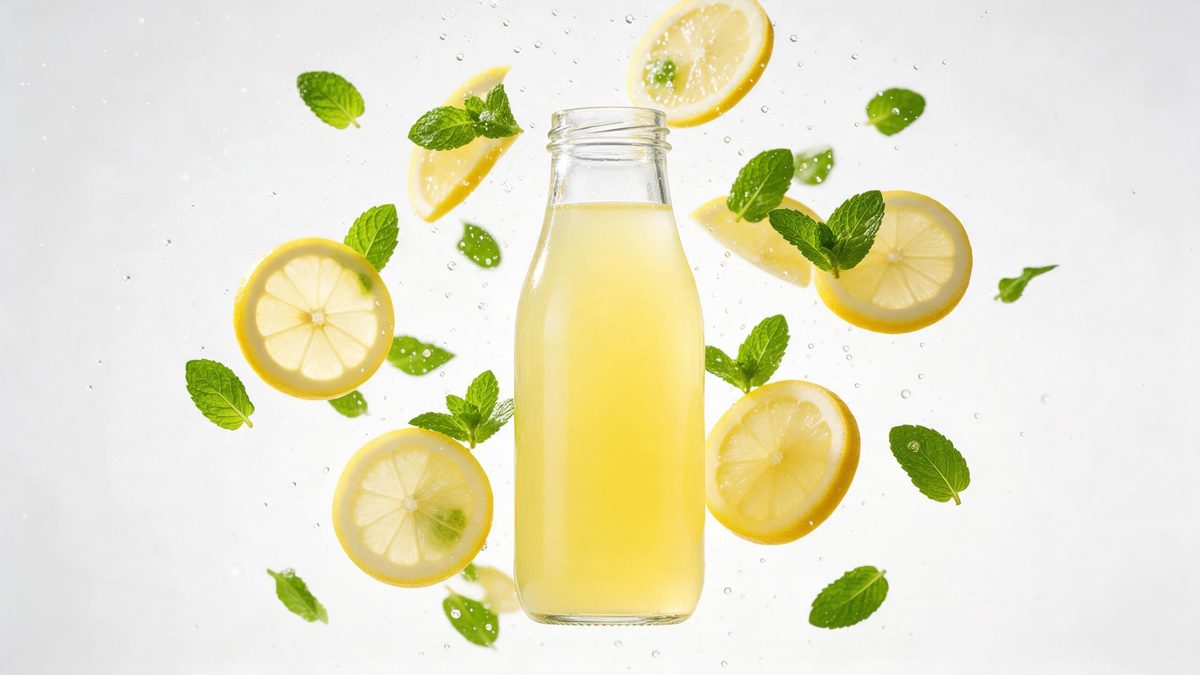
The first question a new product raises is what is in it, and a pack shot answers that with a typography panel nobody reads. Ingredient-led creative answers it visually instead: the source materials appear around the object and the viewer makes the connection without reading anything. For supplements, skincare, coffee and anything sold on provenance, that connection is most of the argument.
This template takes one front-facing product photograph and produces the ingredient scene in five seconds. Output is 720p for 45 credits, offered in 9:16, 16:9 or 1:1, so it suits vertical placements, a listing video or a square feed post. The scene is generated rather than sourced, which means unrelated objects occasionally appear around the product, and sometimes the product itself flies off.
Specs at a glance
Straight from the product panel, not from a marketing deck.
- Output
- 5-second video
- Credits
- 45 per run
- Resolution
- 720p
- Aspect ratio
- Your choice of 9:16, 16:9 or 1:1
- Input
- 1 photo — a single product
- Best results with
- A clear, front-facing product photo works best.
- Known limits
- Occasionally unrelated objects appear around the product, or it flies off.
What it does
Built for this specific job, not a generic editor.
Provenance without a shoot
Source ingredients are generated around the product, so the origin story is visible in five seconds without a trip to a farm, a lab or a supplier. No sourcing trip, no supplier video and no grower to schedule around.
Three shapes, placed well
Export 9:16 for Reels, Stories and Shorts, 16:9 for a listing video or a page embed, or 1:1 for a feed post. The shape is chosen before the render runs. Vertical for Reels, wide for a listing, square for a feed post.
One front-facing image
One clean, front-facing product photograph is all that goes in. No ingredient photography to commission and no second reference to prepare first. One product per render is what the effect reads, so keep the shot clean.
Five seconds, loop ready
The scene resolves inside five seconds and restarts on platforms that autoplay, so the connection is made again without the viewer choosing to rewatch. Repeated automatic playback is where the minutes come from. The loop is what turns five seconds into watch time.
How it works
Four steps, no timeline to learn.
Choose a clean pack shot
Select one clear, front-facing product photograph with the item fully in frame on a plain background. One product per render is what the template reads. Keep the background plain, since the render adds its own surroundings.
Open Product Ingredient Ad
Bring up the template inside OpenFilmo and supply the pack shot. The ingredients and the setting are generated, so no additional photography is needed. One image is the whole brief, so no ingredient photography is needed.
Pick one of three shapes
Choose 9:16 for vertical placements, 16:9 for a listing video, an email header or an embed, or 1:1 for a square feed post beside your other images. Your choice governs the framing, so make it before the run begins.
Check the surroundings
Run the render for 45 credits and look at what appears around the product. If unrelated objects show up or the item flies off, run the effect again. Check what appears beside the product and rerun if something is wrong.
Where people use it
The jobs this effect actually gets used for.
Supplements and wellness
Products sold on what is in them need the source visible. A five-second ingredient scene makes the claim visual rather than textual. The claim becomes visual rather than textual, which is faster to read.
Skincare and naturals
Botanical ranges are bought on provenance. Putting the raw material in the same frame as the jar does more than another paragraph of copy. Putting the raw material beside the jar beats another paragraph of copy.
Coffee and speciality food
Origin is the entire pitch for speciality products. One clip carries it without a sourcing trip or a supplier video to licence. Origin is the entire pitch, and one clip carries it without a trip.
Listing and landing headers
A 16:9 render works at the top of a product page, where the ingredient scene sets up the detail that follows underneath it. The scene sets up the detail that follows underneath it.
Why showing the source beats listing it
Provenance made visual, and what appears instead.
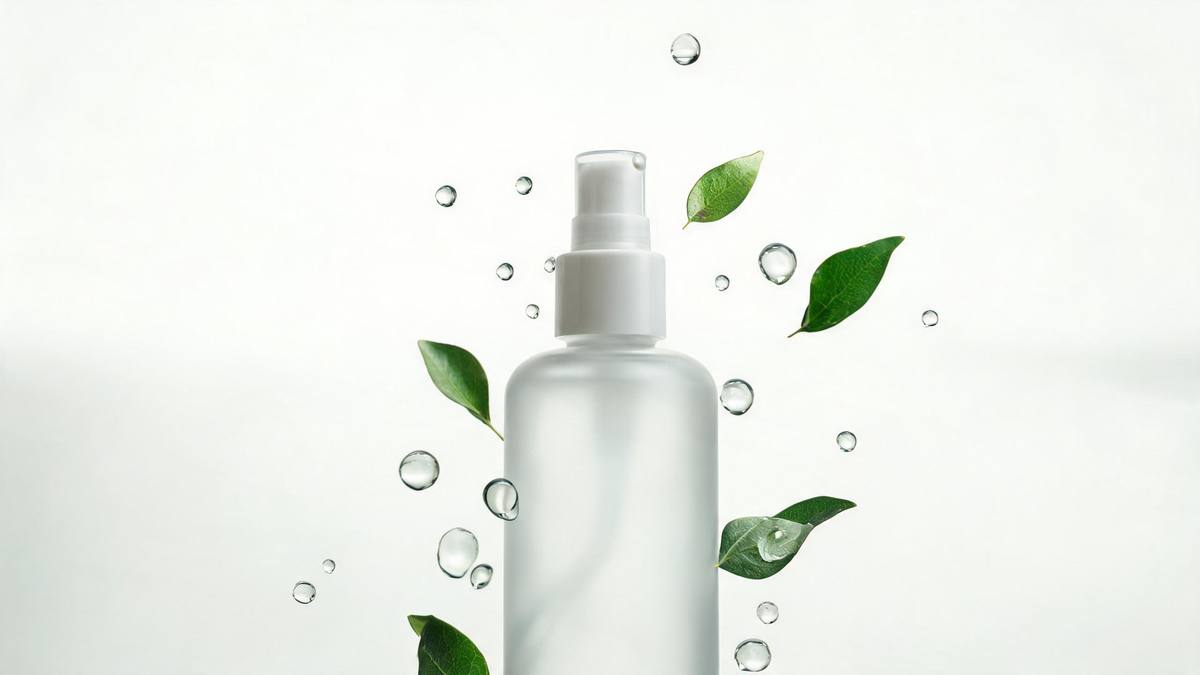
An ingredient list is a claim; an image of the raw material is an argument. The first has to be believed, the second can be checked at a glance, and that difference is why provenance marketing has moved steadily away from typography and towards footage of where things come from. For categories where the buyer cannot evaluate the product directly, supplements, botanicals, coffee, that visual argument is doing most of the persuading.
The obstacle for small brands is that origin footage means travel. A farm, a grower, a production floor: all of it requires a trip, a release, and camera time, which is why so many brands fall back on the pack shot and a paragraph. Generating the ingredient scene from one product photograph removes the trip. At 45 credits for a 5-second 720p clip in 9:16, 16:9 or 1:1, the idea is testable on any channel before anyone books anything.
Because the scene is generated rather than sourced, it is also the least controlled effect in this group. Occasionally unrelated objects appear around the product, which can put something in the frame you did not intend to associate with your brand, and sometimes the product flies off instead of staying put. Both are visible. Watch the render before it goes anywhere, run again if either happens, and keep the source photograph clean and front-facing.
Credits and plans
Every effect draws on one shared credit balance.
Product Ingredient Ad costs 45 credits per render, more than the 30 credits a Free account receives per month, so a single run is beyond the Free allowance. Starter is $9 a month for 400 credits, around eight runs of this effect, while Pro at $19 for 1,000 and Studio at $59 for 4,000 suit a brand testing several claims. All effects share one balance and the cost shows before you confirm.
Related guides
Longer reads on the same workflow, from the OpenFilmo blog.
AI Product Video for Ecommerce: What Converts
How to make AI product video that converts: shot types ranked by impact, consistency requirements, and the workflow for generating…
Runway Ads: Autonomous Ad Generation, and What to Verify
Runway Ads claims 1,000% more ad volume at 2x ROAS. What autonomous ad generation does, which claims to trust, and how to test it …
AI Video Cost Per Minute: The Real Numbers in 2026
How to calculate true AI video cost per finished minute: generation price, regeneration waste, edit time and iteration, with worke…
Related effects
Same family of effects, on the same kind of input.
Frequently asked questions
What input does the effect need?
One clear, front-facing product photograph with the item fully in frame and the background plain. A single product per render reads most reliably, so keep additional objects out of the source image. Shoot one product, front-on, with the item fully inside the frame.
Which aspect ratios does it support?
9:16, 16:9 and 1:1. Use 9:16 for Reels, Stories and Shorts, 16:9 for a listing video, an email header or a page embed, and 1:1 for a square feed post. Commit to a shape before the run, because the frame is built from it.
What is produced?
A 5-second 720p clip with ingredient imagery generated around your product, from one photograph. The scene and the setting come out of the same render, so nothing needs assembling afterwards. Editing is not part of the workflow here; the download is the final file.
Can I run it on Free?
No. At 45 credits a run against Free's 30 per month, one render is over the line. Starter, $9 per month for 400 credits, amounts to around eight renders. Whatever else you render this month comes out of the same allowance.
What should I watch for?
Occasionally unrelated objects appear around the product, and sometimes the product flies off instead of staying in frame. Both are obvious in the finished clip, so watch it through and run the effect again if either appears. Both are visible, so a rerun is the answer.