
Product video effect
Product From the Fridge: A Cold Open for Your Item
Chilled products are bought at a moment, not in a category. Upload one front-facing photograph and the fridge, the light and the reach are generated.
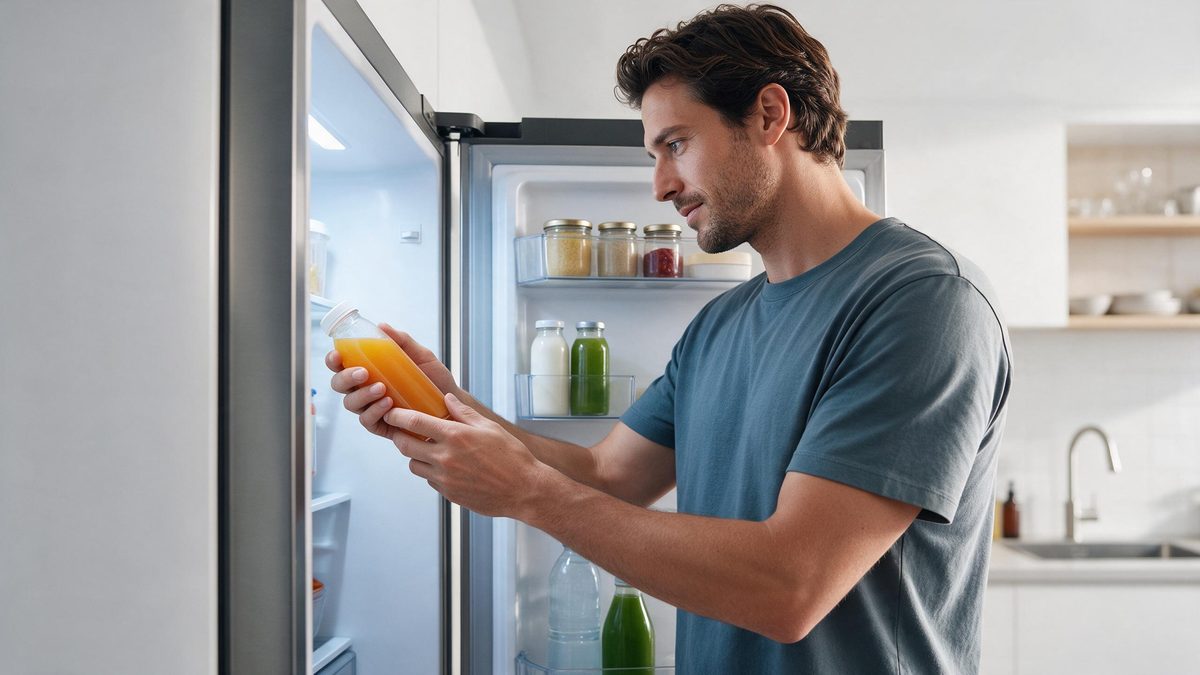
Chilled and perishable products have a context that a pack shot strips away completely. They are bought cold, at a particular moment, out of a fridge, and removing that context leaves a label floating on white. Restoring it is the whole job of this shot, and it is why so much food and drink creative opens inside a refrigerator rather than on a surface.
The template takes one front-facing product photograph and produces the reach-in in five seconds. Output is a 5-second 720p clip for 45 credits, in 16:9, which suits a listing video, an email header or a page embed. Two input cautions come with it: a photograph containing several products can yield only one of them, and stacked objects can be lifted out as a single pack.
Specs at a glance
Straight from the product panel, not from a marketing deck.
- Output
- 5-second video
- Credits
- 45 per run
- Resolution
- 720p
- Aspect ratio
- 16:9
- Input
- 1 photo — a single product
- Best results with
- A clear, front-facing product photo works best.
- Known limits
- A photo with several products can yield only one of them, and stacked objects can be lifted as a pack.
What it does
Built for this specific job, not a generic editor.
Context restored
The product is taken from a fridge rather than displayed on a sweep, which puts it back in the moment it is actually bought. The gap between the two is why this category leans on context.
Landscape, 16:9
What you get is 16:9, suited to a listing, an email header, a landing page or an embed. The frame is composed wide, not cropped. The width is what makes an interior shot read as an interior.
One product per shot
A single front-facing product photograph is the input. Photograph one item on its own, since a group image can produce only one of the objects. One item is all it will pick up, so leave the others out of frame.
A reach that completes
The movement finishes inside five seconds and the clip restarts on players that loop, which suits a page or a screen running continuously. That makes it suitable for a display playing continuously. A display can run it unattended for hours.
How it works
Four steps, no timeline to learn.
Photograph one item alone
Shoot a single product front-on in even light, unstacked and unobstructed. Several products in one image can yield just one, and stacked objects can be lifted together. Keep the label facing the camera and the whole container inside the frame.
Open Product From the Fridge
Pull up the effect page on OpenFilmo and attach your single image. The fridge, the interior light and the movement are generated in the render. A single photograph is the entire brief, with no set to arrange.
Choose a wide placement
Output is 16:9. Decide whether it is going into a listing video, an email header or a page embed before you render, so the frame suits the slot. Make the call before running, as the frame is composed to match it.
Confirm what was lifted
Run the render for 45 credits and check which object came out. If a group photograph produced the wrong item, reshoot a single product and run again. Check which object was lifted and reshoot alone if it was the wrong one.
Where people use it
The jobs this effect actually gets used for.
Chilled and fresh listings
Fresh products sold cold need to be shown cold. Five seconds inside a fridge does that without a kitchen or a crew. Five seconds inside a fridge does it without a kitchen or a crew.
Grocery and delivery pages
A 16:9 clip at the top of a delivery or grocery page makes a perishable item read as food rather than as a thumbnail in a grid. A perishable item reads as food rather than as another thumbnail.
Beverage campaigns
Drinks are almost always consumed cold. Opening inside the fridge is the shortest route to that association for any bottle or can. Drinks are almost always consumed cold, and this says so in a second.
Email headers
Movement at the top of an email holds a reader long enough to reach the offer. A landscape clip fits the header slot directly. A wide frame is what that slot expects, so nothing needs cropping.
Why the moment of consumption belongs in the shot
Context, and what the camera picks up.
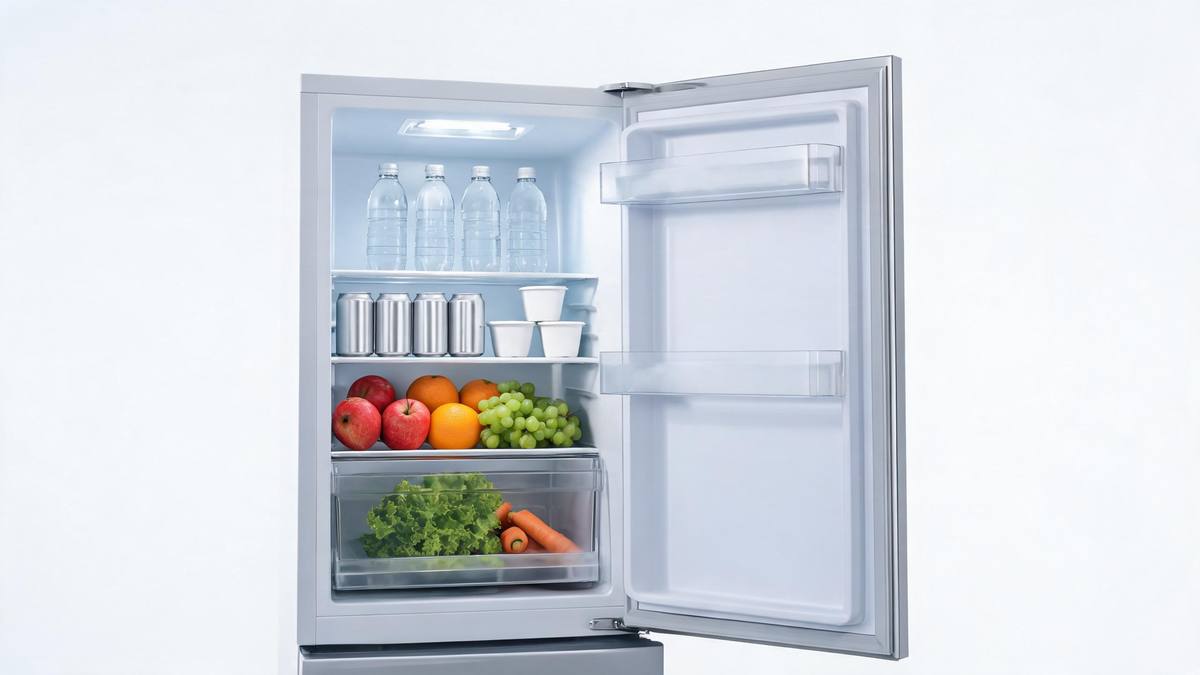
Products bought for a moment rather than for a category lose most of their meaning when that moment is removed. A chilled drink on a white sweep is a label; the same drink taken out of a fridge is an intention. That gap is why food and drink creative is so consistently built around context, and why a pack shot, however well made, tends to underperform footage that shows when the product is wanted.
Filming it is not trivial. A fridge interior is a small, badly lit space that needs a rig, a light and somebody who can shoot inside it, and the door has to cooperate on the take. Generating the shot from one pack photograph, at 45 credits for a 5-second 16:9 clip at 720p, removes the rig and the refrigeration, and lets a brand test whether the context idea works before spending anything on a kitchen day.
The input cautions are worth taking seriously, because both cost a render. A photograph with several products in it can yield only one of them, usually not the one you wanted, and stacked objects can be lifted as a pack rather than individually. Photograph one item, alone, front-on and unstacked. If the wrong object comes out of the fridge, the fix is at the camera rather than in the effect.
Credits and plans
Every effect draws on one shared credit balance.
Product From the Fridge costs 45 credits per render, more than the 30 credits a Free account receives each month, so one run is not possible on Free. Starter is $9 a month for 400 credits, around eight runs of this effect, while Pro at $19 for 1,000 and Studio at $59 for 4,000 suit a grocery range with many SKUs. All effects draw on one balance and the cost shows before you confirm.
Related guides
Longer reads on the same workflow, from the OpenFilmo blog.
AI Product Video for Ecommerce: What Converts
How to make AI product video that converts: shot types ranked by impact, consistency requirements, and the workflow for generating…
AI UGC Video Generator: Creator Ads at Scale
How to use an AI UGC video generator for creator-style ads at scale: hook formulas, script structure, a testing framework and disc…
Runway Ads: Autonomous Ad Generation, and What to Verify
Runway Ads claims 1,000% more ad volume at 2x ROAS. What autonomous ad generation does, which claims to trust, and how to test it …
Related effects
Same family of effects, on the same kind of input.
Frequently asked questions
What belongs in the photograph I upload?
One product, photographed front-on in even light, on its own and unstacked. A photograph containing several products can yield only one of them, and objects stacked together can be lifted as a pack rather than individually. Shoot one item, alone, front-on, unstacked and in even light.
Which aspect ratio is produced?
16:9 only. That is the shape for a listing video, an email header, a landing page or a player embedded in a page, and the composition is built wide rather than cropped from another shape. Pick the ratio early, since the render composes around that choice.
What is the output?
A 5-second 720p clip in which the product is taken out of a fridge, generated from your single photograph. The interior, the light and the movement are all produced in the render. No further work is needed once the render finishes.
Is a render included with the Free plan?
No. Forty-five credits per render against Free's monthly 30 puts a single run over the top. For $9 a month Starter provides 400 credits, or roughly eight runs. There is no separate credit pot for this template alone. All of the effects share one balance.
What if the wrong item comes out?
Reshoot the source photograph with a single product, alone and unstacked, then run the effect again. A group shot can produce only one object, and stacked items may be lifted together as one. The fix is at the camera, not in the effect.