
Product video effect
World of Ingredients: Go Inside the Source
Some products are sold entirely on where they come from. Upload one front-facing photograph and the camera takes the product into that world.
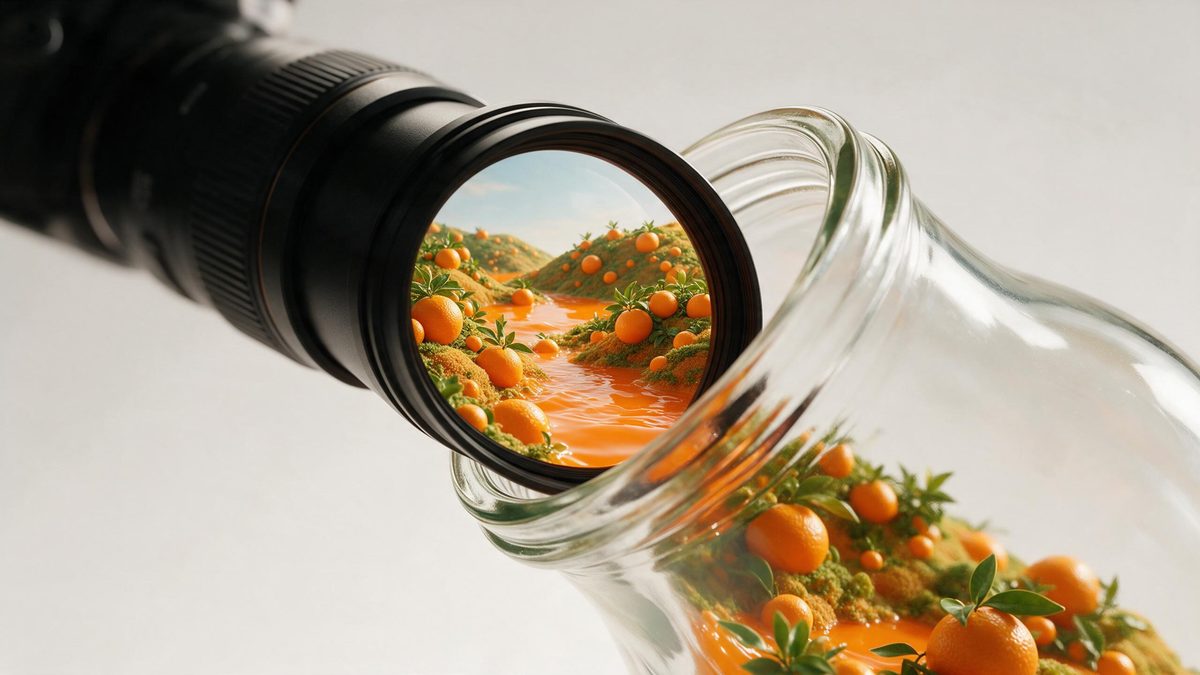
Origin stories are usually told with words, and words are the weakest tool available for the job. A viewer scrolling past does not read a paragraph about sourcing; they register an image in under a second and move on. Putting the product inside a world made of its own raw materials does the same work visually, and it does it in the time a scroll actually allows.
This template takes one front-facing product photograph and moves it into a generated environment built from ingredients. You receive a 5-second 720p clip in 16:9 for 45 credits, shaped for a listing, an email header or an embed. The one specific caution: with a capped bottle, unscrewing the cap can go wrong in the finished clip. The environment is generated rather than filmed, so no supplier visit or location release is needed.
Specs at a glance
Straight from the product panel, not from a marketing deck.
- Output
- 5-second video
- Credits
- 45 per run
- Resolution
- 720p
- Aspect ratio
- 16:9
- Input
- 1 photo — a single product
- Best results with
- A clear, front-facing product photo works best.
- Known limits
- With a capped bottle, unscrewing the cap can go wrong.
What it does
Built for this specific job, not a generic editor.
Origin told visually
The product enters a world made of its own raw materials, which communicates provenance in a second instead of in a paragraph nobody reads. A field of raw materials registers in a second; a paragraph does not.
Landscape, 16:9
Output is 16:9, made for a listing video, an email header, a landing page or an embedded player. The frame is composed wide rather than trimmed. The width is what lets the environment read as a place at all.
One photograph in
Everything starts from one clean, front-facing product photograph. No supplier visit, no location release and no second reference to prepare. A lone product is what gets read, so keep the frame to that. One object is carried into the environment per render.
A journey that resolves
The transition completes inside five seconds and the clip restarts on players that loop, which suits a page header or a screen running continuously. It is the kind of clip a screen can run all day without wearing out.
How it works
Four steps, no timeline to learn.
Choose one pack shot
Pick a clear, front-facing product photograph with the whole item in frame on a plain background. Keep to a single product, since that is what travels into the world. One object is all the render can carry through the transition.
Open World of Ingredients
Pick this effect out of the OpenFilmo catalogue and upload the shot. The environment and the transition are generated, so nothing else is required. One image is the whole brief, so no supplier visit is needed.
Plan a wide slot
Output is 16:9. Decide whether the clip is going into a listing video, an email header or a page embed before rendering, so the composition suits the placement. Pick the shape up front, since the framing is generated from it.
Watch the opening
Run the render for 45 credits and watch the transition into the environment. With a capped bottle, check the cap, since unscrewing it can go wrong. Watch the transition closely and rerun if the opening behaves oddly.
Where people use it
The jobs this effect actually gets used for.
Provenance-led brands
Ranges sold on origin need the source on screen. A five-second entry into an ingredient world carries that without a sourcing trip. A five-second entry into an ingredient world carries it without a trip.
Listing page headers
A 16:9 clip at the top of a product page sets up the detail below it, and holds a visitor long enough for the specification to be read. It holds a visitor long enough for the specification underneath to be read.
Email and campaign openers
Movement in a header raises the chance the rest of the message is read. A landscape clip fits that slot directly, without a large file. A reader who stays for the opening is likelier to reach the offer below.
Trade and wholesale decks
A buyer deck benefits from one shot that communicates what the brand is about. This does it in five seconds and one photograph. One shot communicates what the brand is about, which a deck needs.
Why origin needs an image rather than a paragraph
Speed of reading, and the capped-bottle caution.
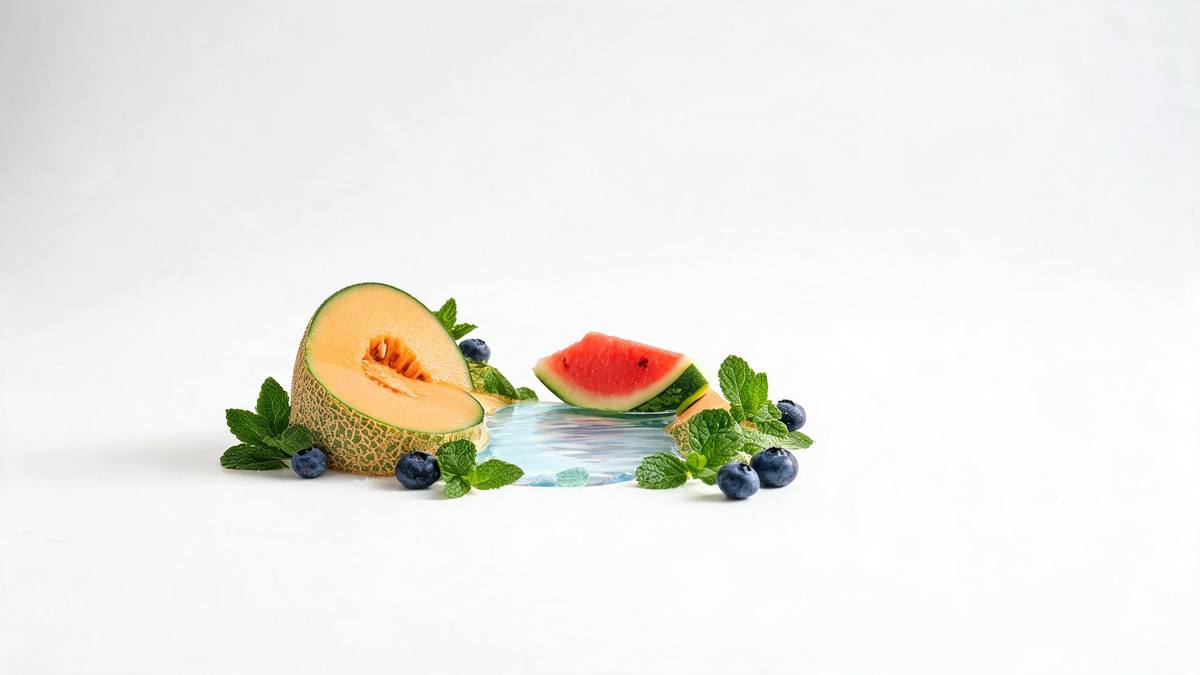
Origin is an argument that has to land fast or not at all. A viewer gives a piece of creative roughly a second before deciding, and in that second they can register a product sitting inside a field of its own raw materials, or they can register nothing at all while a paragraph waits to be read. This is why provenance marketing has shifted from copy to imagery, and why brands with a genuine sourcing story are right to insist on showing it rather than describing it.
The problem is that showing it normally means going there. A grower, a coast, a production floor: each one is a trip, a release, a day of camera time, and often a language to negotiate in. Generating the world from one pack photograph removes the trip. At 45 credits for a 5-second 16:9 clip at 720p, a brand can test whether the origin idea moves its audience before committing a budget to filming it properly.
One caution, and it is narrow enough to plan around. With a capped bottle, unscrewing the cap can go wrong, so a container that has to open as part of the transition is the riskier input. If your product is a capped bottle, watch that moment closely in the finished clip and run again if the cap behaves oddly. A clean front-facing photograph with the container fully in frame gives the transition the best chance.
Credits and plans
Every effect draws on one shared credit balance.
World of Ingredients costs 45 credits per render, above the 30 credits a Free account receives per month, so a single run is not possible on Free. Starter is $9 a month for 400 credits, around eight runs of this effect, and Pro at $19 for 1,000 or Studio at $59 for 4,000 suit a brand with several origin stories to tell. One balance serves the whole library, priced before anything is committed.
Related guides
Longer reads on the same workflow, from the OpenFilmo blog.
AI Product Video for Ecommerce: What Converts
How to make AI product video that converts: shot types ranked by impact, consistency requirements, and the workflow for generating…
Runway Ads: Autonomous Ad Generation, and What to Verify
Runway Ads claims 1,000% more ad volume at 2x ROAS. What autonomous ad generation does, which claims to trust, and how to test it …
AI UGC Video Generator: Creator Ads at Scale
How to use an AI UGC video generator for creator-style ads at scale: hook formulas, script structure, a testing framework and disc…
Related effects
Same family of effects, on the same kind of input.
Frequently asked questions
What input does this need?
A single front-on product shot, whole item visible, background kept plain. The effect moves a single product into the generated environment, so keep other objects out of the source shot. Supply one product, shot face-on and fully contained in the picture.
Which shapes can I export?
16:9 only. That suits a listing video, an email header, a landing page or an embedded player, and the composition is built for a wide frame rather than cropped into one. The shape guides the composition, so it has to be chosen in advance.
What will one run produce?
A 5-second 720p clip in which the product enters a world built from ingredients, generated from one photograph. The environment and the transition come out of the same render, so nothing needs assembling afterwards. The download is the finished article, with nothing left to composite.
Will the Free tier cover a render?
No. Free gives 30 credits monthly and this costs 45, so a render is out of reach. Eight renders is roughly what $9 a month buys, via Starter's 400 credits. Anything else you generate this month shares this allowance. Every effect shares that single balance.
What should I watch for?
With a capped bottle, unscrewing the cap can go wrong. If your product is a capped container, watch that moment closely in the finished clip and run the effect again if the cap does not behave as it should. Run it again if the cap does not behave as it should.