
Product video effect
Cream Texture Trial: Five Seconds on the Texture
Texture is the part of a cream that sells it, and the part a jar photograph never shows. Upload one jar and the product is opened and worked in front of the camera.
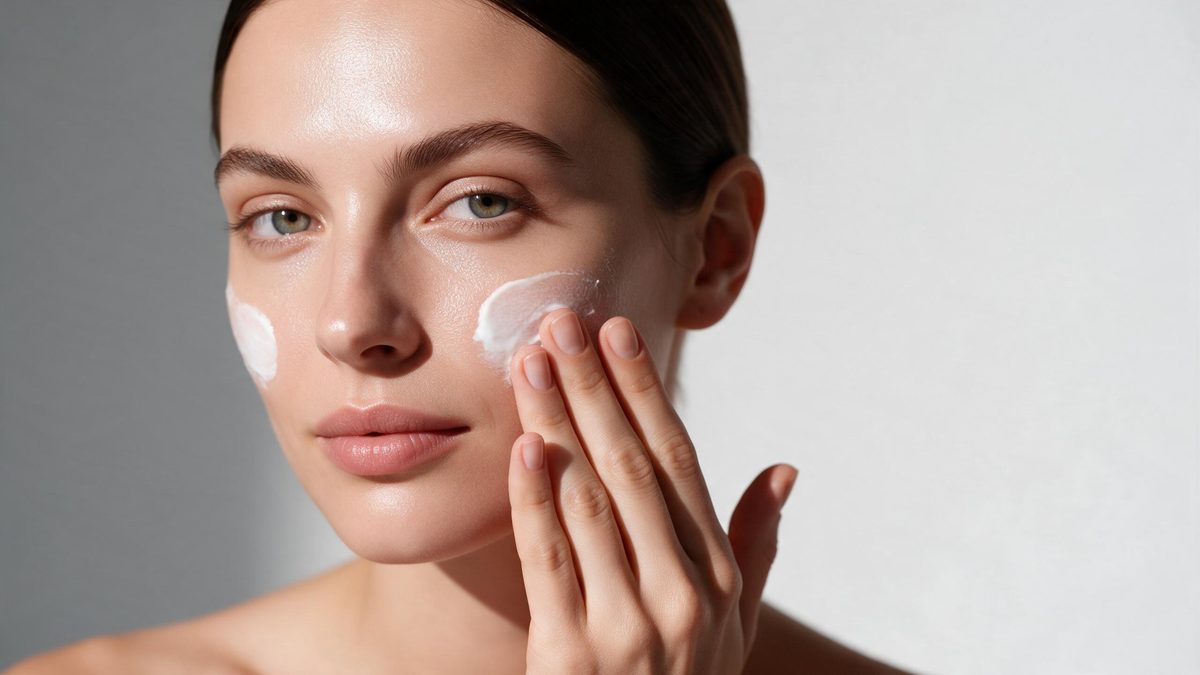
A jar of cream photographed on white tells a buyer nothing they can act on. They cannot see how thick it is, whether it sinks in, or what it looks like spread across skin, and those are exactly the properties that decide a repurchase. Texture shots exist to answer that, and they are the single most requested piece of footage in skincare, which is why they are also the most imitated and the most expensive to produce properly.
This template takes one jar of cream and produces the texture moment in five seconds. Output is 720p for 45 credits, in 9:16, 16:9, 4:3, 3:4 or 1:1. The scoop and the transition are generated rather than filmed, and that is where the two known problems sit: the transition is occasionally uneven, and the cream being scooped can move in ways that defy physics.
Specs at a glance
Straight from the product panel, not from a marketing deck.
- Output
- 5-second video
- Credits
- 45 per run
- Resolution
- 720p
- Aspect ratio
- Your choice of 9:16, 16:9, 4:3, 3:4 or 1:1
- Input
- 1 photo — a single cream jar
- Best results with
- One jar of cream
- Known limits
- Occasionally the transition is uneven, and scooping the cream can defy physics.
What it does
Built for this specific job, not a generic editor.
Texture, not packaging
The shot works the product rather than displaying it, which is the only way to show thickness, spread and finish. A jar on white cannot do any of that. Thickness, spread and finish are the three properties a jar hides completely.
One jar is the input
The template expects a single jar of cream in the source photograph. Photograph it square to the camera, in even light, with the lid as you want it shown. The template is tuned for a single jar rather than a range in one shot.
Five shapes at export
Five shapes are on offer, 9:16, 16:9, 4:3, 3:4 or 1:1, chosen up front. Vertical for Reels, Stories and Shorts, or a wider frame for a listing video or a page embed. The render draws the frame to your ratio, so set it beforehand.
Short enough to replay
The moment completes within five seconds and resets on platforms that autoplay, which suits a feed where the same clip plays repeatedly. Feeds that restart the clip quietly accumulate the seconds. A short loop also keeps the texture from becoming repetitive.
How it works
Four steps, no timeline to learn.
Photograph one jar
Shoot a single jar of cream square to the camera in even light, with the whole container in frame. Keep other products out of the shot entirely. Keep other products out of the frame, since the template works one jar.
Open Cream Texture Trial
Open the effect from the OpenFilmo library and hand it that one image. The scoop, the surface and the camera move are generated, so nothing else needs supplying. One image is the whole brief, so there is nothing else to arrange.
Choose the frame
Select 9:16 for Reels, Stories and Shorts, 16:9 for a listing video or an embedded player, or 4:3, 3:4 or 1:1 for a feed post or catalogue tile. Decide early, because the render composes the frame around your pick.
Watch the scoop
Run the render for 45 credits and watch how the cream moves. If the transition is uneven or the scoop behaves oddly, run the effect again before placing the clip.
Where people use it
The jobs this effect actually gets used for.
Skincare product pages
A product page with five stills and no texture shot leaves the buyer guessing. One five-second clip answers the question the stills cannot. Five stills without a texture shot leave the buyer guessing at thickness.
Reels and Shorts
A 9:16 texture clip is the native register for skincare on vertical platforms, where a jar on a shelf earns almost no attention at all. It is the register skincare performs in, and a jar on a shelf is not.
Routine content
A range posted as a routine needs one clip per step. Run each jar through the same template and the series stays visually consistent across the range. Run each jar through the same template and the series stays consistent.
Before committing to a shoot
Try the texture idea at 45 credits before booking a studio day. If the concept works, the produced version is a much safer spend afterwards. A failed test costs a render rather than a studio day.
Why texture decides the repurchase
What the buyer needs to see, and where it slips.
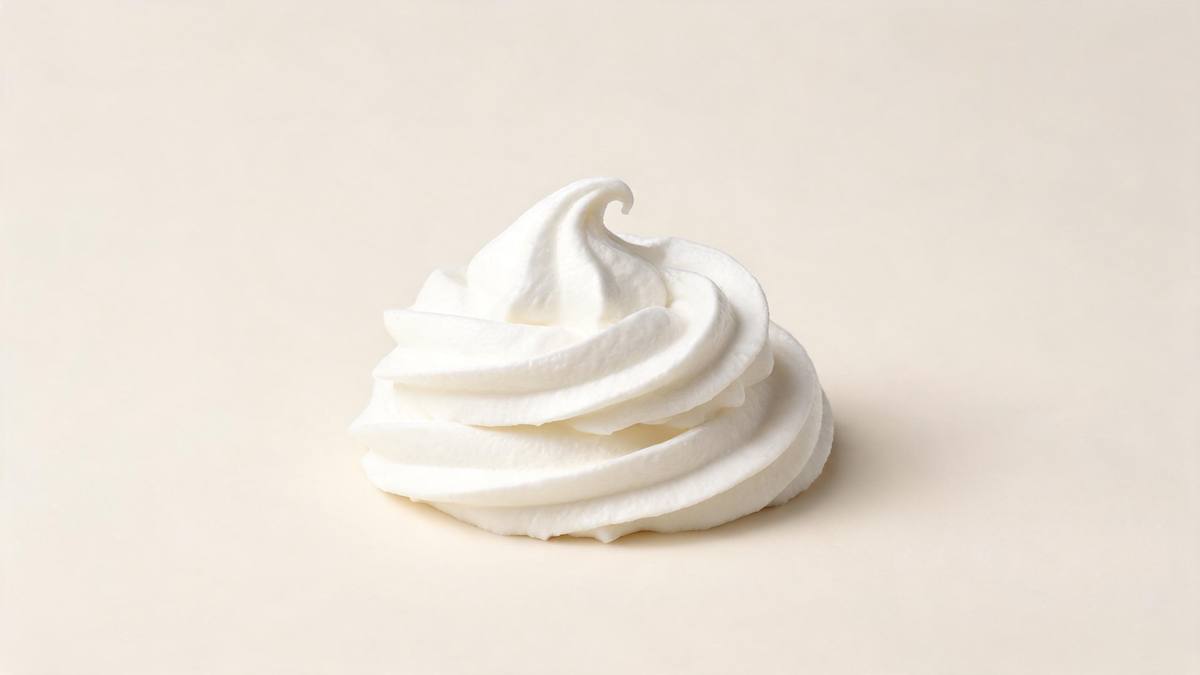
Skincare is a category bought twice or not at all, and the second purchase is decided by how the product behaved rather than by what the box said. Thickness, absorption and finish are the properties that get evaluated, and none of them is visible in a pack shot. That is why texture footage converts browsers into buyers in a way that a better-lit jar never will, and why the same three-second shot appears on practically every product page in the category.
Producing it is another matter. Texture work needs a macro lens, controlled light, a surface that behaves, and usually a hand model, which together make it one of the more expensive shots in product photography. Generating it from a single jar photograph, at 45 credits and 720p, in whichever of five shapes the channel wants, puts the shot within reach of a brand launching with four SKUs and no photography budget at all.
The generated version has two weaknesses, both visible. Occasionally the transition is uneven, so the shot lurches between states rather than moving through them, and scooping the cream can defy physics, which reads as wrong even to a viewer who could not say why. Watch the finished clip before you place it and run again if either appears. A single jar, square to the camera in even light, gives the cleanest result.
Credits and plans
Every effect draws on one shared credit balance.
Cream Texture Trial costs 45 credits per render, which is more than the 30 credits a Free account receives per month, so it cannot be run on Free. Starter is $9 a month for 400 credits, around eight runs of this effect, and Pro at $19 for 1,000 or Studio at $59 for 4,000 suit a full range of jars. Every effect draws on one balance and the cost shows before you confirm.
Related guides
Longer reads on the same workflow, from the OpenFilmo blog.
AI Product Video for Ecommerce: What Converts
How to make AI product video that converts: shot types ranked by impact, consistency requirements, and the workflow for generating…
AI UGC Video Generator: Creator Ads at Scale
How to use an AI UGC video generator for creator-style ads at scale: hook formulas, script structure, a testing framework and disc…
AI Video for Agencies: A Client Delivery Workflow
A client-ready AI video workflow for agencies: scoping honestly, rights clearance, approval gates, revision economics and how to p…
Related effects
Same family of effects, on the same kind of input.
Frequently asked questions
What is the right input?
One jar of cream, photographed square to the camera in even light with the whole container in frame. The template is built for a single jar, so leave other products, props and hands out of the source photograph. Shoot one jar, square to the camera, with the container fully in frame.
Which output shapes are offered?
The offer is 9:16, 16:9, 4:3, 3:4 or 1:1. Stories, Reels and Shorts want 9:16; a listing or embed wants 16:9; a feed or catalogue slot wants 1:1 or 4:3. Set the ratio before you start; the framing depends on it.
What do I get?
A 5-second 720p clip working the cream in front of the camera, generated from your single jar photograph. The scoop and the setting are produced together, so there is nothing to assemble afterwards. Nothing has to be put together afterwards, and the file is usable immediately.
Can Free accounts run it?
No. One render costs 45 credits and Free includes 30 credits per month, so a single run exceeds the monthly allowance. At $9 a month Starter supplies 400 credits, close to eight renders. Renders across OpenFilmo run off a single shared credit account.
What goes wrong sometimes?
Occasionally the transition is uneven, and scooping the cream can defy physics. Both are visible in the finished clip, so watch it through before placing it and run the effect again if the movement looks wrong. Nothing can be done to the finished clip; a rerun is the answer.