
Product video effect
Tiny Hands Skincare: A Cream Ad From One Jar
Skincare sells texture and application, and both are hard to show with a jar sitting on a shelf. This one puts a pair of small hands to work on it instead.
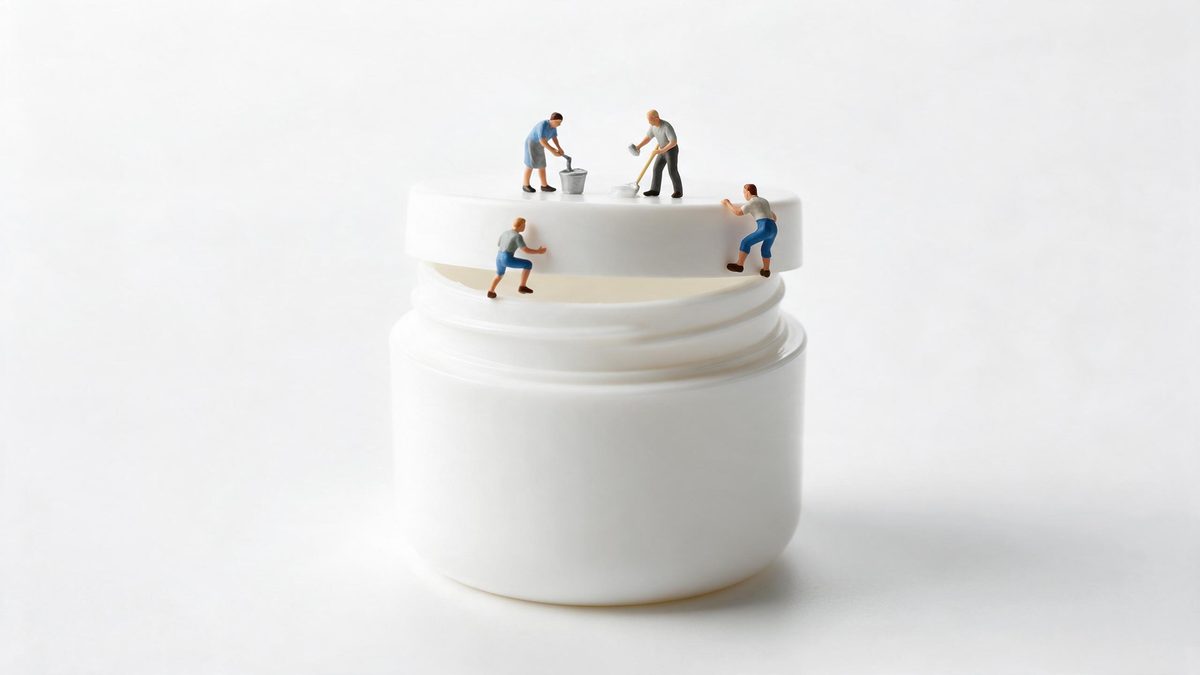
Cream is a difficult thing to photograph. The jar looks like every other jar, and the thing being sold, the way it sits on the skin, the way it spreads, happens off camera entirely. Most brands answer with a swatch on a forearm and a close crop, which is honest and almost never interesting. Putting a pair of small hands into the frame restores the human scale of the gesture without a model booking, a hand double or a macro lens.
The template is built for jars and tubs shot straight on, and it returns a 5-second 720p clip for 45 credits in 9:16, 16:9, 4:3, 3:4 or 1:1. The camera move and the closing frame are generated as part of the shot, which is what makes it look produced rather than assembled, and also why the move is occasionally uneven or the final freeze frame odd.
Specs at a glance
Straight from the product panel, not from a marketing deck.
- Output
- 5-second video
- Credits
- 45 per run
- Resolution
- 720p
- Aspect ratio
- Your choice of 9:16, 16:9, 4:3, 3:4 or 1:1
- Input
- 1 photo — a single product
- Best results with
- A jar or tub product, shot straight on
- Known limits
- Occasionally the camera move is uneven and the final freeze frame looks odd.
What it does
Built for this specific job, not a generic editor.
Made for jars and tubs
The effect expects a jar or tub product photographed straight on. That is the shape it is tuned for, and it is why a bottled serum or a tube will not read as well as a squat jar of cream.
Application without a model
The gesture of scooping and applying is produced in the render. No hand model, no call sheet and no release form, and the shot still carries the human scale that a pack shot lacks. Every jar in a range can get the same treatment for one photograph each.
Five shapes, one render
Choose 9:16, 16:9, 4:3, 3:4 or 1:1 at export. Vertical for Stories and Reels, a wider frame for a listing video or a page embed, and square for a feed post. Make that choice before rendering, since the composition follows the shape.
A closing frame that holds
The shot finishes on a held frame rather than cutting off mid-movement, which gives you a still you can lift for a thumbnail or a product page if the clip is not the right fit.
How it works
Four steps, no timeline to learn.
Shoot the jar straight on
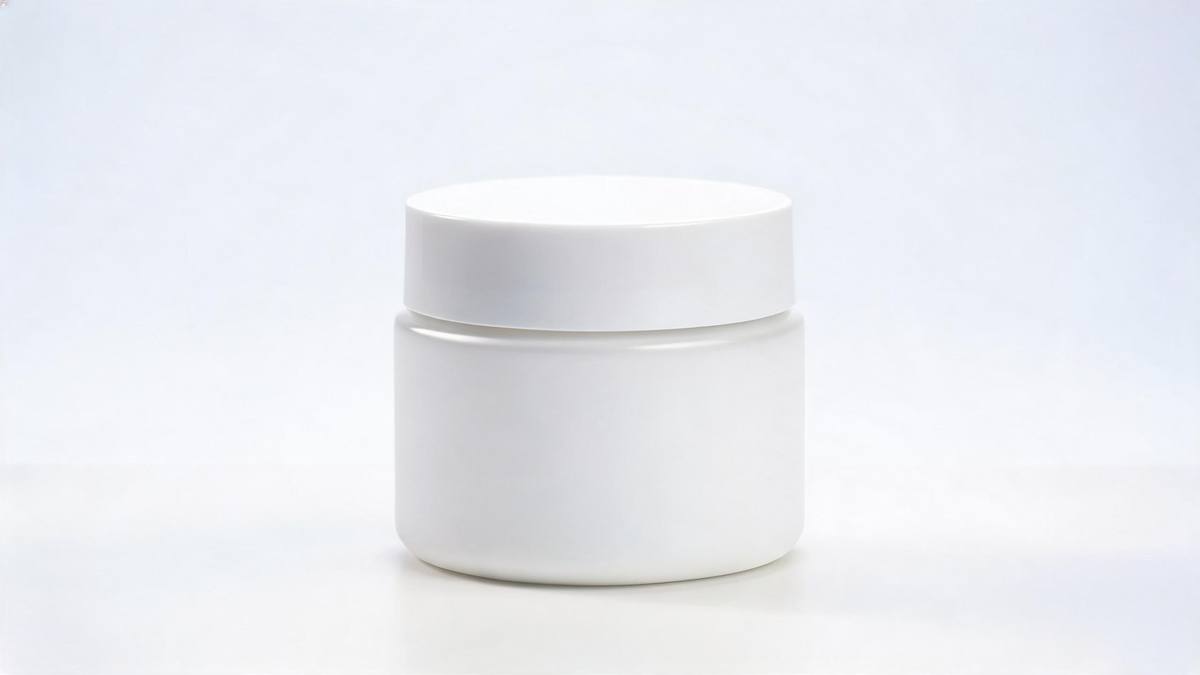
Photograph the jar or tub from the front, square to the camera, with the lid on or off as you prefer. Even light and a plain background give the cleanest result.
Upload one image
Open Tiny Hands Skincare in the OpenFilmo library and add that single jar photo. The hands, the surface and the camera move are all generated, so nothing else needs supplying.
Pick the delivery shape
Select 9:16 for Reels, Stories and Shorts, 16:9 for a listing video or an embedded player, or 4:3, 3:4 or 1:1 for a feed or a catalogue tile. The frame is composed for that placement rather than cropped from a wider one.
Review the closing frame
Run the render for 45 credits and watch the 5-second clip to the end. If the camera move is uneven or the final frame looks strange, run it again before using it.
Where people use it
The jobs this effect actually gets used for.
Skincare listings
A jar that otherwise sits on a white background gets a five-second clip showing it being used, which is the part of the product the buyer actually wants to picture.
Reels and Stories
A 9:16 render fills a phone screen with a close, tactile shot, which is the register skincare performs in on vertical platforms where a static jar gets scrolled past. Sound and caption can be added later; the movement is already in the clip.
Routine and regimen posts
Brands posting a morning or evening routine need a clip of each step. One jar at a time keeps the series consistent without photographing every product in the range again.
Paid creative testing
Try the same jar in a human-scale shot before paying for a studio version. If the idea works at 45 credits, the produced version is a safer spend afterwards. A test that fails costs a render rather than a booking.
Why a jar needs hands in the frame
The gesture is the product, and where the shot slips.
What a skincare buyer is actually choosing is a texture and a routine, and neither is visible in a pack shot. The jar is the container; the decision happens at the point of application, on a face or a hand, at a scale the packaging photograph never shows. Putting hands back into the frame restores that scale. It tells the viewer how much product a use is, how it moves, and what it feels like to handle, none of which a well-lit product still can convey.
Doing it with generated hands rather than a booked model is mostly a scheduling decision. Hand modelling is a real specialism with real day rates, and it needs a brief, a call time and a reshoot if the nails are wrong. For a catalogue of twenty jars, that is not a realistic route for an independent brand. Generating the gesture from a straight-on jar photograph means every SKU can have the same treatment, in whichever of the five shapes each channel wants.
Two things to watch. The camera move is occasionally uneven, so the shot can drift where you would want it to hold, and the final freeze frame sometimes looks odd, which matters if you planned to lift a still from it. Both are visible in the finished file. Uploading a jar or tub shot square to the camera, in even light and without a busy label across the middle, gives the render the most to work with.
Credits and plans
Every effect draws on one shared credit balance.
Tiny Hands Skincare costs 45 credits per render, and the Free plan gives 30 credits a month, so a single run is beyond the Free allowance. Starter is $9 a month for 400 credits, around eight runs of this effect, and Pro at $19 for 1,000 or Studio at $59 for 4,000 suit a full range of SKUs. Every effect draws from the same balance and the cost is shown before confirming.
Related guides
Longer reads on the same workflow, from the OpenFilmo blog.
AI Product Video for Ecommerce: What Converts
How to make AI product video that converts: shot types ranked by impact, consistency requirements, and the workflow for generating…
AI Video for Agencies: A Client Delivery Workflow
A client-ready AI video workflow for agencies: scoping honestly, rights clearance, approval gates, revision economics and how to p…
AI UGC Video Generator: Creator Ads at Scale
How to use an AI UGC video generator for creator-style ads at scale: hook formulas, script structure, a testing framework and disc…
Related effects
Same family of effects, on the same kind of input.
Frequently asked questions
Which products suit this effect?
Jars and tubs, photographed straight on. A squat cream jar shot square to the camera gives the best result. Bottles, tubes and droppers are not what the template is tuned for, so the gesture will not read as clearly on those shapes.
Do I need a model or a hand double?
No. The hands and the application gesture are generated inside the render from your jar photograph. There is no booking, no release form and no reshoot, which is what makes it practical to treat an entire range the same way.
What shapes can I export?
Five shapes: 9:16, 16:9, 4:3, 3:4 and 1:1. Vertical 9:16 suits Reels, Stories and Shorts, 16:9 fits a listing video or a page embed, and 1:1 or 4:3 works for a feed post or a catalogue tile. Pick it before the render runs, because the composition follows that choice.
How many credits does one run cost?
45 credits for a 5-second 720p clip. Free accounts receive 30 credits per month, so this effect cannot be run on Free. Starter at $9 a month for 400 credits covers roughly eight renders. One balance covers every effect on the site.
What goes wrong here?
Occasionally the camera move is uneven, and the final freeze frame can look odd. Both show up in the finished clip, so watch it through to the end before placing it and run the effect again if either appears. Neither can be repaired in the finished file, so a rerun is the answer.