
Product video effect
Drink Waterfall: A Pour That Becomes a Falls
Drinks footage lives or dies on the pour. Upload one complete bottle or can and the liquid leaves the container and keeps going until it is a waterfall.
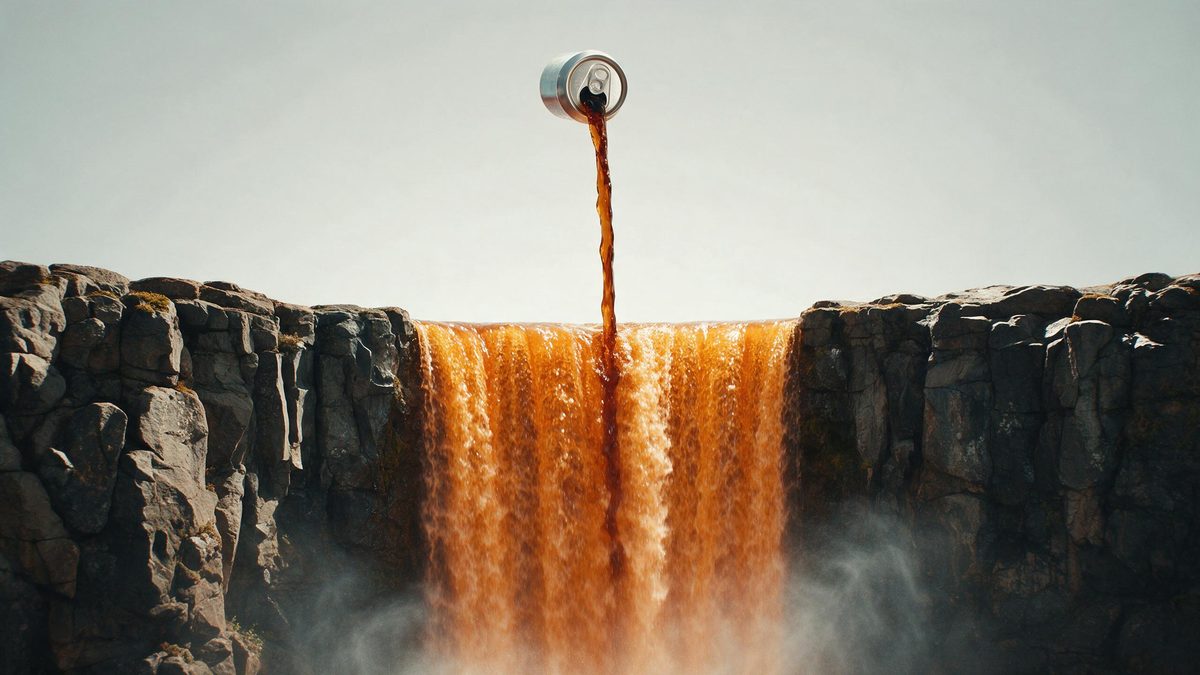
Liquid is the one product category where motion is not optional. A bottle photographed on a white background shows the label and nothing else, and the thing being bought, the drink, is hidden behind glass. Every decent drinks commercial solves this the same way: the liquid gets out of the container and becomes something larger than itself. This template does that in five seconds from a single pack shot.
The input is one complete bottle or can, photographed as a single item, and the output is a 5-second 720p clip for 45 credits in 9:16, 16:9, 4:3, 3:4 or 1:1. The pour and the waterfall are generated together, which is what makes the transition read, and it is also the part that sometimes misses: the pour can fall away from the waterfall instead of becoming it, and label artwork can drift from the original.
Specs at a glance
Straight from the product panel, not from a marketing deck.
- Output
- 5-second video
- Credits
- 45 per run
- Resolution
- 720p
- Aspect ratio
- Your choice of 9:16, 16:9, 4:3, 3:4 or 1:1
- Input
- 1 photo — a single product
- Best results with
- One complete bottle or can
- Known limits
- Occasionally the pour misses the waterfall, and the label artwork can drift from the original.
What it does
Built for this specific job, not a generic editor.
The liquid gets out
The drink leaves the container and turns into something larger. That single idea is what separates drinks footage from packaging footage, and it is produced in one render. Five seconds is long enough for the idea to land and short enough to loop.
Built for bottles and cans
The template expects one complete bottle or can in the source photograph. Shoot the whole container, cap included, rather than a cropped detail of the label. Shooting the whole container is what gives the liquid somewhere to start from.
Five output shapes
Set the shape first, choosing any of 9:16, 16:9, 4:3, 3:4 or 1:1. Vertical for Reels, Stories and Shorts, or a wider frame for a listing video, an email header or an embed. The framing follows whichever shape you select, so select first.
Five seconds of flow
The pour completes inside five seconds and the clip resets on platforms that autoplay, so the movement replays without the viewer deciding to watch it again. That repetition is where most watch time on a looping clip comes from.
How it works
Four steps, no timeline to learn.
Shoot the whole container
Photograph one complete bottle or can, top to base, in even light with a plain background. A cropped label or a partial container will not give the pour anywhere to start from.
Open Drink Waterfall
Find the template in the OpenFilmo effect library and upload that single image. The liquid, the falls and the setting are generated, so no second asset is needed. One image is the whole brief, so nothing else needs preparing first.
Pick the frame
Take 9:16 where the destination is Reels, Stories or Shorts, 16:9 for a listing or an embed, and 4:3, 3:4 or 1:1 for a feed or catalogue slot. Settle the shape in advance, because the framing is built to match it.
Check the pour
Run the render for 45 credits and watch where the liquid lands. If the pour misses the waterfall or the label has drifted, run the effect again before publishing. Watch where the liquid lands and run it again if the transition misses.
Where people use it
The jobs this effect actually gets used for.
Drinks launches
A new beverage needs footage where the drink itself is visible. Five seconds of pour does that without a studio, a high-speed camera or a liquids specialist. It needs no high-speed camera, no rig and no liquids specialist.
Vertical paid creative
A 9:16 render opens a Reel with movement already happening, which is the requirement for the first second of a vertical ad on any platform. Movement and warmth in the opening second are what a vertical ad needs.
On-trade and wholesale decks
A 16:9 clip gives a buyer deck or a wholesale listing something that reads as brand footage rather than as a supplier photograph. It reads as brand footage rather than as a supplier photograph.
Seasonal variants
Run the same bottle through the effect for a summer or festive campaign and use the clip as the opener, without re-shooting the pack shot each season. One render can carry the whole run without re-shooting the pack shot.
Why drinks footage has to show the liquid
The pour is the product, and the two things that slip.
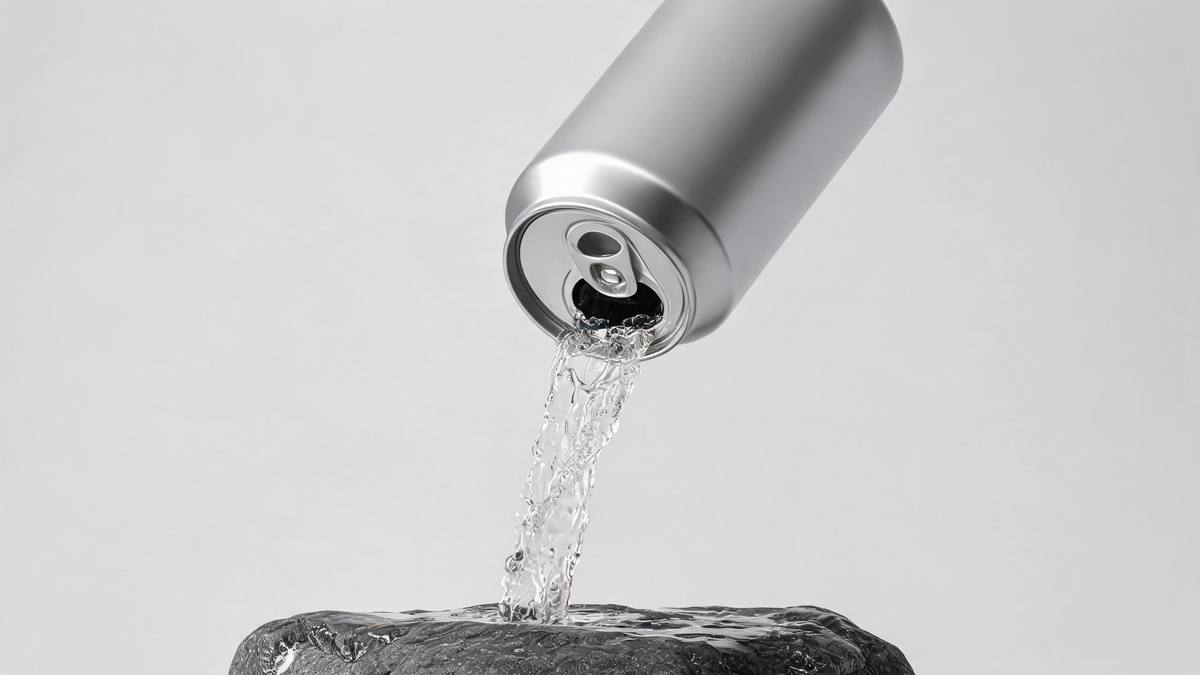
A bottle is packaging; the drink is the product, and the two are only ever seen together through glass. That is why every category from soft drinks to spirits invests so heavily in liquid shots: they are the only footage that shows what is actually being bought. A still pack shot cannot do it, and a slowly rotating bottle cannot do it either. The liquid has to leave the container, and the moment it does, the shot stops being a product photograph and starts being a commercial.
Shooting that properly is a specialist job. Liquid photography means high frame rates, backlighting, a rig to control the flow and somebody who has done it before, and it produces seconds of usable footage per setup. Generating the pour from a single container photograph, at 45 credits and 720p in whichever of five shapes the channel needs, makes the idea available to a brand that would otherwise never attempt it, and makes it cheap to abandon if it does not perform.
The limits are specific and both are visible in the finished file. Occasionally the pour misses the waterfall, so the liquid falls where the falls are not and the transition never resolves, and the label artwork can drift from the original packaging. Watch the clip before you place it, and run again if either appears. A clean, complete container photographed straight on in even light gives the render the best chance.
Credits and plans
Every effect draws on one shared credit balance.
Drink Waterfall costs 45 credits per render, above the 30 credits a Free account receives each month, so this effect cannot be run on Free. Starter is $9 a month for 400 credits, around eight runs, and Pro at $19 for 1,000 or Studio at $59 for 4,000 suit a brand testing variants across placements. The cost is shown before you confirm a render.
Related guides
Longer reads on the same workflow, from the OpenFilmo blog.
AI Product Video for Ecommerce: What Converts
How to make AI product video that converts: shot types ranked by impact, consistency requirements, and the workflow for generating…
Runway Ads: Autonomous Ad Generation, and What to Verify
Runway Ads claims 1,000% more ad volume at 2x ROAS. What autonomous ad generation does, which claims to trust, and how to test it …
AI UGC Video Generator: Creator Ads at Scale
How to use an AI UGC video generator for creator-style ads at scale: hook formulas, script structure, a testing framework and disc…
Related effects
Same family of effects, on the same kind of input.
Frequently asked questions
What photo should I upload?
One complete bottle or can, photographed as a single item in even light with a plain background. Include the whole container from cap to base, because a cropped label does not give the pour anywhere to begin. Shoot the container whole, from cap to base, on a plain background.
Which aspect ratios are available?
You can have 9:16, 16:9, 4:3, 3:4 or 1:1. Use 9:16 for Stories, Reels and Shorts, 16:9 for a listing video, an email header or a page embed, and 1:1 or 4:3 for a feed post or a catalogue tile. Since the frame is built from it, the ratio has to be set first.
What comes out of a run?
A 5-second 720p clip in which the drink pours out of the container and becomes a waterfall, generated from your single photograph. Nothing needs compositing afterwards, and the file downloads ready to use. No compositing is needed afterwards; the video arrives finished.
Is one run possible on Free?
No. The effect costs 45 credits and Free gives 30 credits per month, so a single render exceeds the monthly allowance. Starter at $9 a month for 400 credits covers roughly eight renders of this effect. One monthly balance funds this and every other effect you run.
What goes wrong sometimes?
Occasionally the pour misses the waterfall, so the liquid does not become the falls, and the label artwork can drift from the original packaging. Both appear in the finished clip, so watch it and run the effect again if needed.