
AI Video for Fitness: Class Promos and Gym Clips Without a Film Crew
Fitness marketing runs on short video, but booking a shooter for every new class or challenge is not realistic. Build clips from the photos and clips you already have.
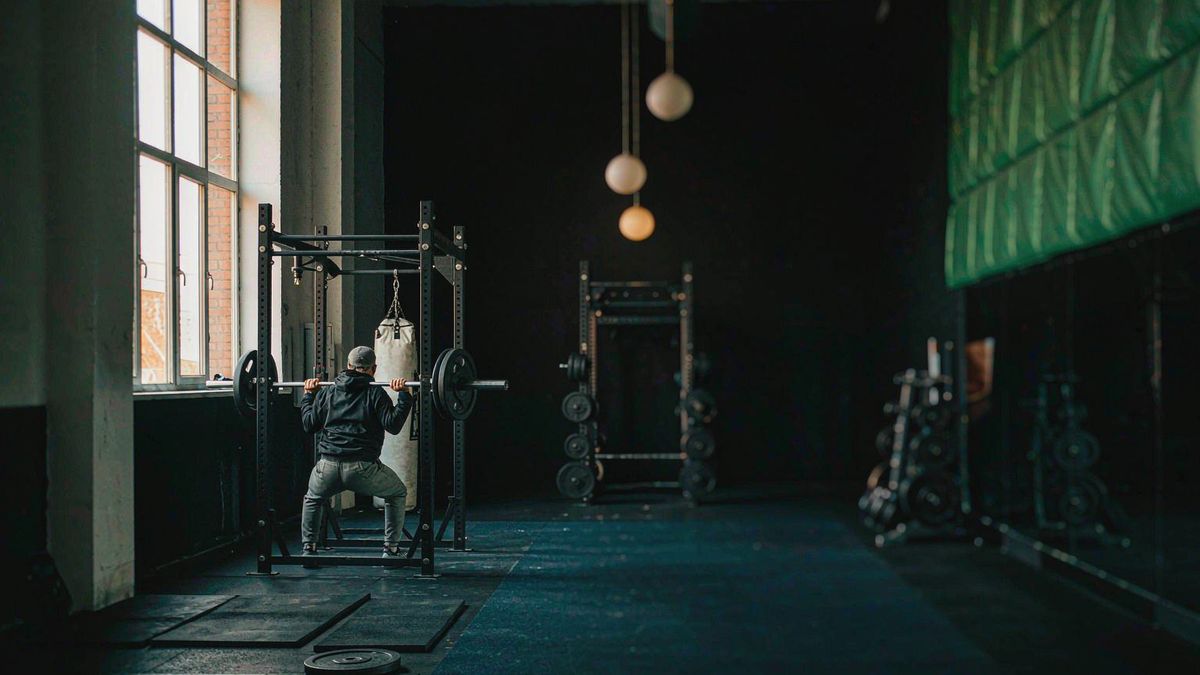
Studios and coaches post constantly — new class slots, six-week challenges, timetable changes, member results. Each one is a piece of video that either gets made in-house on a phone or does not get made at all, because the budget does not stretch to a crew.
OpenFilmo covers the middle ground. Take a still from a class, a studio shot, or a programme graphic, give it motion, add a caption and a track, and publish. For concepts you have not shot yet, describe the scene in text and generate a first cut to test the idea.
What it does
Built for this specific job, not a generic generator.
Image to video from class stills
A studio photo or a class snapshot becomes a moving clip with a push-in, a pan or subject motion.
Text to video for concepts
Describe an environment or a mood and generate a clip to test a campaign direction before you shoot it.
Captions for schedules and offers
Burn in the class time, the programme name or the offer deadline so the clip works muted.
Vertical export for social
9:16 for Reels, TikTok and Shorts, plus 1:1 for the feed, from one generation.
How it works
Four steps, no timeline to learn.
Start from a real asset
A class photo, a studio shot or a branded graphic. Real imagery generates more believable motion than a description alone.
Pick motion that matches the offer
Slow push-in for a studio tour, quick cuts of motion for a high-intensity class. Match the pace to the promise.
Caption the actionable detail
Day, time, price, deadline. A promo clip that does not say when and how much is just atmosphere.
Export for each channel
Vertical for Reels and Shorts, square for feed posts, wide for the website hero.
What people make with it
The jobs this actually gets used for.
Class and timetable promos
Short clips announcing new slots, with the day and time burned in.
Challenge and programme launches
Launch a six-week challenge with a clip instead of a static poster.
Studio and facility tours
Turn facility photos into a slow, stabilised tour for the website and local ads.
Coach recruitment and profiles
Give each coach a short intro clip built from a headshot and a description.
Why post volume beats production value here
Fitness content decays fast. Volume is the strategy.
A class promo has a shelf life of about a week, and a challenge announcement maybe a month. Spending a production budget on an asset that expires that quickly is the wrong trade, which is why most studios settle for a phone video and a text overlay.
Generation makes volume affordable without dropping to zero production. A clip costs a few credits, so announcing every new slot becomes viable, and the cumulative effect of consistent posting beats one good film a quarter.
It also lets you test the offer rather than the edit. If a challenge does not fill, the problem is usually the offer or the timing, and cheap production means you can find that out quickly instead of defending an expensive asset.
Credits and plans
Generation is metered in credits, shared across every tool.
A five-second video costs 5 credits and one image costs 2. The Free plan gives you 30 credits every month with no credit card, no watermark and commercial use included. Paid plans start at $9 for 400 credits and add faster generation, parallel tasks and higher export resolution.
Related guides
Longer reads on the same workflow, from the OpenFilmo blog.
AI UGC Video Generator: Creator Ads at Scale
How to use an AI UGC video generator for creator-style ads at scale: hook formulas, script structure, a testing framework and disc…
AI Video Prompt Formulas That Hold Up in Production
Prompt structures that work for AI video: subject, motion, camera, time and style — with tested formulas, failure patterns and a m…
How to Use CapCut AI Video Features
How to use CapCut’s AI video features: auto captions, background removal, AI generation, templates and the workflow that produces …
AI tools
Single-purpose tools that run in the same workspace, on the same credit balance.
Related workflows
Closely related tools and guides on the same problem.
Frequently asked questions
Can I turn a class photo into video?
Yes. Upload the still and describe a single movement such as a slow push-in or a pan. Keep the motion simple so the result stays believable.
Can I use these clips in paid gym advertising?
Yes. Every plan including Free includes commercial use and watermark-free downloads, so clips can run in paid local and national campaigns.
What should I avoid generating?
Avoid depicting specific exercise technique as instructional. Generated motion can look plausible while being technically wrong, which is a poor basis for teaching form.
How many clips can I make for free?
A five-second clip costs 5 credits and the Free plan includes 30 credits monthly, roughly six clips. Paid plans start at $9 for 400 credits.
Can I add music inside OpenFilmo?
Yes. Music, sound effects and voiceover are part of the same workspace, so you do not export to another app to finish the clip.