
AI Video for Restaurants: Turn Dish Photos Into Clips That Get Ordered
Food sells on movement — a pour, a steam rise, a cheese pull. Restaurant photography is static because shoots are expensive, not because stills work better.
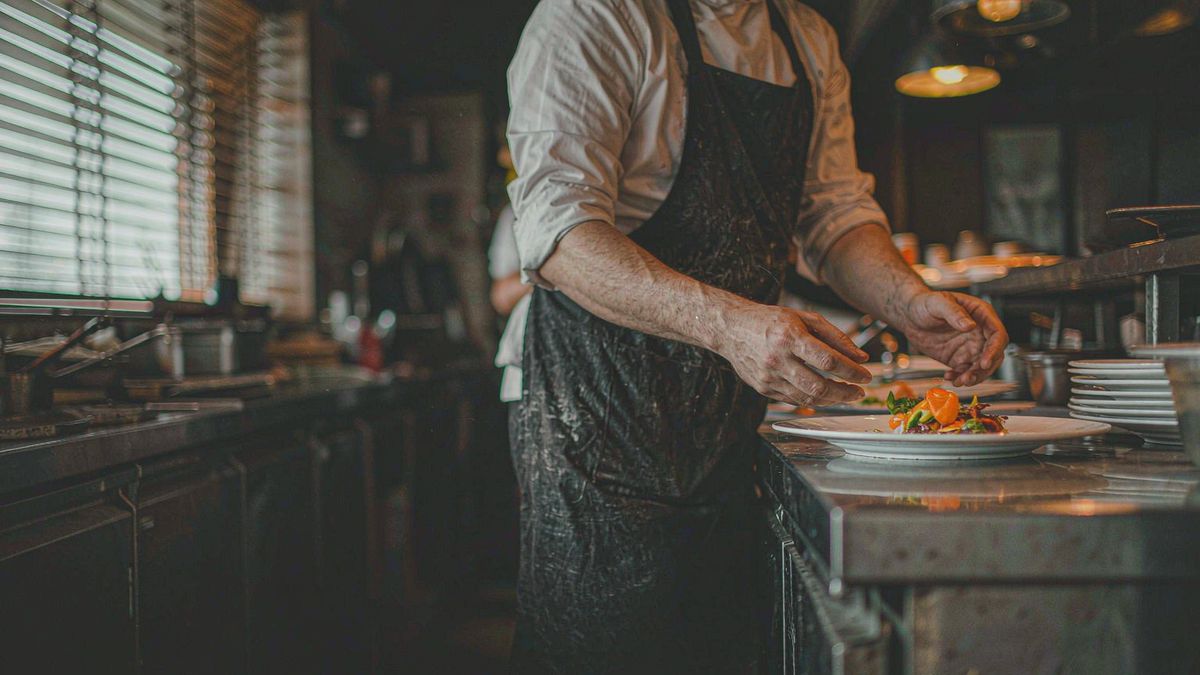
A menu page with twelve still photographs asks the customer to imagine the dish. A five-second clip does the imagining for them. That difference shows up in ordering behaviour, which is why delivery platforms keep pushing video into listing slots.
The blocker has always been cost and shelf life. Food photography is perishable — a menu change or a seasonal special invalidates the asset — and a shoot day prices out most independents. Generation changes the unit economics: clip the dish you shot on your phone today, publish it today, and regenerate when the menu changes.
What it does
Built for this specific job, not a generic generator.
Image to video from phone shots
Upload the photo you took for Instagram and give it motion — steam rising, sauce pouring, a garnish dropping.
Vertical for delivery and social
Export 9:16 for delivery app listings, Reels and TikTok, and 1:1 for the feed.
Captions for specials and prices
Burn in the dish name, the price or "today only", so the clip works with sound off.
Music and sound in the same tab
Add a track and ambient sound, then export. No separate editing app, no export handoff.
How it works
Four steps, no timeline to learn.
Shoot the dish well first
Generation amplifies the source. A well-lit phone shot from above produces a far better clip than a dim one.
Choose one motion per dish
Steam, pour, or a slow push-in. One clear movement reads better than several competing ones.
Add the dish name and price
Caption it. Most people watch muted, and a menu clip without the dish name is decoration.
Export per placement
Vertical for delivery apps and Reels, square for the feed, wide for the website menu page.
What people make with it
The jobs this actually gets used for.
Menu and ordering pages
A short loop beside each dish so customers see the plate move before they commit.
Delivery platform listings
Clips that fill the video slot on delivery apps, where static competitors look inert.
Specials and seasonal items
Announce a weekend special or a seasonal dish with motion, and retire it when the special ends.
Local paid social
Geo-targeted clips built from existing dish photography rather than a campaign shoot.
Why clip the menu instead of re-shooting it
Menus change faster than a shoot schedule can follow.
A restaurant changes its offering constantly — specials, seasons, supplier availability. Any asset with a shelf life shorter than the time it takes to book a photographer is effectively unusable, which is why most menus stay static.
Generation removes that mismatch. The clip can be produced the same day the dish is added and replaced the day it comes off, at a cost low enough that perishability stops being an argument against video.
There is also a volume argument. Covering thirty dishes at studio rates is unrealistic. Covering them at a few credits each is a Tuesday afternoon, and the menu page reads completely different when every item moves.
Credits and plans
Generation is metered in credits, shared across every tool.
A five-second video costs 5 credits and one image costs 2. The Free plan gives you 30 credits every month with no credit card, no watermark and commercial use included. Paid plans start at $9 for 400 credits and add faster generation, parallel tasks and higher export resolution.
Related guides
Longer reads on the same workflow, from the OpenFilmo blog.
Image to Video AI: Animate Any Photo in Seconds
A complete guide to image to video AI: what makes a good source image, how to write motion prompts, top use cases, and how to fix …
AI Video Prompt Formulas That Hold Up in Production
Prompt structures that work for AI video: subject, motion, camera, time and style — with tested formulas, failure patterns and a m…
AI UGC Video Generator: Creator Ads at Scale
How to use an AI UGC video generator for creator-style ads at scale: hook formulas, script structure, a testing framework and disc…
AI tools
Single-purpose tools that run in the same workspace, on the same credit balance.
Related workflows
Closely related tools and guides on the same problem.
Frequently asked questions
Will generated motion make food look fake?
It can if you overdo it. Keep to one subtle movement — steam, a slow push-in, a pour. Physically plausible motion reads as appetising; exaggerated motion reads as artificial.
Can I use phone photos as the source?
Yes. A well-lit phone shot is usually enough, because the dish, plate and lighting are already right. Avoid dim or heavily filtered sources.
Can I use the clips on delivery platforms and in ads?
Yes. Every plan including Free includes commercial use and watermark-free downloads, so clips can run in paid local campaigns and on third-party platforms.
How much does a dish clip cost?
A five-second clip costs 5 credits. The Free plan gives 30 credits monthly, roughly six clips. Paid plans start at $9 for 400 credits.
Do I need to credit OpenFilmo on the video?
No attribution is required. You own the clips you generate and can publish them under your own brand.