
AI Images for Restaurant Menus: Consistent Dish Visuals
Menus change faster than a photographer can follow, and dish shots are usually taken on a phone between services. Correct them in post.
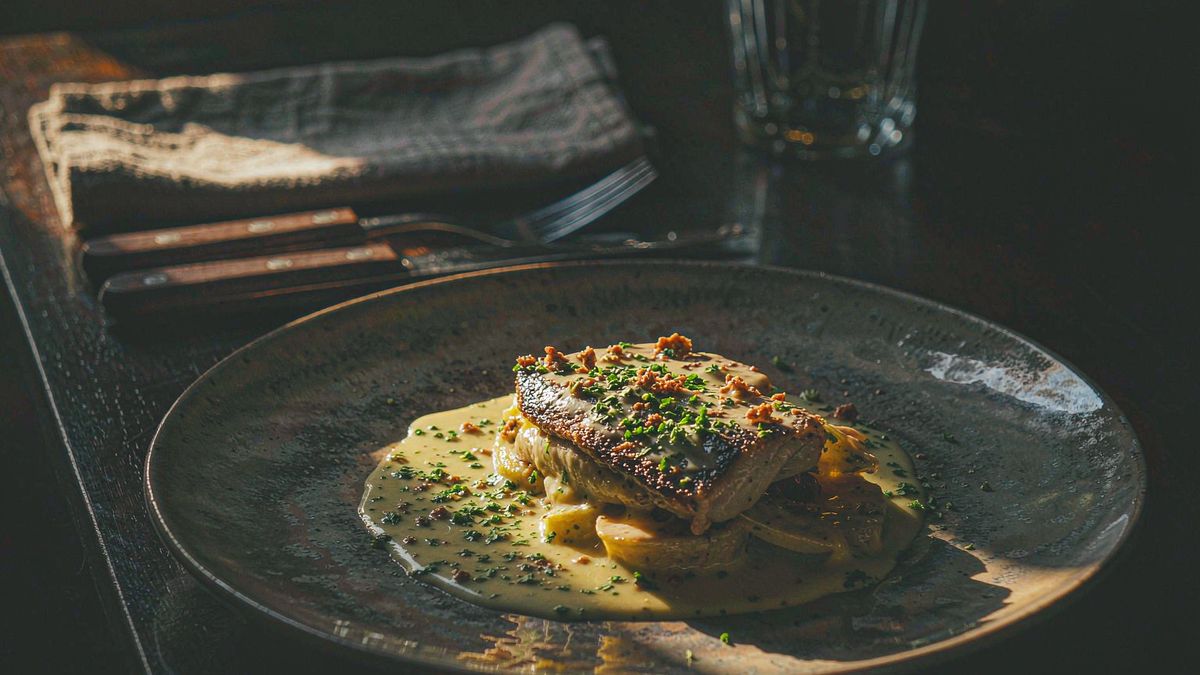
Restaurant photography is taken under time pressure in available light, then reused for months across menus, delivery platforms and social. Inconsistent lighting and colour is the norm, and re-shooting every dish is not realistic.
OpenFilmo standardises it. Correct exposure and colour per dish, place every item on a consistent background so the menu reads as one set, and produce art for specials that come and go. Two credits per image.
What it does
Built for this specific job, not a generic generator.
Colour and exposure correction
Fix the mixed lighting that makes dishes look dull or off-colour.
Consistent menu backgrounds
Put every dish on one background so the menu reads as a set.
Specials and seasonal art
Produce visuals for dishes that exist for a week, then retire them.
Platform-ready ratios
Export square for delivery platforms and vertical for social.
How it works
Four steps, no timeline to learn.
Shoot in the best light you have
Editing corrects a lot, but a well-lit source produces a far better result.
Pick one menu standard
Decide the background and crop once, then apply it to every dish.
Correct colour per dish
Food colour drives appetite. Fix white balance before anything else.
Export per platform
Square for delivery listings, vertical for social, wide for the website menu.
What people make with it
The jobs this actually gets used for.
Menu photography clean-up
Bring mixed phone shots up to a consistent standard.
Delivery platform images
Square, corrected dish images for listing slots.
Specials art
Visuals for dishes that run for a week, produced on demand.
Print menu assets
Higher-resolution versions for printed menus and signage.
Why menus cannot wait for a photo shoot
The dish changes faster than the shoot schedule.
Restaurant offerings change continuously — specials, seasons, supplier availability. Any visual asset with a lead time longer than the dish is on the menu is effectively unusable, which is why menus end up with inconsistent imagery.
Per-image editing removes the lead time entirely. A dish shot this afternoon can be corrected and published tonight, and replaced at no cost when the dish comes off.
The consistency benefit is separate and larger. One standard treatment applied across the menu makes a set of phone snapshots look like a commissioned shoot.
Credits and plans
Generation is metered in credits, shared across every tool.
One image costs 2 credits and a 4K upscale costs 4. The Free plan gives you 30 credits every month with no credit card, no watermark and commercial use included. Paid plans start at $9 for 400 credits and add faster generation and parallel tasks.
Related guides
Longer reads on the same workflow, from the OpenFilmo blog.
Image to Video AI: Animate Any Photo in Seconds
A complete guide to image to video AI: what makes a good source image, how to write motion prompts, top use cases, and how to fix …
AI Product Video for Ecommerce: What Converts
How to make AI product video that converts: shot types ranked by impact, consistency requirements, and the workflow for generating…
AI Video Prompt Formulas That Hold Up in Production
Prompt structures that work for AI video: subject, motion, camera, time and style — with tested formulas, failure patterns and a m…
AI tools
Single-purpose tools that run in the same workspace, on the same credit balance.
Related workflows
Closely related tools and guides on the same problem.
Frequently asked questions
Can I fix phone photos of dishes?
Yes. Colour and exposure correction handles most of what makes phone food photography look flat, provided the original shot is reasonably lit.
Can I show a dish I have not cooked yet?
Only as clearly labelled concept art. Publishing an image of a dish you cannot serve misleads customers.
Can I use these images commercially?
Yes. Every plan including Free includes commercial use and watermark-free downloads, so images can be used on menus, delivery platforms and in ads.
What does one image cost?
One AI image costs 2 credits and a 4K upscale costs 4. The Free plan gives 30 credits monthly, roughly fifteen images.
Can I export for delivery platforms?
Yes. Export square for delivery listings, vertical for social and wide for your website menu from the same source.