
Trending effect
From Your Street To The Sky In Four Seconds
The pull-back to space is cinema’s favourite way to say your problem is small. This effect runs that move on your photo — subject, street, skyline, curve of the earth — in four seconds.
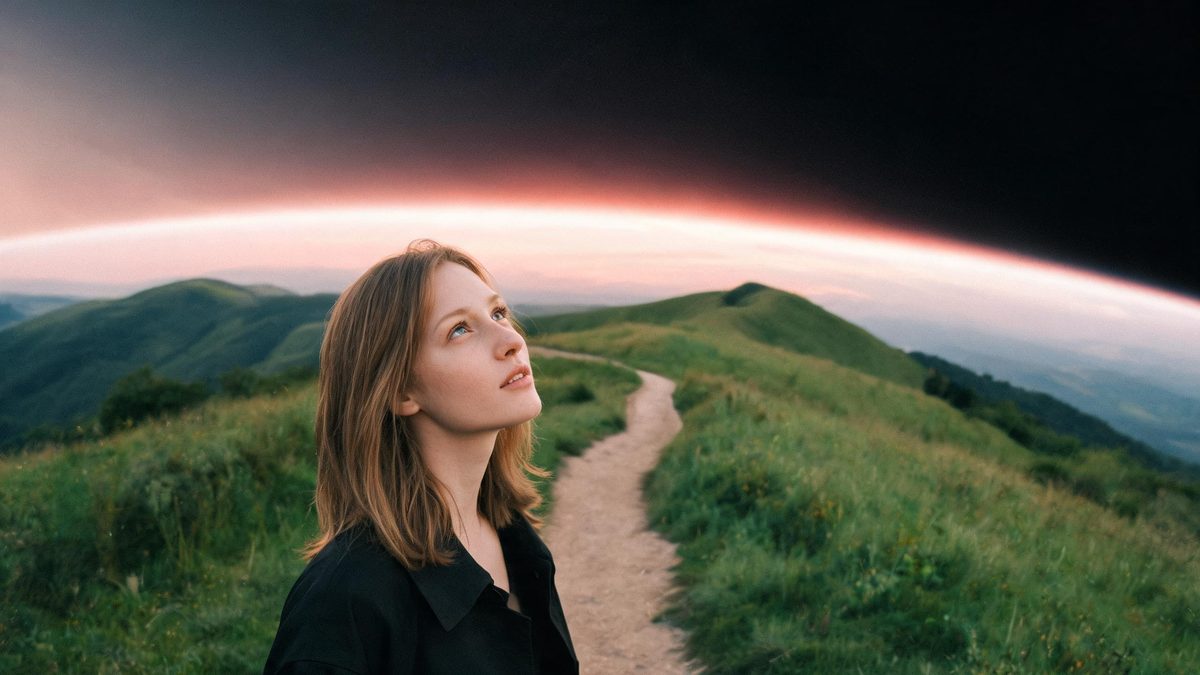
The zoom-out-to-space shot used to require stock footage, a compositor and an afternoon. The trend cycle adopted it anyway because nothing else reframes a story so cheaply: start close on the subject, end on the planet, and the viewer supplies the meaning in between.
This template generates the whole move from one photo. Your subject and a real background become a 4-second 720p pull-back for 40 credits, in the source aspect ratio, ending with the planet receding. It accepts any subject with a genuine background — people, animals, buildings, products — and needs no prompt.
Specs at a glance
Straight from the product panel, not from a marketing deck.
- Output
- 4-second video
- Credits
- 40 per run
- Resolution
- 720p
- Aspect ratio
- Matches your input photo
- Input
- 1 photo — any subject with a real background: person, animal, building or product
- Best results with
- An outdoor scene with visible greenery and a non-solid background
- Known limits
- No text prompt, and background music is off unless the API request turns it on. The camera move is generated, not filmed: against a plain solid background the pull-back is barely visible, so the effect depends entirely on the depth of the scene behind your subject.
What it does
Built for this specific job, not a generic editor.
The background is the engine
The pull-back reads the depth behind your subject and builds the ascent from it. A real outdoor scene with greenery is the stated best case; depth is fuel.
Any subject with a setting
People, animals, buildings and products all work. The shot is about context — which makes it the rare effect where a product photo on a real street is as interesting as a portrait.
No prompt, silent by default
There is no text field, and background music is off unless the API request turns it on. The clip is built for the audio bed you already have.
Fixed 40 credits, 4 seconds
Baseline spec of the batch: 4 seconds, 720p, 40 credits, source aspect ratio. Same every run, published here.
How it works
Four steps, no timeline to learn.
Shoot wide, not tight
Give the pull-back a world to travel through: an outdoor scene with visible greenery and real depth. The more layers between subject and horizon, the better the ascent.
Avoid plain walls
A solid or near-solid background is the known failure case — with no depth to read, the camera move is barely visible and the clip goes nowhere. Indoors, find a window or a corridor.
Cut it on the beat
The four-second arc lands hardest when the edit hands off to a title or a second clip exactly as the planet resolves. Plan the cut point before posting.
Stack it with the transition templates
The smooth morph and the hitchcock zoom live in the same family of camera-driven effects. Chaining them builds a sequence no single effect gives you.
Where people use it
The jobs this effect actually gets used for.
The perspective post
End a story on the planet and the caption writes itself — the format for anniversaries, farewells and "one year ago" posts that need scale.
Travel and real-estate leads
Start on the property or the viewpoint, end in orbit: the fastest way to say "here is where this is" while making the location feel epic.
Channel intros
The reverse of the classic intro — from a face to the world — sets a scope nothing else matches for 40 credits and one photo.
Documentary transitions
Editors use the pull-back as the outro of a story block. 720p holds under a music bed, and the vertical source stacks cleanly into montages.
Why the zoom-out carries more meaning than a caption
Scale is an argument, and the pull-back makes it without words.
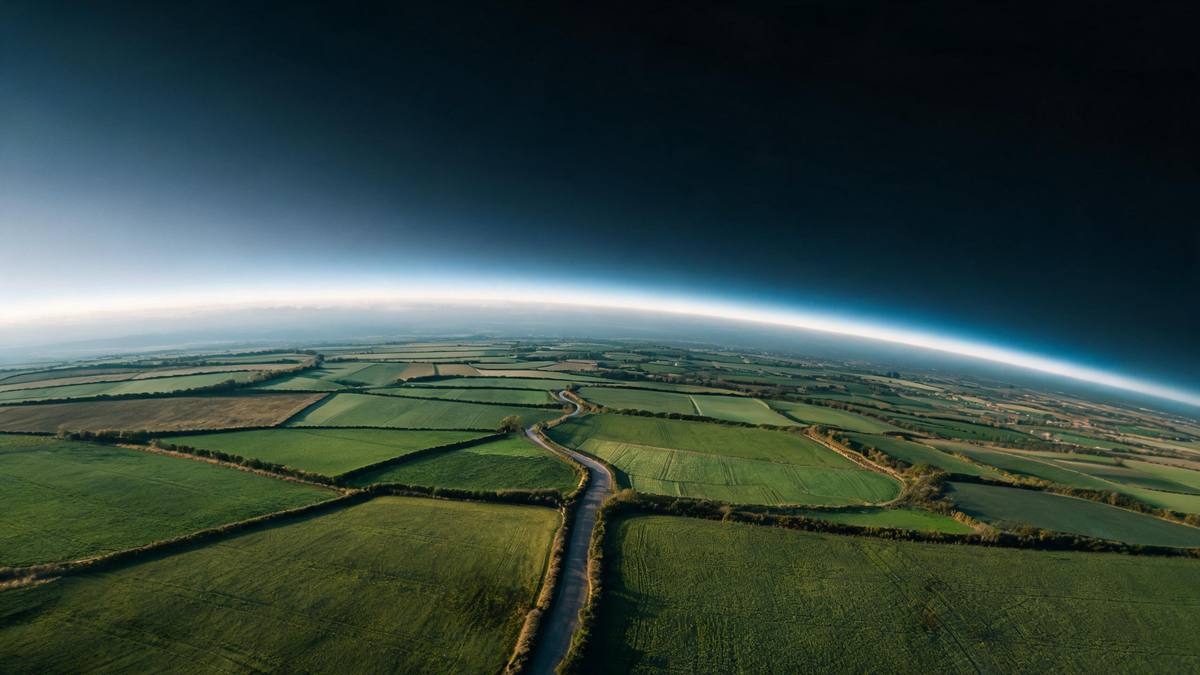
Every zoom-out is a rhetorical move: whatever filled the frame a second ago is now one dot on a sphere. That reframe — from personal to planetary — is why the shot anchors flashback edits, travel intros and every "it was all smaller than it felt" post.
Generating the move from a photo works because the shot is procedural: the subject stays fixed while the world stacks away beneath the camera. The one hard requirement is depth — a real background with layers, ideally green. A plain wall gives the effect nothing to climb.
That dependency is the honest limitation of the template, and it is stated here rather than discovered after the run. Bring a scene with a horizon and 40 credits buys you the most cinematic four seconds available in this batch.
Credits and plans
Every effect draws on one shared credit balance.
Every effect draws on the same credit balance. This one costs 40 credits per run, shown before you confirm. Free accounts receive 30 credits every month with no card and no watermark on the output.
Related guides
Longer reads on the same workflow, from the OpenFilmo blog.
Image to Video AI: Animate Any Photo in Seconds
A complete guide to image to video AI: what makes a good source image, how to write motion prompts, top use cases, and how to fix …
AI Video Prompt Formulas That Hold Up in Production
Prompt structures that work for AI video: subject, motion, camera, time and style — with tested formulas, failure patterns and a m…
Best AI Video Generators 2026: 15 Tools Tested
We tested 15 AI video generators on the same prompts and ranked them for 2026. Compare quality, speed, credit pricing and commerci…
Related effects
Same family of effects, on the same kind of input.
Frequently asked questions
Why is my zoom-out barely visible?
The background is the cause. Against a plain solid wall the pull-back has no depth to read and the move barely registers. Re-run with an outdoor scene with greenery — the stated best case.
What subjects can I use?
Anything with a real background: people, animals, buildings, products. The shot is about context, so the setting matters more than the subject.
Do I need a prompt?
No. There is no text field, and background music is off unless the API request turns it on.
What is the output spec?
A 4-second 720p clip in the aspect ratio of your input photo, 40 credits per run. Identical every run.
Can I use an indoor photo?
Only if it has depth — a corridor or a window view. Flat interior walls behave like solid backgrounds and starve the move.