
Trending effect
The Photograph Moves, The Frame Stays
A restored photo is still a still. This effect keeps the photograph exactly as it is and moves the person inside it — a blink, a smile, a breath — so the memory shifts from archive to moment.
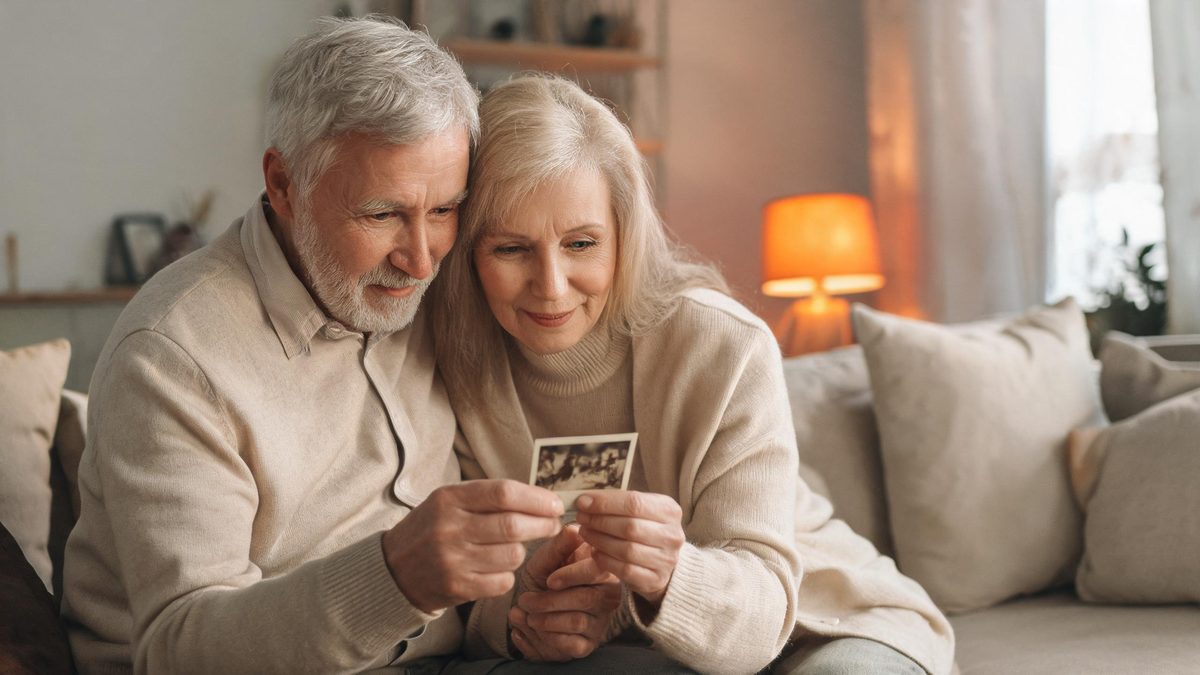
The old-photo revival trend exists because the before/after contrast performs — a faded scan restored to colour stops the scroll. But restoration has a ceiling: the person stays frozen behind the glass, and everyone can feel it.
Animating the photograph is the step past that ceiling. You upload one photo and the effect returns a 4-second 720p clip in which the subject moves — blinking, smiling, a small turn — for 40 credits, in the original aspect ratio. The frame is preserved, which is exactly what makes it feel like the photograph came back rather than a recreation of it.
Specs at a glance
Straight from the product panel, not from a marketing deck.
- Output
- 4-second video
- Credits
- 40 per run
- Resolution
- 720p
- Aspect ratio
- Matches your input photo
- Input
- 1 photo — one person or object
- Best results with
- A front-facing subject, a simple pose, and a sharp undamaged scan
- Known limits
- In a small share of runs the motion stays minimal — a blink and a smile rather than a full gesture. Anything held in the hands in the source photo can come back deformed, so props are the risky part of an old portrait.
What it does
Built for this specific job, not a generic editor.
The original frame is preserved
The clip keeps the composition, the scratches, the colour and the lighting of the source photograph. What moves is the person. That restraint is what makes the result feel respectful rather than rebuilt.
Small motions, on purpose
The effect works in the register of a living portrait: a blink, a smile, breathing. In a small share of runs the motion stays at that minimum level, which suits the material — an archive clip that gestures is more believable than one that performs.
Works on objects too
The template accepts object photos as well as portraits, so a childhood toy, a family shopfront or a wedding dress can carry the same treatment as the people in the album.
Fixed 4 seconds at 720p
The output spec is fixed and published: 4 seconds, 720p, 40 credits, aspect ratio inherited from your scan. No settings to configure and nothing to discover after paying.
How it works
Four steps, no timeline to learn.
Scan sharp, scan flat
The best input is a sharp, undamaged scan with the subject facing the camera. A blurry or heavily creased original gives the model nothing stable to move, and the motion can smear around the damage.
Empty hands work best
Anything held in the hands in the source photo — a flower, a cup, a cigarette — is the most likely part to come back deformed. If you can crop to a version of the photo without the prop, do it.
Expect the small version of the motion
Treat a blink-and-smile result as the baseline, not a failure. If a run comes back with almost no movement, a second run with a sharper scan is the fix — not a different template.
Keep the original file untouched
Upload a copy. The effect preserves the frame in the output, but starting from your cleanest scan rather than a screenshot of a screenshot is the difference between crisp motion and mush.
Where people use it
The jobs this effect actually gets used for.
Anniversary and memorial posts
A portrait that moves is the most-shared format for remembering someone: the frame is the photograph everyone knows, and the motion is small enough to stay dignified.
Family history posts
Run the effect across a set of archive portraits for a series. Because the frame is preserved, a row of animated photographs still reads as an album rather than a slideshow.
A moving portrait as a gift
Four seconds is short enough to send in a chat and lands harder than a restored still. The effect plus a one-line caption is a complete gift.
Archive footage for editors
Creators cutting documentary-style edits use animated archive portraits as b-roll. The 720p output holds up under a soft zoom and a music bed.
Why preservation beats recreation
The moment a face is rebuilt, it stops being a photograph and starts being an impersonation.
Fully regenerated versions of old photos are technically impressive and emotionally hollow, because the viewer is looking at a model’s guess of a person rather than the person. Preserving the frame and moving only what is inside it keeps the evidence chain intact.
That constraint is also why the known limits read the way they do: motion can stay minimal, and props can deform. The effect is conservative by design — it would rather give you a blink than invent a gesture the photograph never contained.
For 40 credits and a fixed 4-second output, the trade is clear: you are buying life for a photograph you already trust, not a new interpretation of it. That is the version of this trend that ages well.
Credits and plans
Every effect draws on one shared credit balance.
Every effect draws on the same credit balance. This one costs 40 credits per run, shown before you confirm. Free accounts receive 30 credits every month with no card and no watermark on the output.
Related guides
Longer reads on the same workflow, from the OpenFilmo blog.
Image to Video AI: Animate Any Photo in Seconds
A complete guide to image to video AI: what makes a good source image, how to write motion prompts, top use cases, and how to fix …
AI Video Cost Per Minute: The Real Numbers in 2026
How to calculate true AI video cost per finished minute: generation price, regeneration waste, edit time and iteration, with worke…
AI Video Upscaling to 4K: Refiners, Settings and Limits
How AI video upscaling and one-step refiners work, when to upscale versus regenerate at native resolution, and the settings that a…
Related effects
Same family of effects, on the same kind of input.
Frequently asked questions
Will it fix the scratches on my photo too?
No — this template animates the photograph as it is and preserves the frame. Restore the scan first with a photo enhancer, then animate the clean version for the sharpest motion.
Why did my clip barely move?
A small share of runs return minimal motion — a blink and a smile. That is the baseline register of the effect. Re-run with a sharper scan of the same photo; do not switch templates.
The prop in the photo came back distorted. Why?
Objects held in the hands are the known weak point — flowers, cups and similar props can deform. Crop to a version of the photograph without the prop if you can.
What resolution and length is the output?
Fixed at 4 seconds and 720p, in the aspect ratio of your input photo, for 40 credits per run. The specs are the same every run so you know before you spend.
Can I animate a photo of an object?
Yes. The template accepts object photos as well as portraits — toys, shopfronts, dresses. The same sharpness rule applies: the cleaner the source, the better the motion.