
Trending effect
The Answer To What They Would Look Like
Every pet owner has wondered it out loud. This effect runs the experiment properly: one photo of your cat or dog, four seconds of transformation, and a person walks out carrying the animal they came from.
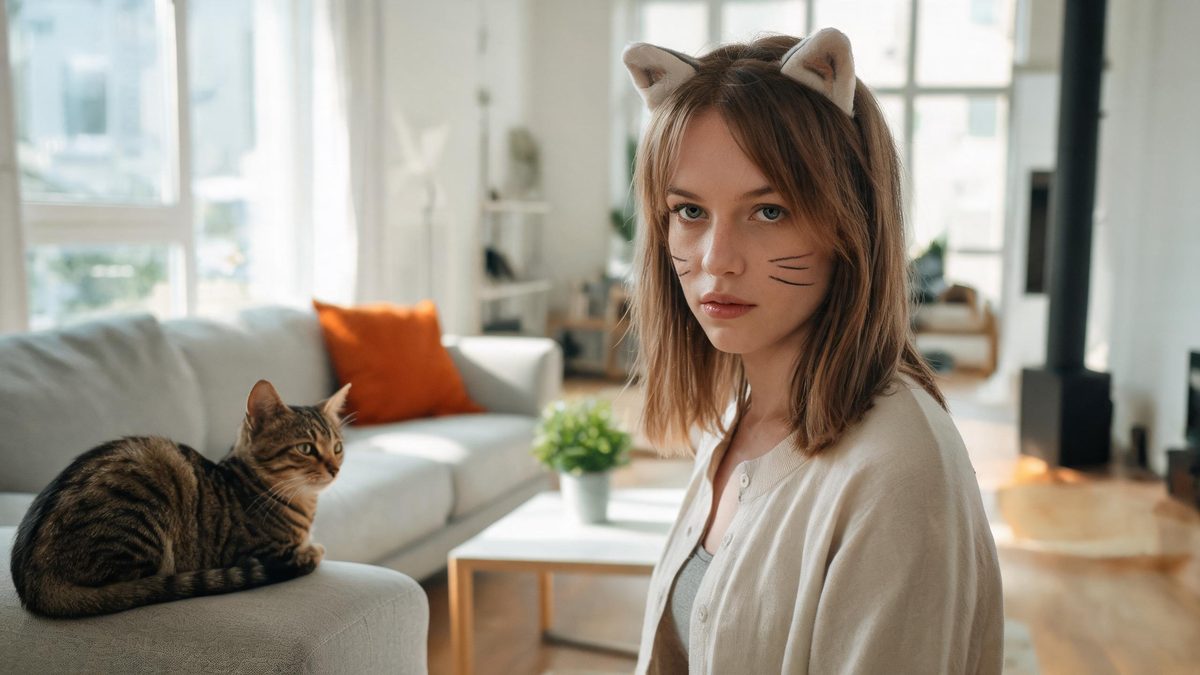
Pet-to-human is the transformation nobody can upload a reference for. There is no baby photo of your cat, no school picture of your dog — the human version has to be invented from the animal itself: the eye colour, the expression, the attitude.
That is exactly what this template does. You upload one photo of a single pet and it returns a 4-second 720p clip in vertical 9:16 for 100 credits, in which the animal changes into a person on camera. A text prompt is required and the template form should be kept close. It is one of the premium-priced templates in the library, and the only format is vertical.
Specs at a glance
Straight from the product panel, not from a marketing deck.
- Output
- 4-second video
- Credits
- 100 per run
- Resolution
- 720p
- Aspect ratio
- 9:16 vertical only
- Input
- 1 photo — a single pet
- Best results with
- The pet facing the camera, framed upper-body or full-body
- Known limits
- One pet only, and the output format is vertical 9:16, so a landscape photo gets cropped to fit. A text prompt is required and should stay close to the template form. The transformation itself has known rough edges: in a small share of runs the pet-to-human transition is not smooth, or the final frame does not hold long enough to read.
What it does
Built for this specific job, not a generic editor.
The resemblance is generated, not guessed
The effect reads eye colour, fur tone and expression from the pet and builds the human from those cues. The result is suggestive rather than scientific — which is the correct register for the format.
Vertical only, on purpose
The single supported format is 9:16, which is where pet content lives anyway. A landscape photo gets cropped, so centre the animal before uploading.
Premium pricing, premium slot
At 100 credits this sits at the top of the batch — above the red carpet and the underwater portrait. The price is published here so the spend is a decision.
One pet per run
The template takes a single animal. Multi-pet households run one photo per animal, which conveniently produces a matched set for a two-part post.
How it works
Four steps, no timeline to learn.
Face the camera
A pet framed upper-body or full-body and facing the lens is the stated best input. The transformation needs the eyes and expression, so a shot of the animal mid-turn away from camera gives it little to work from.
Keep the prompt close to the template
A text prompt is required, and the instruction from the product is to keep its structure. Personal tweaks are allowed, but this is not the place to redesign the character — the pet photo is doing that job.
Review the transition and the final frame
The known rough edges are the change itself — it can run unevenly — and a final frame that cuts off early. Watch the clip twice: once for the transition, once for whether the ending holds.
Budget like a premium run
At 100 credits, decide which pet goes first. The multi-pet household set is worth it precisely because the vertical format makes the clips sit side by side perfectly.
Where people use it
The jobs this effect actually gets used for.
The post every follower asks for
Pet accounts live on answer-the-question content. A generated human version of the account’s star is the single most requested reveal a pet audience can upvote.
Adoption anniversaries
The day the pet joined the family is the right occasion for the clip. The transformation reads as an origin story, which is exactly what the milestone wants.
A matched two-part post
Post the pet photo and the human clip as a before-and-after carousel. The vertical format makes the pair stack cleanly without cropping.
Character design starting points
Artists and cosplayers use the generated human as a sketch reference for a costume version of their pet. One run saves an hour of visual development.
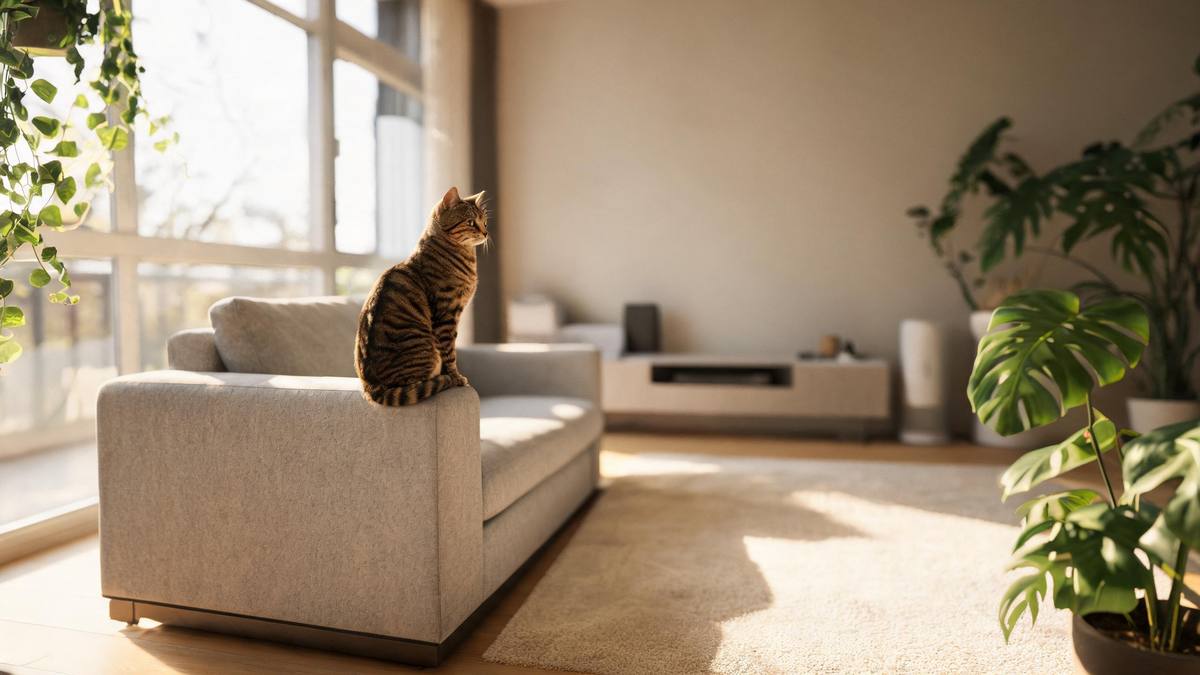
Why pet-to-human keeps outperforming other transformations
It is the only transformation where the audience already loves the input.
Character transformations ask the viewer to care about a stranger’s face. Pet-to-human starts from an animal the viewer has already watched for months, so the reveal is a payoff on an existing attachment rather than a new introduction.
The generated resemblance is suggestive rather than exact, and that is the correct calibration. A scientific-looking claim about what a cat would look like as a person would invite correction; an obvious sibling-with-whiskers invites comments.
The costs are stated plainly: 100 credits, vertical only, one pet, and a transition that occasionally needs a second run. For a pet account the question is not whether to run it — it is which animal gets the first clip.
Credits and plans
Every effect draws on one shared credit balance.
Every effect draws on the same credit balance. This one costs 100 credits per run, shown before you confirm. Free accounts receive 30 credits every month with no card and no watermark on the output.
Related guides
Longer reads on the same workflow, from the OpenFilmo blog.
Image to Video AI: Animate Any Photo in Seconds
A complete guide to image to video AI: what makes a good source image, how to write motion prompts, top use cases, and how to fix …
Character Consistency in AI Video: What Actually Works
How to keep characters consistent across AI video shots: reference images, prompt discipline, key frame locking and post-hoc corre…
AI Video Prompt Formulas That Hold Up in Production
Prompt structures that work for AI video: subject, motion, camera, time and style — with tested formulas, failure patterns and a m…
Related effects
Same family of effects, on the same kind of input.
Frequently asked questions
Can I transform two pets in one run?
No. The template accepts a single pet only. Run each animal separately — the vertical format makes the clips easy to post as a matched set.
Why is the output vertical?
The only supported format is 9:16, which matches where pet content is posted. A landscape source photo is cropped to fit, so centre the animal before uploading.
Do I need to write a prompt?
Yes — this template requires one, and the product guidance is to keep it close to the template form. The pet photo carries the character; the prompt should not fight it.
The transformation looked uneven. Why?
The pet-to-human change is a known rough edge: in a small share of runs the transition is not smooth or the final frame cuts off early. Re-run before adjusting your photo.
Why does this cost 100 credits?
It is a premium template — 4 seconds at 720p with the character generated from scratch rather than restyled from a reference. The price is fixed and shown before you confirm.