
Trending effect
The Portrait Session That Needs No Pool
Underwater portraits are the premium end of photography: controlled light, suspended motion, a look no dry studio reproduces. This effect builds that session from one half-body photo — eight seconds, 1080p, light moving through water.
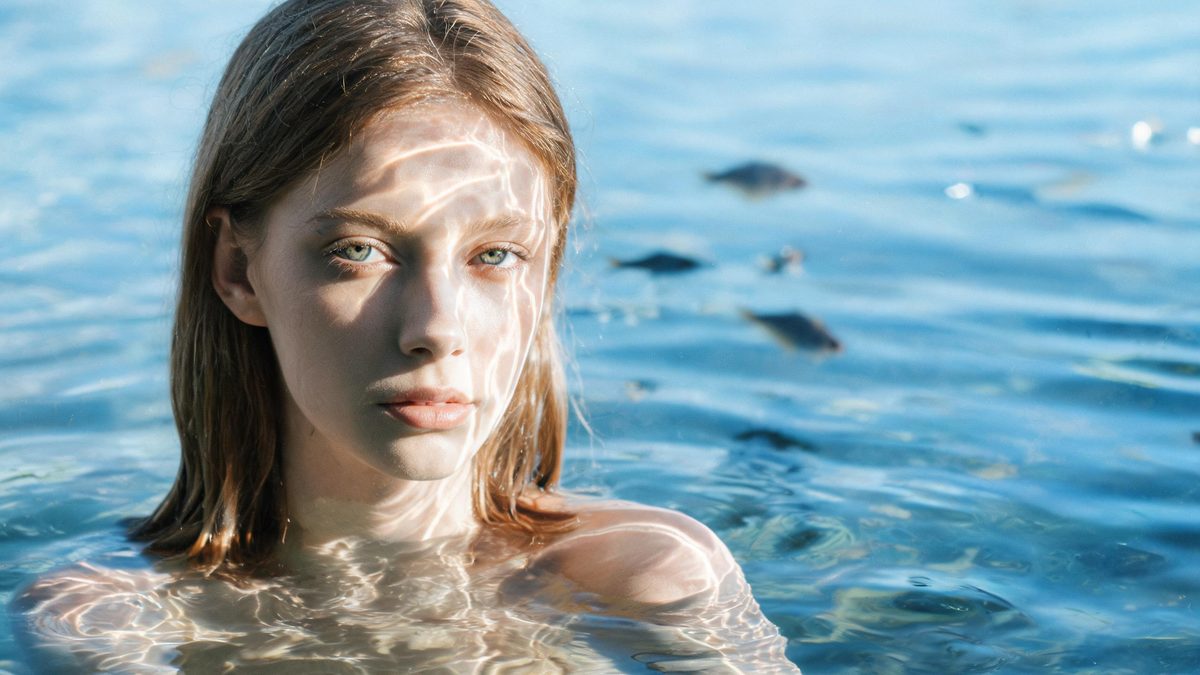
The texture-first aesthetic that dominates this year’s feeds — liquid surfaces, caustic light, materials you can almost feel — found its flagship in the underwater portrait. Real sessions cost a dive-certified photographer, a pool and a very patient subject.
This template compresses that into one upload. A single half-body portrait becomes an 8-second 1080p clip in vertical 9:16, for 105 credits, with light rippling across the frame and fish shadows drifting in the background. It is one of the premium templates in the library: longer, sharper and priced accordingly. There is no text prompt — the scene is the product.
Specs at a glance
Straight from the product panel, not from a marketing deck.
- Output
- 8-second video
- Credits
- 105 per run
- Resolution
- 1080p
- Aspect ratio
- 9:16 vertical only
- Input
- 1 photo — one person
- Best results with
- A half-body portrait as the source frame
- Known limits
- One of the premium templates: 8 seconds at 1080p for 105 credits, and the only format is vertical 9:16, so a landscape photo gets cropped to fit. There is no text prompt. In a small share of runs the fish shadows in the background render unclearly. Background music is off unless the API request turns it on.
What it does
Built for this specific job, not a generic editor.
8 seconds at 1080p
Twice the length and a step up in resolution from the 40-credit baseline. The longer slot is what lets the light move slowly enough to read as water rather than a filter.
Vertical 9:16 only
The single supported format is vertical, which makes the clip native to Reels, Shorts and TikTok — and means a landscape source photo gets cropped to fit. Plan the crop before you run.
Light does the storytelling
There is no prompt and no wardrobe direction. The caustic light patterns and drifting fish shadows carry the entire aesthetic, which is why the effect is consistent across subjects.
Silent by default
Background music is off unless the API request turns it on. Most editors will pair this clip with ambient or lo-fi audio of their own.
How it works
Four steps, no timeline to learn.
Start from a half-body portrait
Half-body input is the stated best case — the face large enough to anchor the frame, the shoulders present for the light to wrap. A distant full-body shot gives the effect too little face to build around.
Shoot for the vertical crop
The output is 9:16 only. If your source photo is landscape, the subject should sit centred so the vertical crop keeps the face. Checking this first is the difference between one run and three.
Accept the fish as ambience
In a small share of runs the fish shadows render unclearly. Treat them as background texture rather than content — if they are soft, the light is still doing the work.
Budget for the premium tier
At 105 credits this is a deliberate spend, not a casual filter. Have the crop and the source photo settled before the first run so the spend buys a keeper on attempt one or two.
Where people use it
The jobs this effect actually gets used for.
The premium profile post
One underwater portrait clip elevates a grid the way a professional session would. It is the format for a profile refresh that costs credits instead of a booking.
Music and lo-fi visuals
The slow light drift is built for ambient audio. Musicians and lo-fi channels use it as a loopable background that never repeats obviously across eight seconds.
Wellness and spa branding
Water, light and calm are the core vocabulary of wellness brands. A generated session supplies that vocabulary without a pool day or a model release.
A texture study for editors
The clip drops into mood reels and transitions as a texture beat. 1080p holds up under slow zooms, and the vertical format stacks cleanly into montages.
Why this one is priced at 105 credits
Length, resolution and consistency are what separate a filter from a session.
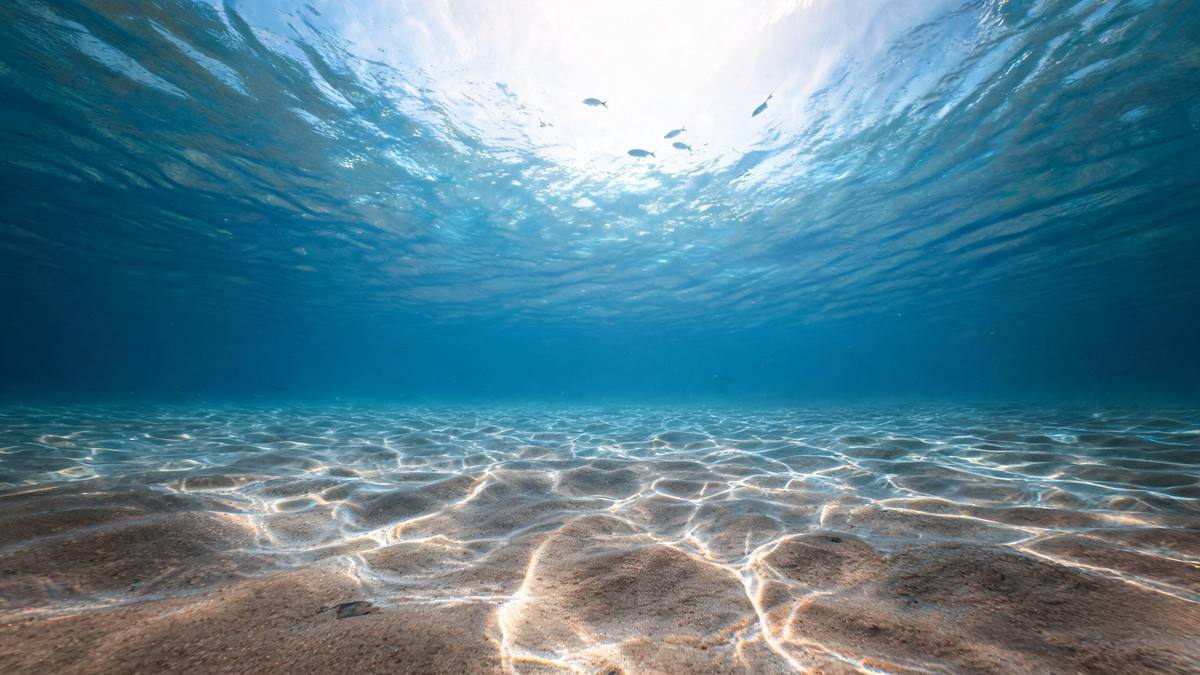
The 40-credit templates in this batch sell an idea in four seconds. The underwater portrait sells an atmosphere, and atmosphere needs time to establish — which is why the template runs eight seconds instead of four and renders at 1080p.
The no-prompt design is a strength here, not a limitation. Underwater light is a physics effect, not a styling choice; describing it in text would only add variance. Fixing the scene and letting the subject vary is what makes the output consistent enough to brand with.
The trade-offs are the vertical-only format and the premium price. If your destination is a vertical feed and you want one signature clip rather than ten variations, the economics favour one careful 105-credit run over six casual 40-credit ones.
Credits and plans
Every effect draws on one shared credit balance.
Every effect draws on the same credit balance. This one costs 105 credits per run, shown before you confirm. Free accounts receive 30 credits every month with no card and no watermark on the output.
Related guides
Longer reads on the same workflow, from the OpenFilmo blog.
Image to Video AI: Animate Any Photo in Seconds
A complete guide to image to video AI: what makes a good source image, how to write motion prompts, top use cases, and how to fix …
AI Video Upscaling to 4K: Refiners, Settings and Limits
How AI video upscaling and one-step refiners work, when to upscale versus regenerate at native resolution, and the settings that a…
AI Video Prompt Formulas That Hold Up in Production
Prompt structures that work for AI video: subject, motion, camera, time and style — with tested formulas, failure patterns and a m…
Related effects
Same family of effects, on the same kind of input.
Frequently asked questions
Why is the output vertical only?
The template supports 9:16 exclusively — it is built as a phone-native format. A landscape source photo is cropped to fit, so centre your subject before uploading.
What makes this cost 105 credits?
It is a premium template: 8 seconds at 1080p, double the length and a resolution step above the 40-credit effects. The longer slot is what lets the underwater light move naturally.
Do I need to write a prompt?
No. There is no text prompt — the underwater scene is fixed and your photo is the only variable, which is why results are consistent across subjects.
The fish shadows look unclear. Is that a defect?
It is a known limit: in a small share of runs the fish shadows render softly. Treat them as background ambience — the caustic light carries the effect either way.
What input works best?
A half-body portrait of one person. Full-body or distant shots leave too little facial detail for the light to wrap convincingly.