
AI UGC Video Prompts for Authentic Creator B-Roll
A UGC video prompt describes a casual, phone-shot scene — a desk, a kitchen counter, a handheld feel — so the result reads as creator content, not an ad. Faces stay out of frame.
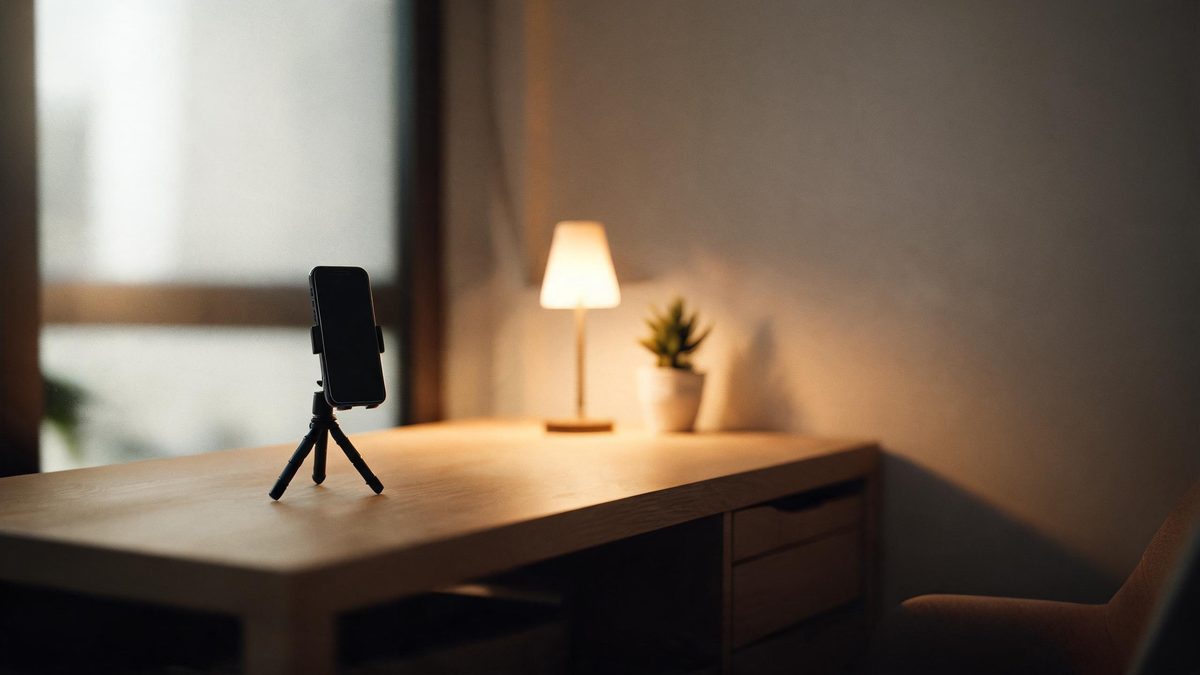
These AI UGC video prompts cover the setting shots real creator content is built from: the desk setup, the kitchen counter, the morning routine table. They are written for B-roll — the footage between the talking parts — and deliberately keep people out of frame, which sidesteps the consent problems of generated faces.
Authenticity in UGC comes from imperfection: warm room light instead of studio light, a slightly cluttered counter, handheld wobble instead of a dolly. Every recipe below trades polish for believability, because that is what makes UGC convert.
The core idea
Four principles behind every prompt on this page.
Imperfect is the point
Ask for warm household light, real surfaces and honest clutter. Studio gloss reads as advertising and kills the format.
Handheld feel
A slight handheld wobble is the signature of creator video. Ask for it on any shot where a tripod would look staged.
Faces are off-limits
These prompts cover settings and objects only. If your format needs a person, film yourself — do not generate a face.
One product, one shot
UGC reviews move fast: one product per shot, visible for seconds, framed like the creator just set it down.
Step-by-step
The order that keeps you from debugging five things at once.
Match your setting
Desk, kitchen, bathroom shelf, car interior — the groups below cover where UGC actually gets filmed.
Copy a prompt
Use the Copy button. Each line names the setting, the light and the handheld feel.
Add your product
Describe your product generically in the same line — "a small skincare bottle beside the sink".
Generate B-roll
A clip costs 5 credits. Free covers about six a month, which is a full UGC edit's worth of setting shots.
Cut with your talking head
Export with no watermark on Free and intercut the generated B-roll with footage of you on camera.
Prompt recipes
Paste as-is, then swap the subject for yours. Use Copy on any card.
Desk setup reveal
Handheld shot gliding over a tidy desk setup, warm lamp light, a smartphone on a tripod, soft morning window light, five seconds.
Why it works: The desk setup is the establishing shot of creator content, and handheld glide sells "real room".
Kitchen counter prep
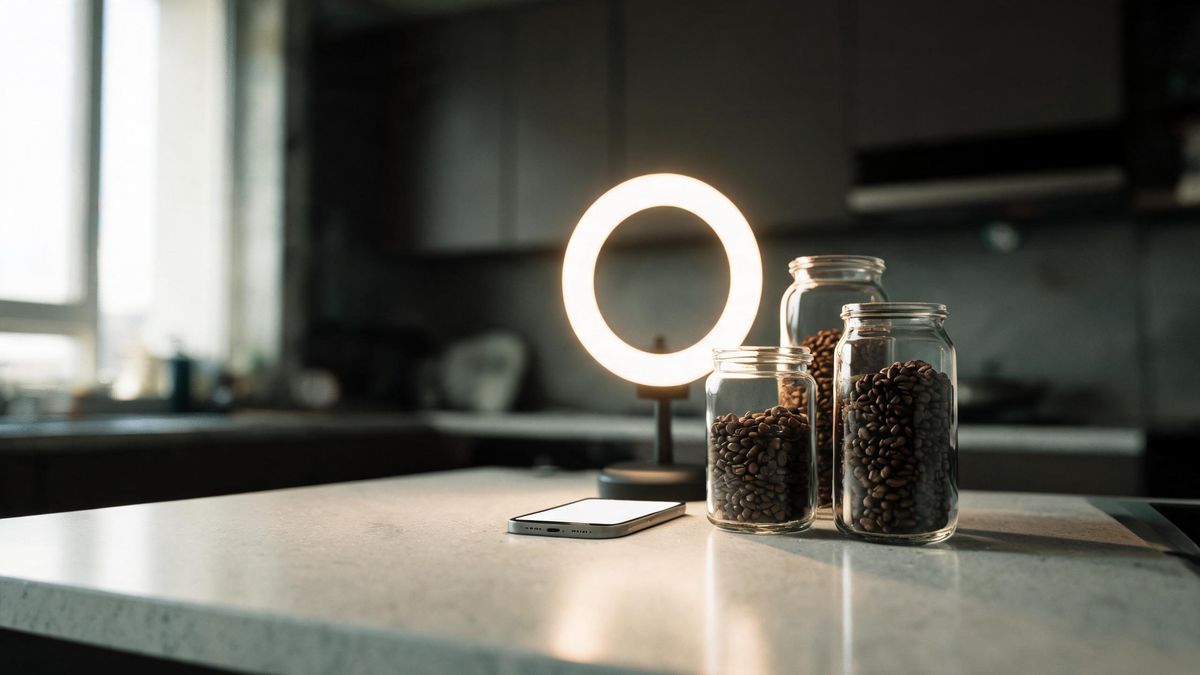
Handheld shot of a kitchen counter with a blender, a cutting board and unbranded jars, daylight from the side, casual framing, five seconds.
Why it works: Counter prep is the workhorse of food and wellness UGC — familiar, warm and easy to generate.
Product hand-in
Close-up of a hand setting a small unbranded cream jar on a bathroom shelf, warm light, slight handheld drift, five seconds.
Why it works: A hand entering frame is the classic UGC product moment; one generic hand is consent-safe.
Car interior vibe
Static shot from the passenger seat of a car interior in morning light, dashboard detail, keys in hand resting on a knee out of frame, five seconds.
Why it works: Car interiors are UGC shorthand for honesty, and dashboard details animate without needing a face.
Unboxing flat lay
Overhead shot of a small unbranded box on a wooden table, hands opening it from the bottom edge, warm room light, five seconds.
Why it works: Unboxing overheads are the highest-retention UGC shot, and hands plus box generate cleanly.
Mirror-less outfit
Low handheld shot of sneakers stepping into frame on a wooden floor, natural light, casual and unposed, five seconds.
Why it works: Feet-and-floor shots show the product without ever generating a face — pure UGC grammar.
Morning routine table
Static shot of a breakfast table with coffee, a notebook and morning light through thin curtains, steam rising, five seconds.
Why it works: Steam plus morning light is the mood layer every routine edit opens with.
Desk work close-up
Close-up of hands typing on a laptop keyboard, plant leaves in the foreground bokeh, warm lamp light, slight handheld, five seconds.
Why it works: Typing close-ups are the universal productivity B-roll, and hands on keys generate with minimal warp.
Common mistakes
The ones that account for most weak results.
Generating the presenter
A generated face breaks audience trust the moment it looks synthetic. Film the talking parts yourself; generate the settings.
Studio-polishing the scene
Perfect light kills the format. Keep the warm bulb, the window glare and the honest clutter in the prompt.
Locked-off everything
UGC is handheld. A tripod-still clip reads as stock footage and gets skipped.
Hiding the brand too late
Show the product in the first two seconds of the B-roll — UGC retention does not wait for a reveal.
Why B-roll first, faces never
The trust in UGC comes from the person, and the scale comes from the settings. Generation is for the settings.
UGC converts because a real person vouches for the product. That part cannot be generated — and should not be. What generation adds is the setting layer: the desk, the counter, the shelf, the morning light. Those shots used to require filming a dozen setups; now they are prompts.
Keeping faces out of generated frames is both an ethical and a practical line. Consent for a synthetic presenter is unresolved territory, and generated faces are also where video models fail loudest. Object shots and generic hands carry the format without either problem.
Imperfection is the style guide. Warm household light, handheld drift and honest clutter are not artifacts to remove — they are the signals viewers read as "real person, real room". The prompts bake them in deliberately.
Practise it in OpenFilmo
Every recipe on this page runs in the same workspace.
One image costs 2 credits and a 4K upscale costs 4. The Free plan gives you 30 credits every month with no credit card, no watermark and commercial use included — roughly fifteen images before you pay anything. Paid plans start at $9 for 400 credits and add faster generation and parallel tasks.
Related guides
Longer reads on the same workflow, from the OpenFilmo blog.
AI UGC Video Generator: Creator Ads at Scale
How to use an AI UGC video generator for creator-style ads at scale: hook formulas, script structure, a testing framework and disc…
AI Video Prompt Formulas That Hold Up in Production
Prompt structures that work for AI video: subject, motion, camera, time and style — with tested formulas, failure patterns and a m…
AI Content Labeling Rules: What You Must Disclose in 2026
What AI content labelling rules require: what to disclose, where human review is mandatory, and how platform rules differ from law…
Free AI Video Generator: No Watermark, No Card
Compare free AI video generators in 2026: free tiers, watermarks, resolution caps and commercial rights — plus when upgrading actu…
Related prompt collections
More copy-ready prompt sets on the same problem.
Frequently asked questions
Is UGC-style content allowed to be AI?
Setting and B-roll shots, yes — label AI-generated content where your platform requires it. Do not fake a person's identity or testimonial.
What does one clip cost?
A five-second clip costs 5 credits; Free gives 30 a month — about six clips — with no watermark and commercial use included.
Can I generate the person too?
We advise against it. A real presenter builds the trust UGC lives on, and generated faces are the format's biggest credibility and consent risk.
Will the handheld look shake too much?
No — ask for "slight handheld drift". Heavy shake warps geometry; the light version just reads as a phone in hand.
How do I add my voice?
Record or generate the voiceover in the workspace — the voiceover tool times narration to the cut, and subtitles come from the same project.