
AI Voiceover Generator: Add Natural Narration to Any Clip
Voiceover is the last step most AI video workflows skip, because it usually means leaving the tool. When narration lives in the same tab, it stops being a separate project.
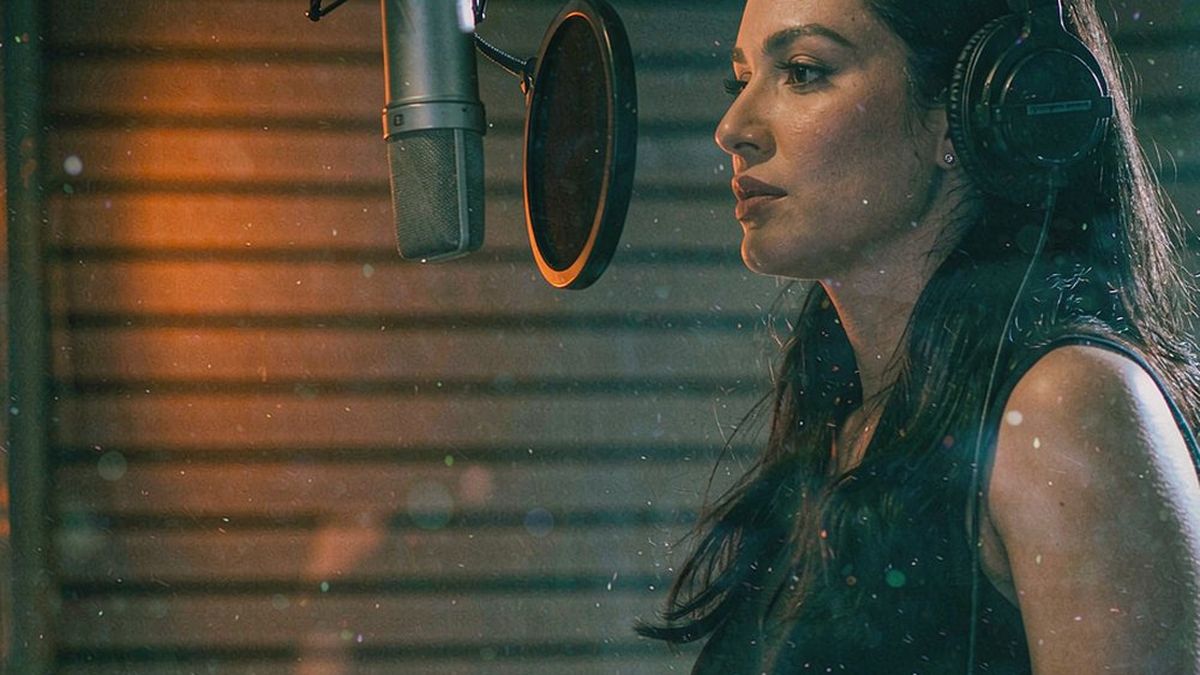
A silent clip asks the viewer to read. A narrated one tells them what they are looking at, which is why explainer, product and training content performs better with a voice even when the visuals are strong.
OpenFilmo generates narration from a script and times it to the clip, with captions to match. Dubbing runs on the same pipeline, so one video can be re-voiced for another market without a second production.
What it does
Built for this specific job, not a generic generator.
Script to narration
Turn written copy into spoken audio with a natural cadence, without booking a voice artist.
Timed to the clip
Narration is fitted to the length of the cut rather than dropped in at the wrong pace.
Dubbing and translation
Re-voice an existing clip for another language using the same transcript.
Captions to match
Subtitles are generated from the narration, so audio and captions never disagree.
How it works
Four steps, no timeline to learn.
Write for the ear
Short sentences and spoken rhythm. Copy written to be read aloud badly is the most common cause of narration that sounds wrong.
Generate the voice
Pick a voice and generate. Listen for pacing before you judge anything else.
Fit it to the cut
Adjust timing so narration lands with the visuals rather than racing ahead of them.
Add captions and export
Generate captions from the narration so both channels say the same thing, then export.
What people make with it
The jobs this actually gets used for.
Explainer and product video
Narration that carries the argument while the visuals show the thing.
Training and onboarding
Consistent voice across a whole series, regenerated when the process changes.
Multi-market versions
One clip re-voiced per language from a single transcript.
Social with sound on
A voice and captions together, so the clip works muted and unmuted.
Why narration gets skipped
It is rarely a creative decision. It is a workflow one.
Voiceover usually means exporting the video, opening an audio tool, recording or generating, then re-syncing. That is enough friction that most clips ship silent, even when the team knows narration would help.
Putting it in the same workspace removes the handoff, which changes what gets made. A clip that can be narrated in two minutes gets narrated; one that needs an afternoon does not.
The craft point that remains is the script. Read it aloud before generating — if it trips on the tongue it will sound wrong in any voice, and regenerating with a different voice will not fix it.
Credits and plans
Generation is metered in credits, shared across every tool.
A five-second video costs 5 credits and one image costs 2. The Free plan gives you 30 credits every month with no credit card, no watermark and commercial use included. Paid plans start at $9 for 400 credits and add faster generation, parallel tasks and higher export resolution.
Related guides
Longer reads on the same workflow, from the OpenFilmo blog.
AI Lipsync and Dubbing: A Production Workflow
How to produce usable AI lipsync and dubbing: script preparation, voice selection, timing, when to re-cut instead of syncing, and …
How to Use ElevenLabs for Video Voiceover
How to use ElevenLabs for video: choosing or cloning a voice, writing scripts that sound natural, timing to picture, dubbing, and …
Text in AI Video: Why It Breaks and What to Do Instead
Why AI video models garble text and logos, what actually works instead, and a production workflow for adding typography to generat…
AI tools
Single-purpose tools that run in the same workspace, on the same credit balance.
Vidu models
The Vidu Q1 and Q2 models this site runs on, and how they compare to Kling, Veo and Runway.
Related workflows
Closely related tools and guides on the same problem.
Frequently asked questions
How natural do the voices sound?
They are generated voices suited to narration and explainer work. They are not a substitute for a cast performance in a brand film.
Can I match the voice to the clip length?
Yes. Narration is timed to the cut, and the script can be shortened or extended to fit rather than dropped in at the wrong pace.
Can I dub an existing video?
Yes. Transcribe, translate and re-voice in the same workspace using one credit balance.
Do captions come with the narration?
Yes — captions are generated from the narration so the audio and the on-screen text always agree.
How do I make the script sound better?
Write short sentences and read it aloud before generating. If it trips on the tongue it will sound wrong in any voice.
How much does it cost?
Voiceover draws from the same credit balance as generation and captions. The Free plan gives 30 credits per month with no credit card.
Can I use the narration commercially?
Yes. Commercial use is included on every plan including Free, and exports carry no watermark.
Can I keep one voice across a series?
Yes. Reusing the same voice setting across episodes keeps a series consistent, which matters more than picking the single best-sounding voice.
Video prompt collections
Copy-ready prompt sets for text-to-video, image-to-video, product, UGC, social and tutorial clips.