
AI Lip Sync: Match Any Voice to Any Face in Your Video
Dubbing used to mean choosing between subtitles and a voice that clearly does not belong to the person on screen. Lip sync removes the mismatch.
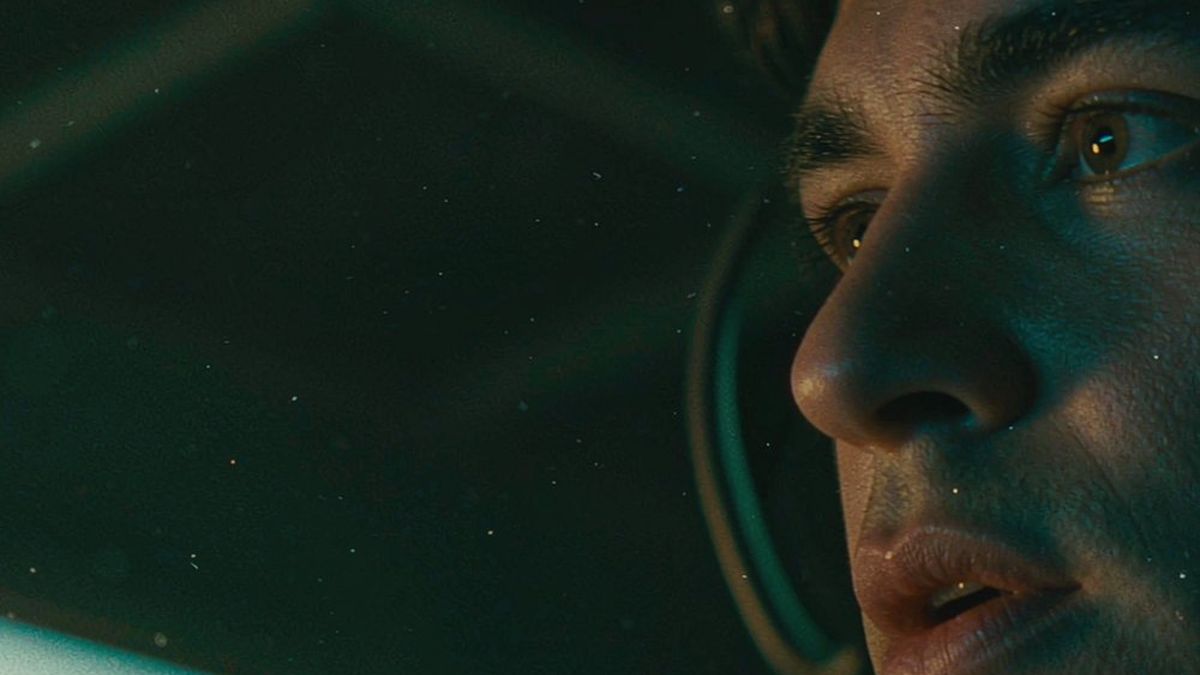
The reason most dubbed video looks wrong is not the voice, it is the mouth. When audio and lip movement disagree, viewers notice immediately even if they cannot say what is off.
OpenFilmo syncs mouth movement to an audio track you upload or generate, which makes dubbed versions, talking avatars and dialogue replacement practical without a re-shoot. It runs alongside voiceover and captions in the same workspace.
What it does
Built for this specific job, not a generic generator.
Sync to any audio
Match mouth movement to uploaded audio or a generated voiceover, in the language you need.
Dubbing that looks right
Re-voice a clip for another market without the visible mismatch that makes dubbing feel cheap.
Talking avatars and presenters
Drive a portrait or avatar from an audio track for announcements and explainers.
Works with captions
Generate captions from the same audio so voice, mouth and text agree.
How it works
Four steps, no timeline to learn.
Start from a clear face
Front-facing, well lit, mouth visible. Profile angles and occluded mouths are the main cause of poor sync.
Prepare or generate the audio
Upload a track or generate a voiceover in the target language.
Sync and check the first seconds
Watch the opening few seconds closely — that is where drift shows first.
Export per channel
Add captions if needed and export in the aspect ratio each placement wants.
What people make with it
The jobs this actually gets used for.
Multi-language dubbing
One video re-voiced per market with mouth movement that matches the new language.
Talking avatars
A presenter or avatar driven by an audio track for announcements and support content.
Dialogue replacement
Fix a line without re-shooting the take.
Short-form with narration
A face performing a voiceover, which holds attention better than a caption card.
Why dubbing usually looks wrong
Viewers forgive a lot. They do not forgive a mouth that disagrees.
Subtitles work, but they cost attention — the viewer is reading instead of watching. Dubbed audio returns that attention, at the cost of a visible mismatch whenever the mouth does not follow the new language.
Lip sync closes that gap, and it is the difference between a translated video that feels localised and one that feels imported. It matters most where the face is large in frame; in wide shots the mismatch is far less noticeable.
The practical constraint is the source shot. A clear, front-facing face with a visible mouth syncs well. Profile views, hands over the face and heavy shadow do not, and no setting will rescue them.
Credits and plans
Generation is metered in credits, shared across every tool.
A five-second video costs 5 credits and one image costs 2. The Free plan gives you 30 credits every month with no credit card, no watermark and commercial use included. Paid plans start at $9 for 400 credits and add faster generation, parallel tasks and higher export resolution.
Related guides
Longer reads on the same workflow, from the OpenFilmo blog.
AI Lipsync and Dubbing: A Production Workflow
How to produce usable AI lipsync and dubbing: script preparation, voice selection, timing, when to re-cut instead of syncing, and …
How to Use ElevenLabs for Video Voiceover
How to use ElevenLabs for video: choosing or cloning a voice, writing scripts that sound natural, timing to picture, dubbing, and …
HeyGen Video: A General-Purpose Model Built on MiniMax H3
HeyGen Video explained: text, image and reference-to-video with synced audio at about a cent per second, plus who it suits and whe…
AI tools
Single-purpose tools that run in the same workspace, on the same credit balance.
Vidu models
The Vidu Q1 and Q2 models this site runs on, and how they compare to Kling, Veo and Runway.
Related workflows
Closely related tools and guides on the same problem.
Frequently asked questions
What kind of video syncs best?
A clear, front-facing face with a visible mouth and even lighting. Profile angles, hands over the face and heavy shadow are the main causes of poor sync.
Can I use my own audio?
Yes. Upload a track or generate a voiceover, then sync mouth movement to it in the target language.
Is this for dubbing only?
No — talking avatars, presenter clips and dialogue replacement all use the same capability. Dubbing is simply where the mismatch problem is most visible.
Does it work with captions?
Yes. Captions can be generated from the same audio so voice, mouth movement and on-screen text agree.
How much does it cost?
Lip sync draws from the same credit balance as generation and audio work. The Free plan gives 30 credits per month with no credit card.
Can I use the result commercially?
Yes. Commercial use is included on every plan including Free, with no watermark on exports.
Should I sync a person without their consent?
No. Only sync faces you have the rights and permission to use — your own footage, licensed material, or someone who has agreed.
Does it work on generated faces?
Yes, and generated portraits usually sync more cleanly than real footage because they are front-facing and evenly lit by default.