
AI Social Video Prompts That Hold the First Second
A social video prompt is engineered for the scroll: one bold subject, one strong color story, a clean background. These recipes are built for vertical feeds.
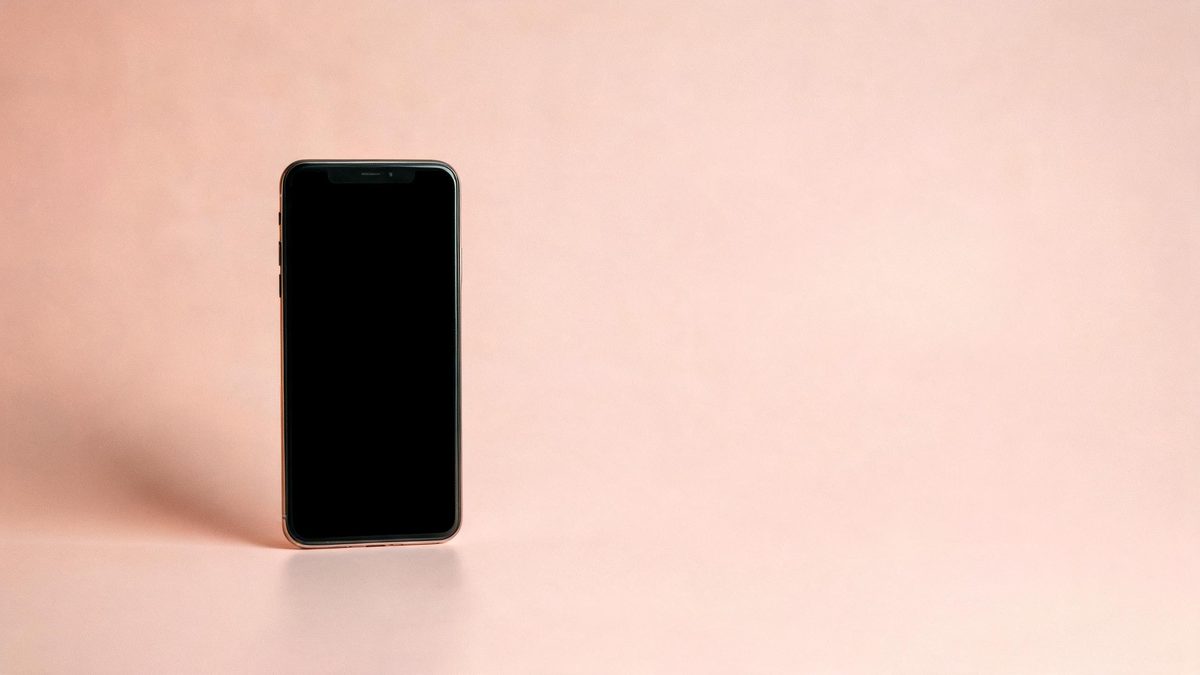
These AI social video prompts are built for the first-second problem: a viewer decides before the clip finishes loading whether to stay. Every recipe puts one bold subject against a clean background with a single strong color story, because contrast — not detail — is what stops a thumb.
Vertical feeds reward simplicity twice: once in the hook, and once in watch-through. A clip with one subject and one motion plays fully more often than a busy one, and full watch-through is the metric every platform ranks on. The recipes below are one-motion, one-subject by design.
The core idea
Four principles behind every prompt on this page.
Subject first second
The subject must be readable in under a second: big, centered or rule-of-thirds, against a background that does not compete.
One color story
Pick two colors — subject and background — and name both. Feeds are noisy; a two-color frame is a visual handrail.
Loop-friendly motion
Ask for motion that returns to its start — a spin, a pour reset, a bounce — so the clip loops seamlessly and doubles watch time.
Vertical thinking
Compose for 9:16 even when generating 16:9 for the edit: put the subject where vertical crop will not behead it.

Step-by-step
The order that keeps you from debugging five things at once.
Choose the hook type
Satisfying motion, bold contrast, or mood — the groups below map to the three hook styles that survive the scroll.
Copy a prompt
Use the Copy button. Each line names subject, background colors and the single motion.
Generate the loop
One clip costs 5 credits. Generate two or three variants — feeds reward testing thumbnails as much as clips.
Check the first frame
Freeze the opening frame and view it as a thumbnail. If it does not stop you, tighten the background contrast and regenerate.
Export and caption
Export with no watermark on Free, add captions and trending audio in the editor, and post vertical.
Prompt recipes
Paste as-is, then swap the subject for yours. Use Copy on any card.
Satisfying spin
A glossy unbranded sneaker spinning slowly on a pastel pink pedestal, soft studio light, seamless loop, five seconds.
Why it works: A centered spin on flat color is the most loop-friendly product clip and reads instantly in-feed.
Color-block pour
Thick paint pouring over a matte sphere on a two-tone background, saturated colors, smooth slow motion, five seconds.
Why it works: Pour clips are the original satisfying format — high contrast, zero faces, perfect loops.
Neon mood loop
A retro cassette tape on a dark surface lit by shifting pink and blue neon, soft haze, slow push-in, five seconds.
Why it works: Neon-on-dark is the strongest first-second contrast for mood content and loops cleanly on a push-in.
Levitation hook
A coffee cup levitating and rotating gently above a saucer, warm morning light, minimal background, seamless loop, five seconds.
Why it works: Levitation is a thumb-stopper that needs no context — the impossibility is the hook.
Nature loop
A single wave curling and resetting on a empty beach at golden hour, slow motion, seamless loop, five seconds.
Why it works: Wave loops are the highest watch-through nature clip: the reset is invisible and the motion is hypnotic.
Food macro hook
Macro shot of honey drizzling over a slice of bread in warm light, slow motion, shallow focus, five seconds.
Why it works: Food macros hold the first second on texture alone, and slow drizzle motion is model-reliable.
Object bounce
A small unbranded rubber ball bouncing in place on a pastel background, squash and stretch, playful loop, five seconds.
Why it works: Bounce loops are short, playful and survive heavy feed compression because the motion is large and simple.
Desk aesthetic
A tidy pastel desk flat lay coming alive: pen rolling, plant swaying gently, phone screen glowing, top-down, loopable, five seconds.
Why it works: Aesthetic desk loops anchor study-and-productivity feeds, and the top-down angle crops cleanly to vertical.
Common mistakes
The ones that account for most weak results.
Busy first frame
Three subjects in the opening frame is zero subjects. Feeds reward one bold thing, not a balanced composition.
Ignoring the loop
A clip that ends where it started doubles its watch time for free. Ask for "seamless loop" and check the seam.
Generated captions
On-screen text warps and misses platform safe zones. Keep frames textless; caption in the editor.
Horizontal framing habits
Feeds are vertical. Center the subject or keep it in the middle third so a 9:16 crop never decapitates it.
Why the loop is the metric
Short-form platforms rank on watch-through and rewatch. A seamless loop is the cheapest rewatch you can engineer.
The first second decides reach. A bold subject on a two-color background is readable at feed speed, and readability is what stops the scroll. Everything else — mood, story, brand — only gets its chance after the stop.
Loops hack the rewatch metric honestly. When the last frame matches the first, viewers who were half-attending watch it again without deciding to, and platforms count the doubled watch time. Spin, pour and bounce motions return to start naturally.
Vertical-safe composition is a generation-time decision. Cropping a horizontal clip to 9:16 after the fact risks cutting the subject out of its own frame. Keeping the subject centered or in the middle third protects the vertical export before you ever make it.
Practise it in OpenFilmo
Every recipe on this page runs in the same workspace.
One image costs 2 credits and a 4K upscale costs 4. The Free plan gives you 30 credits every month with no credit card, no watermark and commercial use included — roughly fifteen images before you pay anything. Paid plans start at $9 for 400 credits and add faster generation and parallel tasks.
Related guides
Longer reads on the same workflow, from the OpenFilmo blog.
Free AI Video Generator: No Watermark, No Card
Compare free AI video generators in 2026: free tiers, watermarks, resolution caps and commercial rights — plus when upgrading actu…
AI Video Prompt Formulas That Hold Up in Production
Prompt structures that work for AI video: subject, motion, camera, time and style — with tested formulas, failure patterns and a m…
Best AI Video Generators 2026: 15 Tools Tested
We tested 15 AI video generators on the same prompts and ranked them for 2026. Compare quality, speed, credit pricing and commerci…
AI Video Watermarking and C2PA: Provenance Explained
How AI video watermarking, embedded metadata and C2PA content credentials differ, what survives re-encoding and screenshots, and h…
Related prompt collections
More copy-ready prompt sets on the same problem.
Frequently asked questions
What ratio should I generate?
Generate 16:9 and compose for a vertical crop, or export 9:16 directly when the workspace offers it — check the export panel for current options.
What does a social clip cost?
A five-second clip costs 5 credits; Free gives 30 a month — about six clips — with no watermark and commercial use included.
Why is my loop not seamless?
The motion did not return to start. Add "seamless loop" to the prompt and pick cyclical motions — spin, bounce, wave — over linear ones.
Should I add captions in the prompt?
No. Generated text warps and misses safe zones. Keep frames textless and caption in the editor where platforms expect it.
Can I use trending audio?
Yes — audio is added in the editor, not generated. The workspace lets you lay a music track over the exported clip in the same project.