
AI Text-to-Video Prompts That Render One Clean Shot
A text-to-video prompt describes one shot: the subject, the camera move and the light. Use these recipes to get a usable five-second clip on the first try.
These AI text-to-video prompts are written for the way short generative clips actually work: one prompt, one shot, a few seconds of motion. Each line names a subject, a camera behavior and a light source, because that trio is what separates a coherent clip from a shapeless montage.
Text-to-video models reward specificity and punish ambition. A prompt that asks for "a drone shot over a coastline at golden hour" renders cleanly; one that asks for a whole story renders noise. The recipes below stay inside that envelope, grouped by camera move so you can match the shot your edit needs.
The core idea
Four principles behind every prompt on this page.
One shot per prompt
Describe a single continuous shot. Cuts, scene changes and dialogue belong in the edit, not in the prompt.
Name the camera
Slow push-in, orbit, static wide — naming the move gives the model a spine to organize motion around.
Light does the drama
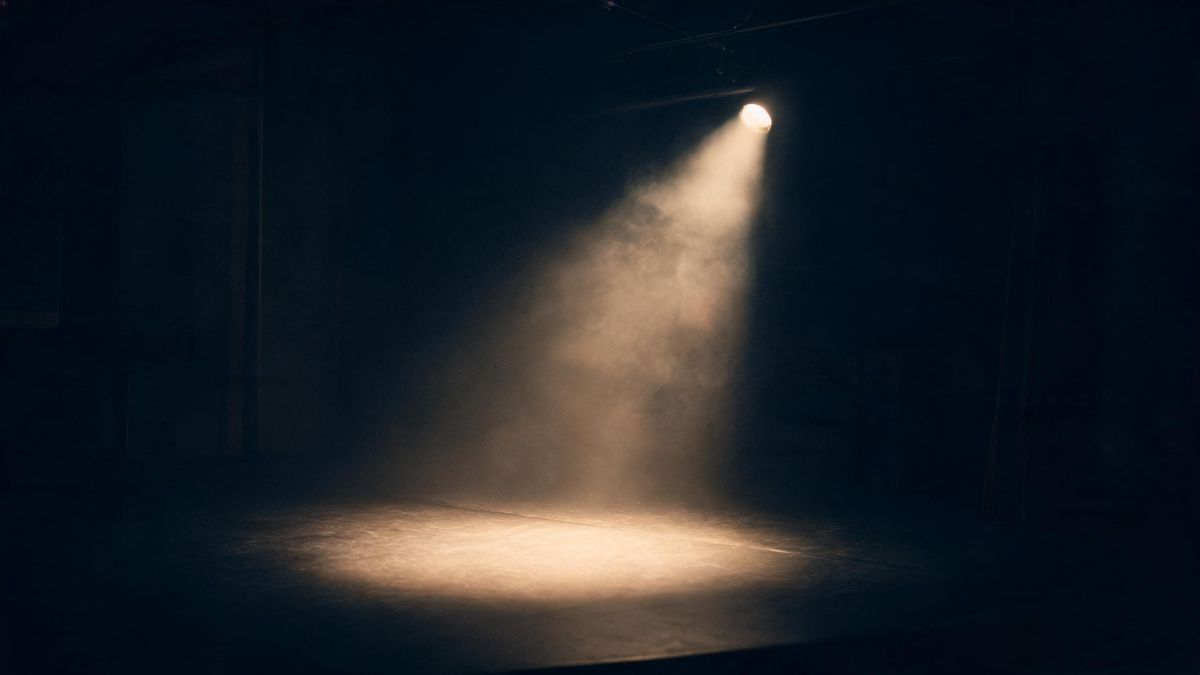
Golden hour, single spotlight, overcast soft box: pick one light and let it set the mood of the whole clip.
Keep people anonymous
If a figure appears, keep it distant or silhouetted. Generating a recognizable individual without consent is the one line not to cross.
Step-by-step
The order that keeps you from debugging five things at once.
Pick a camera move
The groups below are sorted by motion: push-in, orbit, static, aerial. Start with the move your edit needs.
Copy a prompt
Use the Copy button. Each line already contains subject, move and light, so it runs as written.
Swap the subject
Replace the noun with yours — a car, a coastline, a product — and keep the move and light intact.
Generate a few
One five-second clip costs 5 credits, and Free covers about six clips a month. Try two or three framings before keeping one.
Stitch in the editor
Export with no watermark on Free, then cut clips together and add text or voiceover in the workspace.
Prompt recipes
Paste as-is, then swap the subject for yours. Use Copy on any card.
Coastline push-in
Slow push-in over a rugged coastline at golden hour, waves hitting the rocks below, warm low sun, cinematic, five seconds.
Why it works: A push-in over water is the most forgiving aerial move: the subject never leaves frame and the light carries the drama.
Orbit the product
Slow orbit around a matte ceramic vase on a pedestal, single softbox from the left, dark background, studio quality, five seconds.
Why it works: An orbit is a complete shot in itself — the subject stays centered while the background parallax sells depth.
Static city dusk
Static wide shot of a city skyline at blue hour, lights turning on window by window, subtle haze, cinematic, five seconds.
Why it works: A locked-off frame lets small motions — lights, haze, traffic — do all the work without fighting the camera.
Aerial forest drift
Slow aerial drift over a misty pine forest at dawn, low fog between the trees, cool soft light, five seconds.
Why it works: Fog hides detail the model would otherwise invent, and a straight drift is the easiest aerial motion to keep stable.
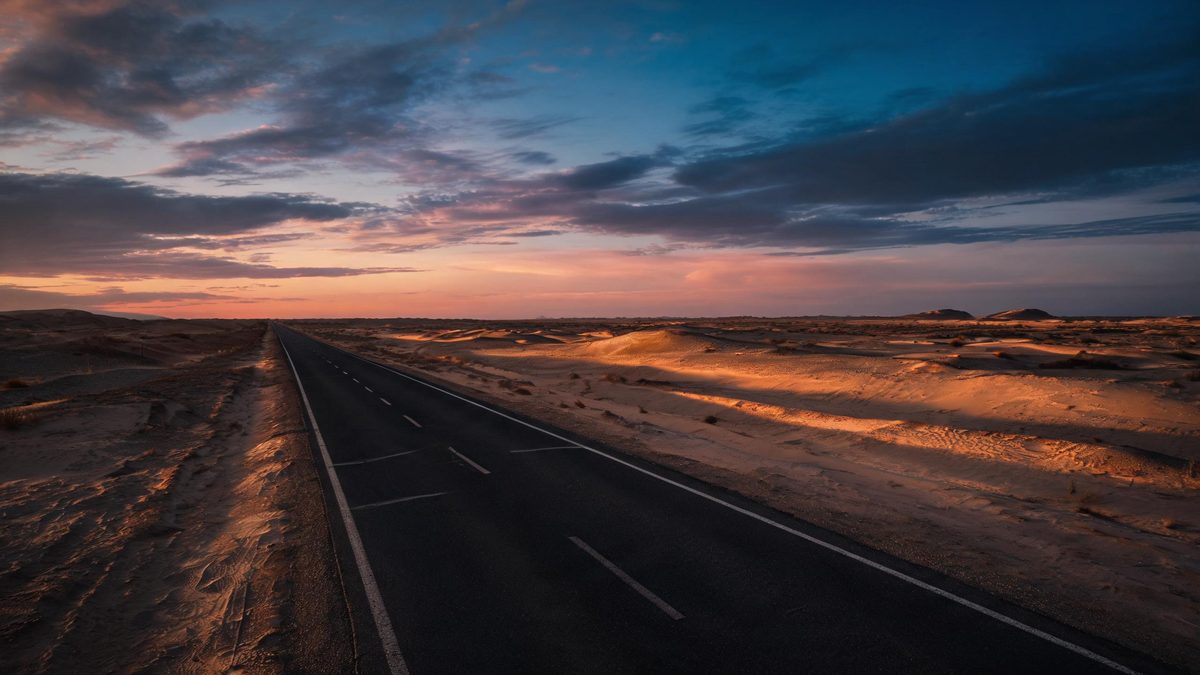
Desert highway
Low static shot beside an empty desert highway at dusk, long shadows, heat haze on the horizon, anamorphic feel, five seconds.
Why it works: An empty road gives the frame a built-in leading line and reads as cinematic even with almost no motion.
Rain on window
Close-up of raindrops running down a dark window, city bokeh lights behind the glass, shallow focus, moody, five seconds.
Why it works: Bokeh plus droplets is a texture shot: the model excels at it and editors always need more of it.
Campfire night
Slow push-in on a small campfire at night in a forest clearing, sparks rising, warm firelight against deep blue shadow, five seconds.
Why it works: Fire against night is high contrast — the single most reliable recipe for a clip that looks graded.
Snowfall street
Static shot of a quiet street during gentle snowfall, warm streetlamps, footprints in fresh snow, no people, five seconds.
Why it works: Snowfall adds motion to a static frame for free, and an empty street keeps the clip consent-safe.
Common mistakes
The ones that account for most weak results.
Asking for a story
"A day in the life of a baker" is five shots, not one. The model will blend them into mush. Cut it into single-shot prompts.
No camera direction
Without a named move, the model invents one — usually an unmotivated wobble. Always say static, push-in, orbit or drift.
Two light sources
Golden hour plus neon plus spotlight equals a color-muddled clip. Commit to one light in each prompt.
Trusting generated text
On-screen words warp in video. Never ask the model to render a sign or a title — add text in the editor.
Why one shot per prompt wins
Text-to-video renders seconds, not scenes. The prompt that respects that boundary is the one that comes back usable.
A generative clip is a few seconds of one continuous take. Every additional instruction — a cut, a location change, a second subject — is a chance for the model to average two ideas into neither. Professional results come from splitting the edit into shots and prompting each one cleanly.
The camera move is the spine. When you name push-in or orbit, the model has a rule for how every pixel should move across the duration. Omit it and motion becomes noise, which is why prompt-first beginners get clips that shimmer and fall apart.
Light is the cheapest production value. A single named light source — low sun, one softbox, streetlamps in rain — grades the whole frame automatically and hides the small artifacts that flat lighting exposes.
Practise it in OpenFilmo
Every recipe on this page runs in the same workspace.
One image costs 2 credits and a 4K upscale costs 4. The Free plan gives you 30 credits every month with no credit card, no watermark and commercial use included — roughly fifteen images before you pay anything. Paid plans start at $9 for 400 credits and add faster generation and parallel tasks.
Related guides
Longer reads on the same workflow, from the OpenFilmo blog.
AI Video Prompt Formulas That Hold Up in Production
Prompt structures that work for AI video: subject, motion, camera, time and style — with tested formulas, failure patterns and a m…
Text to Video AI: Turn Any Prompt Into Video
Learn how text to video AI works, the four-part prompt formula that produces usable clips, how to fix common failures, and where i…
Best AI Video Generators 2026: 15 Tools Tested
We tested 15 AI video generators on the same prompts and ranked them for 2026. Compare quality, speed, credit pricing and commerci…
Character Consistency in AI Video: What Actually Works
How to keep characters consistent across AI video shots: reference images, prompt discipline, key frame locking and post-hoc corre…
Related prompt collections
More copy-ready prompt sets on the same problem.
Frequently asked questions
How much does one clip cost?
A five-second clip costs 5 credits. The Free plan includes 30 credits a month with no credit card, which covers about six clips, and exports carry no watermark.
Can I use these clips commercially?
Yes. Exports on every plan, including Free, are cleared for commercial use with no watermark.
Why is my clip only a few seconds?
Short duration keeps motion coherent. Generate several single-shot clips and stitch them in the editor for longer sequences.
Can I generate people in the clip?
Distant or silhouetted figures are fine. Do not generate a recognizable individual without consent — keep people anonymous or out of frame.
Do I still need an editor?
Yes, for cuts, captions and music. The workspace adds voiceover, subtitles and a music track in the same project, so most edits stay in one place.