
AI Product Video Prompts for Studio-Grade Showcases
A product video prompt stages the light, the surface and the camera move so a still product shot becomes a short turning showcase. These recipes stay unbranded by design.
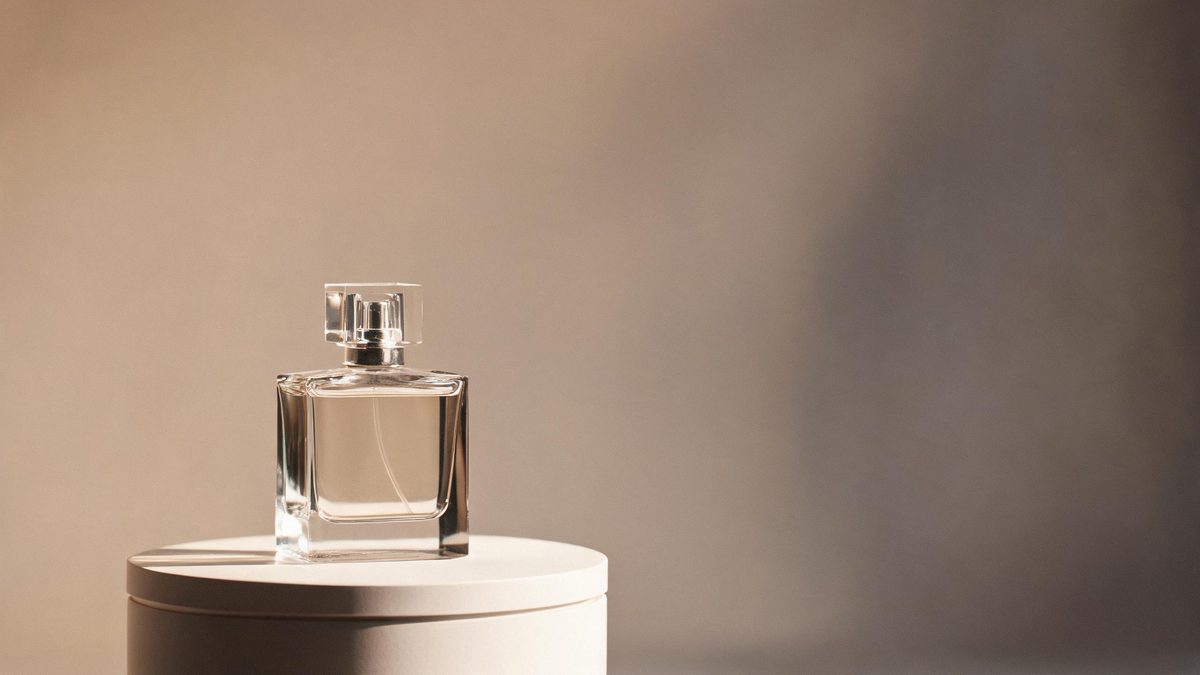
These AI product video prompts describe studio scenes for unbranded products: glass bottles, sneakers, cosmetics, devices. Naming the product generically — "a glass perfume bottle", "a white sneaker" — keeps generated labels from warping and leaves final branding to your edit.
Product motion is about two things: the turntable reveal and the light sweep. The recipes below cover both, plus the texture close-ups that fill out a product edit. Each prompt names the surface finish, because that is what separates a premium look from a catalog photo.
The core idea
Four principles behind every prompt on this page.
Keep it unbranded
Describe the product generically. Generated logos smear in motion; add real branding as an overlay in the editor.
Name the finish
Matte, glossy, brushed, frosted — the surface word decides how light behaves and does more for premium feel than any camera move.
One light story
A softbox from one side plus a gradient backdrop is the whole look. Two competing light sources flatten the product.
Slow moves only
Turntable, push-in, light sweep: product motion should feel engineered. Fast moves read as cheap and warp geometry.
Step-by-step
The order that keeps you from debugging five things at once.
Pick the shot type
Reveal, texture or lifestyle — the groups below cover the standard product edit.
Copy a prompt
Use the Copy button. Each line already names the product type, finish, light and move.
Describe your product
Swap in your product generically: "a matte black cosmetic tube", "a brushed steel watch". Keep logos out.
Generate and check edges
One clip costs 5 credits. Check the silhouette across the whole move — products with thin parts warp first.
Brand it in post
Export with no watermark on Free and add your label, packaging text and logo as overlays in the editor.
Prompt recipes
Paste as-is, then swap the subject for yours. Use Copy on any card.
Turntable reveal
Slow turntable rotation of a matte black cosmetic tube on a stone pedestal, single softbox from the left, gradient backdrop, five seconds.
Why it works: The turntable is the product shot: full geometry in one move, and a matte finish hides interpolation artifacts.
Glass bottle sweep
A light sweep passing across an unbranded glass perfume bottle, slow push-in, dark background, refracted highlights, five seconds.
Why it works: Glass rewards moving light — the sweep creates fresh highlights every frame and hides small warps.
Sneaker orbit
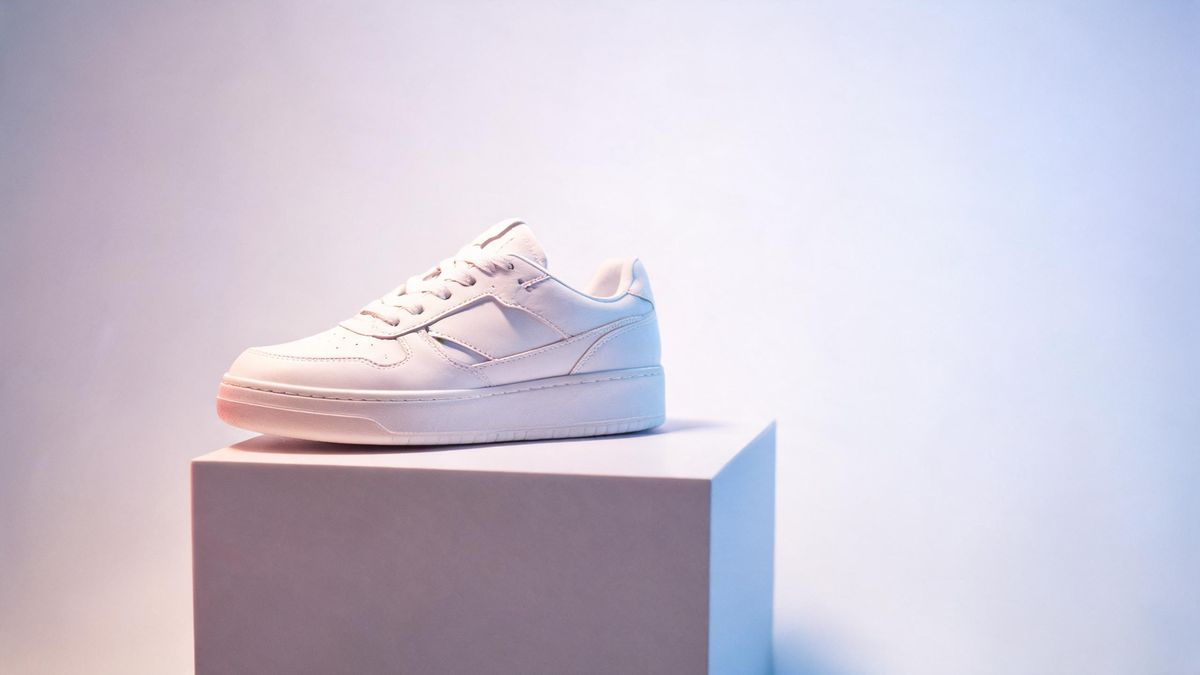
Slow orbit around a white sneaker on a low pedestal, pink and blue gradient studio lights, clean backdrop, five seconds.
Why it works: Two-tone gradient light gives a sneaker edit its street look while the orbit shows every panel.
Texture macro
Extreme close-up drifting across a brushed steel watch face, raking light revealing the grain, shallow focus, five seconds.
Why it works: Macro texture shots fill the gaps between hero moves and make the whole edit feel expensive.
Liquid pour
Slow motion of amber liquid pouring into a glass against a dark background, backlight glow, splash frozen mid-air, five seconds.
Why it works: Slow-motion liquid is the highest-impact food and beverage shot, and dark backgrounds forgive artifacts.
Device glow
A smartphone-like device on a desk, screen glow pulsing softly, slow push-in, cool ambience with warm desk lamp, five seconds.
Why it works: A glowing screen adds motion without moving geometry — the safest device shot there is.
Cosmetics bloom
A cosmetic cream swirl on a stone slab, soft top light, slow camera drift, fresh minimal styling, five seconds.
Why it works: Cream textures animate beautifully and the minimal styling matches beauty-brand language.
Lifestyle hand-off
A product resting on a linen surface by a window, curtain shadow moving gently in the breeze, locked camera, five seconds.
Why it works: A moving shadow animates a static product scene naturally — no product motion, no warp.
Common mistakes
The ones that account for most weak results.
Generating your logo
The model will approximate any brand name and get it wrong in motion. Generate unbranded, overlay the real mark in post.
Flat front light
Front light erases the finish. Move the key light to the side so texture casts micro-shadows across the surface.
Fast rotation
Speed multiplies warp. If a turntable wobbles, halve the rotation speed before touching anything else.
Skipping the edge check
Product silhouettes drift during motion. Scrub the full clip frame by frame before adding it to the edit.
Why unbranded scenes convert better than forced logos
A product clip has one job: make the surface look worth touching. Branding is a post-production layer, not a generation task.
Generated labels fail in motion because text is the least stable thing a video model interpolates. A prompt that asks for "an unbranded glass perfume bottle" gets you a perfect surface and perfect motion; the real logo goes on top in the editor where it stays crisp.
The finish word is the entire look. Matte, glossy, brushed and frosted each bend light differently, and naming the finish tells the model how every highlight should behave across the move. It is the highest-leverage word in a product prompt.
Slow, engineered motion reads as production value. Turntables and light sweeps signal studio equipment; fast motion signals a screen recorder. Product motion should look budgeted even when it costs two credits of testing.
Practise it in OpenFilmo
Every recipe on this page runs in the same workspace.
One image costs 2 credits and a 4K upscale costs 4. The Free plan gives you 30 credits every month with no credit card, no watermark and commercial use included — roughly fifteen images before you pay anything. Paid plans start at $9 for 400 credits and add faster generation and parallel tasks.
Related guides
Longer reads on the same workflow, from the OpenFilmo blog.
AI UGC Video Generator: Creator Ads at Scale
How to use an AI UGC video generator for creator-style ads at scale: hook formulas, script structure, a testing framework and disc…
Best AI Video Generators 2026: 15 Tools Tested
We tested 15 AI video generators on the same prompts and ranked them for 2026. Compare quality, speed, credit pricing and commerci…
AI Video Watermarking and C2PA: Provenance Explained
How AI video watermarking, embedded metadata and C2PA content credentials differ, what survives re-encoding and screenshots, and h…
Free AI Video Generator: No Watermark, No Card
Compare free AI video generators in 2026: free tiers, watermarks, resolution caps and commercial rights — plus when upgrading actu…
Related prompt collections
More copy-ready prompt sets on the same problem.
Frequently asked questions
Can I put my logo on the product?
Generate unbranded and add your real logo in the editor. Generated branding warps in motion and will not match your asset anyway.
What does a product clip cost?
A five-second clip costs 5 credits. Free includes 30 credits a month — about six clips — with no watermark and commercial use included.
My bottle looks melted when it turns. Why?
Rotation speed is too high for the geometry. Halve the speed in the prompt, or switch to camera orbit around a still product.
Can I match my brand colors?
Yes — name the backdrop and light colors directly in the prompt ("a soft blue gradient backdrop") and generate until the grade matches.
Do I need a studio for this?
No. The prompts describe the studio so the model renders one. You only need the product description and a few credits to test.