
Viral effect
Reshape One Standing Photo in Motion
A 4-second clip that reshapes the figure in your photograph. One upload, 40 credits, 720p, and the standing pose that gives it the most to work with.
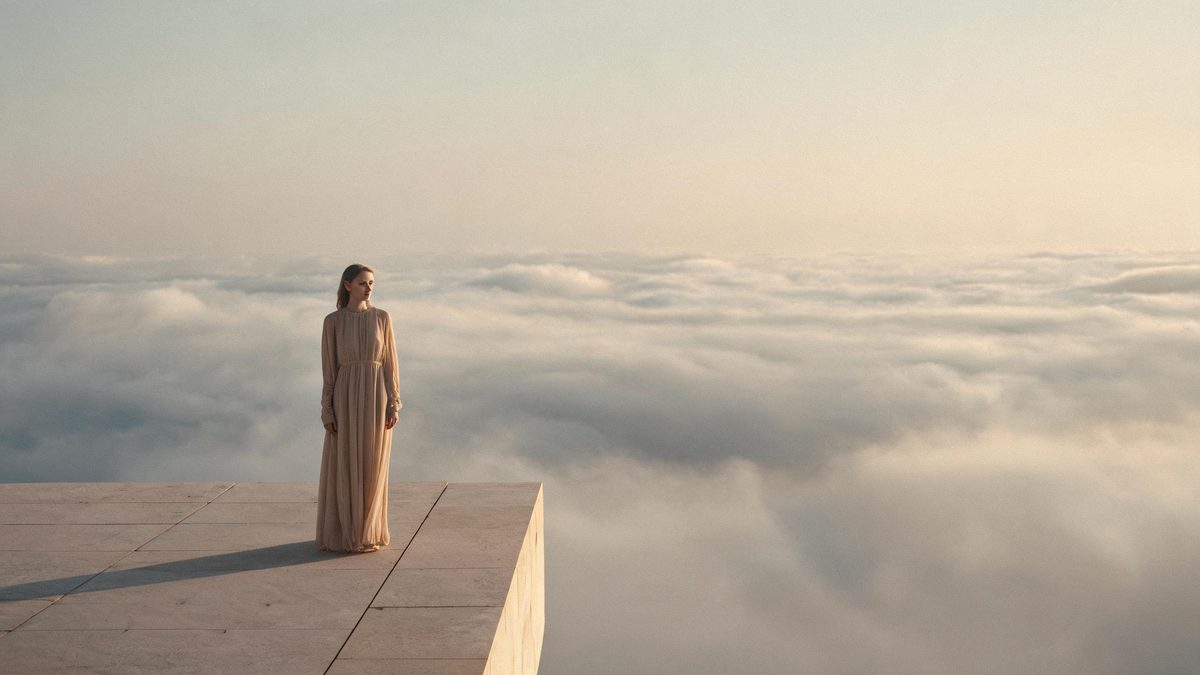
A slim down effect animates a change in the silhouette of a person. The template takes one photograph and progressively reshapes the figure, so the result reads as a before-and-after played forward rather than as a still with an edit applied to it.
The output is a 4-second 720p video at 40 credits per run, and the frame follows your source aspect ratio. The recommended input is a front-facing half-body or full-body shot of a person standing. The documented limits run in both directions: someone who is already slim shows no change, and poses such as side-on, seated or lying down often change very little.
Specs at a glance
Straight from the product panel, not from a marketing deck.
- Output
- 4-second video
- Credits
- 40 per run
- Resolution
- 720p
- Aspect ratio
- Matches your input photo
- Input
- 1 photo — one person
- Best results with
- A front-facing half-body or full-body shot of a person standing
- Known limits
- A subject who is already slim shows no change, side-on, seated and lying-down poses often change very little, and the subject can occasionally disappear.
What it does
Built for this specific job, not a generic editor.
A change in silhouette over time
The effect alters how the figure reads across the four seconds rather than in a single frame. That progression is what makes the clip usable as a forward-looking visual rather than a static retouch.
Standing, front-facing framing
A front-facing shot of a person standing, framed at half body or full body, is the recommended input. That pose gives the effect an upright figure with a clear outline to reshape.
Source proportions kept
The finished clip inherits the aspect ratio of the upload, so a tall full-body shot stays tall and a wide frame stays wide. The framing decision is made with the photograph.
Aspect ratio ready to place
Because the shape follows the source, the same effect produces a vertical clip for a story and a wider clip for a player without a second run or a crop.
How it works
Four steps, no timeline to learn.
Use a standing, front-facing photo
Choose one photograph where the person faces the camera and is standing, framed at half body or full body. An upright front view gives the effect the clear outline it reshapes.
Avoid side-on and reclining poses
Side-on, seated and lying-down poses are documented as changing very little. Where you have a choice of photographs, a standing front-facing frame is the one that produces a visible result.
Run it and confirm the charge
Add the photo to the slim down effect and review the confirmation panel. Each run uses 40 credits from the shared balance, and the amount is displayed in advance.
Compare the first and last frames
Play the 4-second 720p clip and compare the opening frame with the closing one. That contrast is what the effect is for, so judge it directly rather than from the middle of the change.
Where people use it
The jobs this effect actually gets used for.
Fitness and wellness content
A current photograph can be used as a forward-looking visual for a training or wellness post. A standing full-body frame gives the effect a clean figure to work from.
Challenge and transformation edits
The moving before-and-after format suits a trend clip. Because the change is animated, the clip works as a reveal rather than as two images placed side by side.
Character and concept tests
For storytelling work, the effect can suggest a change in a character over time. A simple background and an upright pose keep attention on the figure rather than the setting.
Goal-setting check-ins
A coaching account can turn a client photograph into a moving goal image for a check-in post. Use a standing front-facing source so the outline is unambiguous.
Why the pose decides whether anything changes
This effect works on silhouette, so it needs a silhouette to work on.
Reshaping a figure is a change to an outline, and an outline is clearest when a person is upright and facing the camera. That is the whole reason for the standing, front-facing recommendation. A full-body or half-body frame of someone standing presents the effect with an unambiguous shape running from shoulder to hip, which is the region where a change in silhouette is most visible.
The documented limits are not faults so much as edges of that range. A person who is already slim has little excess outline to reduce, so nothing visible changes. A side-on, seated or lying-down pose presents a foreshortened or compressed figure, and the effect often leaves it almost untouched. Reading those two notes together gives a simple rule: the effect needs a broad, upright outline, and it will not invent one from a photograph that does not supply it.
There is also a documented risk that the subject can occasionally disappear, which is why reviewing the clip before posting matters. Combined, the limits point to the same workflow as the other effects on this page: choose the source deliberately, run it, and check the result rather than assuming it. Where the aim is a moving visual for a fitness or wellness post, that is a small amount of process for a distinctive piece of content.
Credits and plans
Every effect draws on one shared credit balance.
Each slim down video uses 40 credits from the shared OpenFilmo balance, with the charge shown before confirmation. The Free plan includes 30 credits each month with no credit card required. Starter is $9 for 400 credits, Pro is $19 for 1,000, and Studio is $59 for 4,000.
Related guides
Longer reads on the same workflow, from the OpenFilmo blog.
Image to Video AI: Animate Any Photo in Seconds
A complete guide to image to video AI: what makes a good source image, how to write motion prompts, top use cases, and how to fix …
AI Video Prompt Formulas That Hold Up in Production
Prompt structures that work for AI video: subject, motion, camera, time and style — with tested formulas, failure patterns and a m…
AI Video Cost Per Minute: The Real Numbers in 2026
How to calculate true AI video cost per finished minute: generation price, regeneration waste, edit time and iteration, with worke…
Related effects
Same family of effects, on the same kind of input.
Frequently asked questions
What photo works best for a slim down video?
One front-facing photograph of a person standing, framed at half body or full body. An upright front view gives the effect a clear outline to reshape, which is what the result depends on.
How much does a slim down video cost?
A run costs 40 credits, and the amount is shown before you confirm. The single charge covers the complete four-second clip, with no second upload and no extra step to set up the change.
Why did nothing change in my video?
Two documented cases produce little or no change: a subject who is already slim, and poses such as side-on, seated or lying down. A standing, front-facing photograph of a fuller figure is where the effect has something to work with.
What resolution and length does it produce?
The output is a 4-second video at 720p, and its aspect ratio matches the photograph you uploaded. A tall full-body shot stays vertical, which suits a story or short-form placement.
Can the subject disappear in the result?
The subject occasionally disappearing is a documented possibility on this effect. That is why reviewing the clip before posting is part of the workflow, and why a clear standing source is the safer starting point.