
Viral effect
Make the Subject of a Photo Fly
A 4-second clip that lifts the person in your photo and sends them flying. One upload, 40 credits, 720p, and the scene that helps it move.
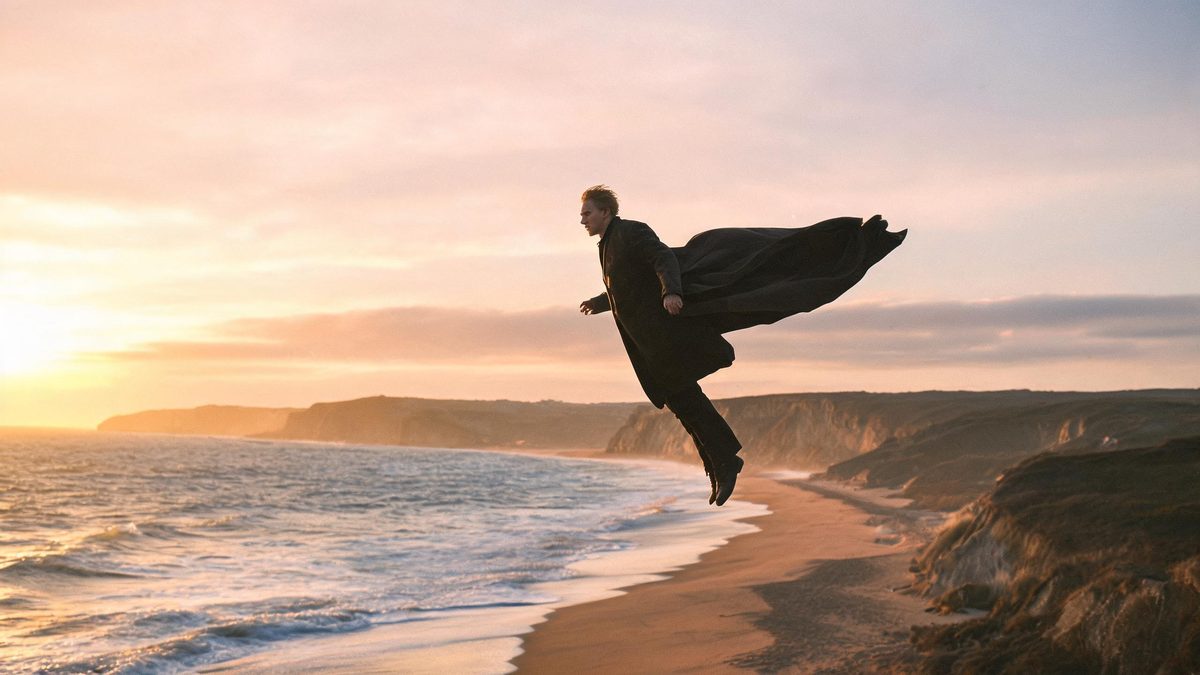
A flying effect takes a person out of the ground and puts them in the air. The template reads a single photograph and animates the subject in flight, so the result depends on both the figure and the world around it. A scenic background is not decoration here; it is part of what makes the movement read.
The output is a 4-second 720p video at 40 credits per run, and the frame follows your source aspect ratio. The recommended input is a full-body shot of one person against a landscape. Two documented limits concern the flight itself: the subject can fail to move forward, and if the head rotates through a full turn the figure can break up.
Specs at a glance
Straight from the product panel, not from a marketing deck.
- Output
- 4-second video
- Credits
- 40 per run
- Resolution
- 720p
- Aspect ratio
- Matches your input photo
- Input
- 1 photo — one person
- Best results with
- A full-body shot of one person set against a scenic background
- Known limits
- The subject can fail to move forward, and if the head rotates through a full turn the figure can break up.
What it does
Built for this specific job, not a generic editor.
One person, one photo
The effect works from a single photograph of one person. There is no rigging, no pose data and no second image, so a full-body shot is the entire input the effect needs.
A scenic background helps
The recommended input places the subject against a landscape. A background with depth gives the flight something to move against, which is what makes the motion legible rather than static.
Source proportions kept
The clip inherits the aspect ratio of the upload. A wide scenic photograph stays wide, which suits the horizontal movement of flight, while a vertical frame stays vertical.
A four-second lift
The clip covers the lift and the first moment of travel in four seconds. That is enough for the effect to register as flight without a long approach.
How it works
Four steps, no timeline to learn.
Use a full-body shot against scenery
Choose one photograph of a single person, framed full body, with a landscape or a wide background behind them. The depth in the scene is what gives the flight something to move across.
Keep the pose upright and simple
A clear, upright stance gives the effect a figure it can lift without having to reinterpret. Overlapping limbs or a heavily twisted pose make the movement harder to read.
Run it and confirm the charge
Add the photo to the flight effect and review the confirmation panel. Each run uses 40 credits from the shared balance, and the amount is shown in advance.
Check the direction of travel
Play the 4-second 720p result and watch whether the subject actually moves forward, and whether the head stays stable. Both are documented variables, so they are the details to judge before posting.
Where people use it
The jobs this effect actually gets used for.
Travel and adventure content
A photograph taken somewhere scenic becomes a short flight clip for a travel post. The landscape behind the subject gives the movement a natural backdrop.
Fantasy and superhero themes
The effect suits a playful character moment or a fan-style edit. A full-body pose with the arms in a deliberate position reads clearly once the subject is airborne.
Music and mood edits
The lift and drift work under an atmospheric audio track. Because the frame follows the source, a wide scenic shot suits a player placement without re-cutting.
Concept and story beats
A character can be shown taking off for a story or a concept board. A plain silhouette against an open background keeps the figure readable through the motion.
Why the background is part of a flying effect
Movement is only visible against something, and that is what the landscape is for.
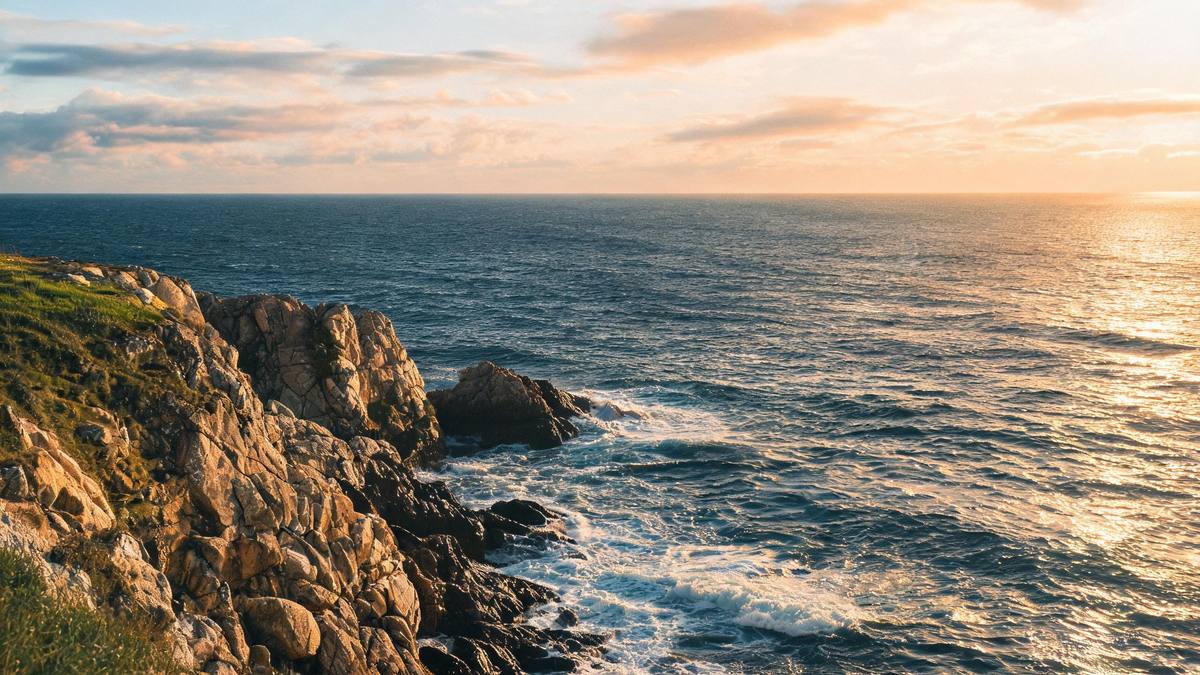
A flight effect has to communicate speed, and speed is relative. That is the practical reason the recommended input is a full-body subject against a landscape: the background supplies the reference points that make the movement readable. A figure lifted against a blank wall moves in a way the eye cannot measure, whereas the same figure rising over a coastline or a mountain range reads as flight immediately.
The two documented limits are both about controlling that motion. The subject can fail to move forward, which turns flight into hovering, and if the head rotates through a full turn the figure can break up. Neither is something you can tune after the fact, so the useful response is to choose a source where the pose is upright and the body is unambiguous, and to check the direction of travel in the finished clip before you use it.
Aspect ratio matters slightly more here than on the other effects in this set. Flight tends to read horizontally, so a wide scenic photograph often suits the effect better than a narrow crop, and the clip will inherit that shape. Where the destination is a vertical feed, a taller frame still works, but the background has less room to provide the reference points the movement relies on.
Credits and plans
Every effect draws on one shared credit balance.
Each flying video uses 40 credits from the shared OpenFilmo balance, with the charge shown before confirmation. The Free plan includes 30 credits each month with no credit card required. Starter is $9 for 400 credits, Pro is $19 for 1,000, and Studio is $59 for 4,000.
Related guides
Longer reads on the same workflow, from the OpenFilmo blog.
Image to Video AI: Animate Any Photo in Seconds
A complete guide to image to video AI: what makes a good source image, how to write motion prompts, top use cases, and how to fix …
AI Video Prompt Formulas That Hold Up in Production
Prompt structures that work for AI video: subject, motion, camera, time and style — with tested formulas, failure patterns and a m…
Best AI Video Generators 2026: 15 Tools Tested
We tested 15 AI video generators on the same prompts and ranked them for 2026. Compare quality, speed, credit pricing and commerci…
Related effects
Same family of effects, on the same kind of input.
Frequently asked questions
What photo works best for a flying video?
One full-body photograph of a single person against a landscape or wide background. The scenery supplies the reference points that make the movement read as flight rather than as hovering.
How much does a flying video cost?
A run costs 40 credits, and the amount is shown before you confirm. The single charge covers the complete four-second clip, with no second upload and no separate step to describe the flight path.
Why did the subject hover instead of moving forward?
The subject failing to travel forward is one of the documented limits of this effect. Choosing an upright, unambiguous pose and checking the direction of movement in the finished clip is the practical response.
What resolution and length does it produce?
The output is a 4-second video at 720p, and its aspect ratio matches the photograph you uploaded. Flight often reads best in a wide frame, so a scenic horizontal source is worth considering.
What happens if the head turns in the clip?
If the head rotates through a full turn the figure can break up, which is a documented limit. A clear, upright pose reduces the chance of that, and reviewing the head area before publishing catches it.