
Turn a Few Images Into a Short Film
You already have the shots. The tool sequences them into a film instead of leaving them as a folder.
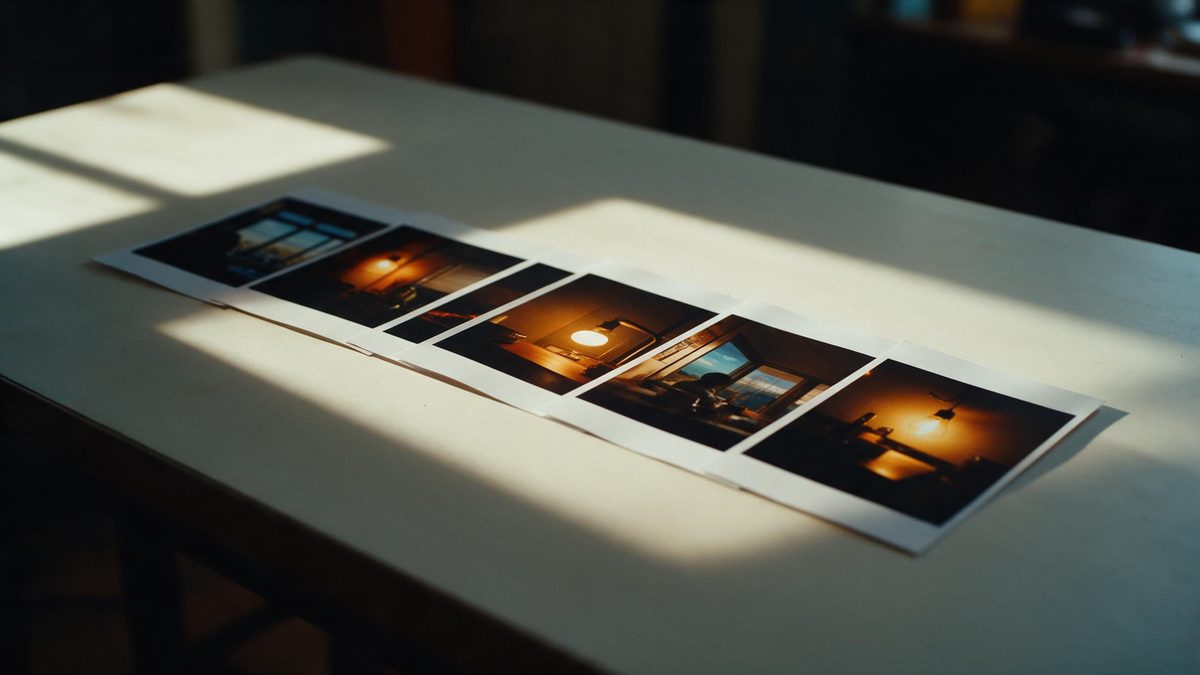
One-click video takes a small set of images and assembles them into a multi-shot film inside the browser workspace at app.openfilmo.com, with nothing to install. You supply the frames — product shots, character keys, location stills — and the workspace orders them, adds motion and cuts them into a short piece. The name points at the workflow: fewer manual steps than building each shot by hand.
This page is about feeding it the right material. The film is only as coherent as the images you give it, so framing, order and a consistent subject matter decide whether the output reads as a story or a slideshow. It also stays honest about the boundary: the tool sequences and animates what you provide; it does not invent the shots you did not bring.
What it does
Built for this specific job, not a generic editor.
Sequence your own frames
Supply the images in the order you want them to appear. The workspace treats them as the edit, so the narrative is yours to set before any motion is added.
Add motion to stills
Each frame is given movement — a slow push, a parallax, a held breath — so the result plays as film rather than a carousel. The motion is applied per shot, not globally.
Keep one subject across shots
When the images share a character or product, the piece reads as continuous. Consistent lighting and framing between frames is what lets the cuts feel like one scene.
Export without a watermark
The free plan exports with no watermark and commercial use included. Paid tiers raise the credit pool and parallel tasks, but the export stays clean at every level.
How it works
Four steps, no timeline to learn.
Gather a small, ordered set
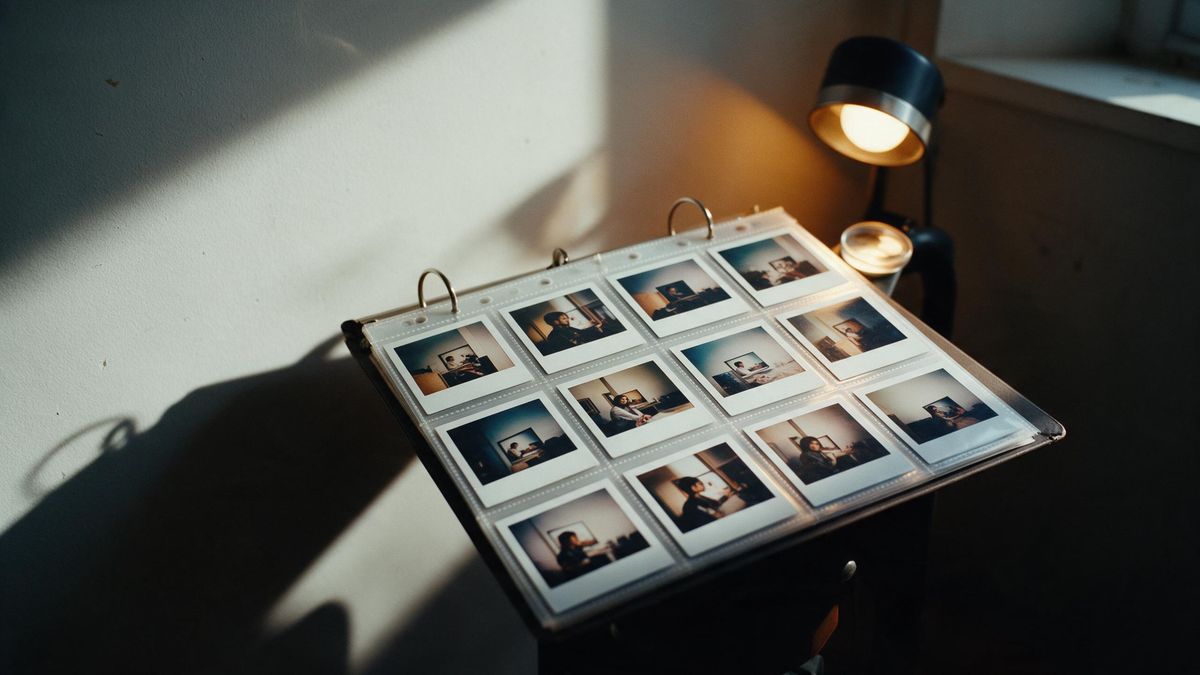
Five to ten images in the sequence you want is enough for a short film. Fewer, well-chosen frames beat a large folder the tool has to guess the order of.
Match light and framing
Keep the subject lit and shot in a similar way across frames. The model bridges small gaps, but a hard change in style between shots reads as a jump cut you did not intend.
Let it sequence, then review
Run the assembly and watch the full cut. Note where a transition feels abrupt, because that is where either the order or the source frames need a change.
Refine the weak shot
Replace or re-shoot the single frame that breaks the flow rather than regenerating everything. One image swapped in the set is a small fix.
What people use it for
The jobs this actually gets used for.
A product story
A handful of product shots become a short film for a listing or an ad, with motion added to each angle instead of a static gallery.
A character reel
Key poses of one character, sequenced, read as a minute of presence rather than a grid of stills. Useful for a profile or a pitch.
A location mood piece
Travel or venue stills assembled into a moving tour give a place a sense of passage that a single photo cannot.
A quick social cut
When the deadline is short, sequencing existing frames is faster than generating each shot from scratch, and the export is ready to post.
Why source frames decide the film
The assembly is only as good as the images you bring to it.
A one-click workflow removes the manual editing steps, but it cannot supply the story. The order, the subject and the visual consistency all come from your frames, so the tool sequences what it is given rather than imagining what is missing. Treating image selection as the real creative step keeps expectations honest.
Coherence is fragile across shots. The model adds motion per frame and bridges small gaps, but a sudden change in lighting or scale between two images will read as a hard cut. Holding a consistent look across the set is what makes the output feel directed instead of generated, and it is far cheaper to shoot frames that match than to fix the mismatch afterwards.
Review the whole cut, not the separate shots. A frame that looks fine alone can break the flow next to its neighbour, so judge transitions in playback and swap only the image that fails. One frame replaced in the set is a small correction compared with regenerating the entire film.
Credits and plans
Every tool draws on one shared credit balance.
One one-click video run costs 290 credits from the same balance used across the workspace; image and video generation share that pool. Free is $0 a month for 30 credits with no credit card, which covers a small test cut, and it includes commercial use with no watermark on export. Starter is $9 for 400 credits, Pro is $19 for 1,000, and Studio is $59 for 4,000 with API access; figures are those listed on the pricing page in November 2026. Assemble a tight set of frames first, because the credit cost is per run rather than per image.
Related guides
Longer reads on the same workflow, from the OpenFilmo blog.
Image to Video AI: Animate Any Photo in Seconds
A complete guide to image to video AI: what makes a good source image, how to write motion prompts, top use cases, and how to fix …
Character Consistency in AI Video: What Actually Works
How to keep characters consistent across AI video shots: reference images, prompt discipline, key frame locking and post-hoc corre…
AI Video Prompt Formulas That Hold Up in Production
Prompt structures that work for AI video: subject, motion, camera, time and style — with tested formulas, failure patterns and a m…
AI Short Drama Production: Costs, Workflow and Reality
How AI short drama is actually produced: real cost structure, episode workflow, where consistency breaks, and why distribution is …
Related tools
Closely related pages on the same problem.
Frequently asked questions
How many credits does one run take?
One one-click video run costs 290 credits from the shared balance. The free plan gives 30 credits a month with no card, enough for a small test; paid plans start at $9 for 400 credits.
Do I need to generate the shots first?
You supply the images. The tool sequences and animates the frames you provide rather than inventing shots you did not bring, so the source material is the creative input.
How many images should I use?
Five to ten well-ordered frames make a coherent short film. Fewer, chosen carefully, work better than a large folder the tool has to guess the order of.
Are exports watermarked?
No. Every plan, including free, exports with no watermark and commercial use included.