
Make Your Character Move Like the Reference
The pose is yours. The motion is borrowed from a clip you point to, then fitted onto the body you already have.
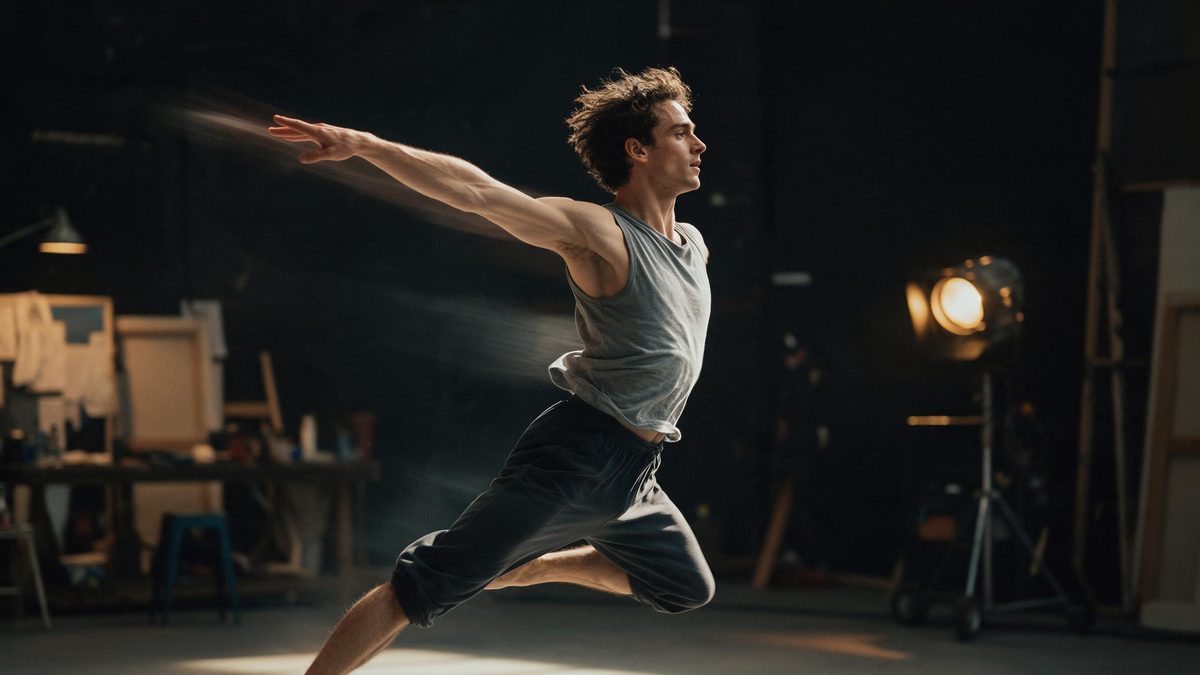
Motion control takes a subject you have framed and drives it with the movement from a reference clip, inside the browser workspace at app.openfilmo.com with nothing to install. You provide a clear image of the character and a motion source — a dance, a gesture, a walk — and the workspace fits that movement onto your subject so the figure performs the action instead of merely standing in frame.
This page is about getting the fit right: a reference that reads clearly, a subject shot that the model can map a skeleton onto, and a result judged in motion. It ends where the single clip ends. Turning several controlled moves into a sequence is a different job, and the pointers for that are at the end of the page.
What it does
Built for this specific job, not a generic editor.
Borrow motion from a clip
Point the tool at a reference that shows the movement you want. The cleaner and more frontal the reference, the more reliably the action transfers, because the model has an unambiguous pose sequence to follow.
Keep your own subject
The character, costume and framing stay yours; only the movement is applied. That means a mascot, a product spokesperson or a stylised figure can perform a dance without reshooting anything on set.
One body, many moves
The same subject image can be driven by different references, so a character library can be reused across several actions without generating a new person each time.
Export without a watermark
The free plan exports with no watermark and commercial use included. Paid tiers raise the monthly credit pool and parallel tasks, but the export stays clean at every level.
How it works
Four steps, no timeline to learn.
Shoot the subject flat and lit
A front-facing, evenly lit character with a neutral pose gives the model a clean body to map motion onto. Busy backgrounds and extreme angles make the fit worse, not better.
Pick a reference that shows the move
Choose a clip where the action is visible and repeatable rather than one cut full of camera moves. The model follows the pose path, so the reference should be about the body, not the cinematography.
Generate and watch the whole loop
Play the result at full speed. A motion that looks attached when paused often slides at the joints in motion, so judge the connection between subject and movement while it plays.
Regenerate the weak pass
If the limbs drift or the timing lags, adjust the reference or the subject framing and run again. One controlled move is a small generation, so a second attempt costs little.
What people use it for
The jobs this actually gets used for.
A mascot that dances
Brand and channel mascots rarely have motion assets. Drive the existing character with a dance reference to produce a looping clip for a homepage or a post without a shoot.
A product figure in action
A spokesperson or stylised product character can perform a gesture that points at a feature, turning a still render into a short demo.
A stylised move for a reel
Creators reuse one avatar across several references to build a set of moves, each a separate clip, then cut them into a longer sequence.
A prototype before animation
Before committing to full character animation, test whether a movement reads on your subject at all. A five-second controlled pass answers that cheaply.
Why the reference quality decides the result
Motion control is only as good as the pose path it is given to follow.
The tool does not invent choreography; it transfers what the reference shows onto your subject. A reference with a clear, visible body and a simple action transfers cleanly, while a reference full of quick cuts or camera spins gives the model conflicting cues and the fit degrades. Choosing the reference is most of the work.
Skeleton mapping has limits. The model aligns limbs to the pose path, but it cannot add detail the subject image lacks, and fast or physically impossible moves will lag or distort at the joints. Treating a controlled move as one short, well-referenced clip keeps the result believable instead of stretching it past what the source supports.
Judge in motion, not on a still. A paused frame can look attached while the playback reveals the hands sliding or the timing arriving late. Watch the full loop with the subject centred, keep the take whose movement stays connected, and only then think about assembling several moves into a sequence.
Credits and plans
Every tool draws on one shared credit balance.
One motion control run costs 100 credits from the same balance used across the workspace; image and video generation draw from that pool. Free is $0 a month for 30 credits with no credit card, enough for a few short moves, and it includes commercial use with no watermark on export. Starter is $9 for 400 credits, Pro is $19 for 1,000, and Studio is $59 for 4,000 with API access; figures are those listed on the pricing page in November 2026. Keep one reference per move and regenerate the weak pass rather than the whole set.
Related guides
Longer reads on the same workflow, from the OpenFilmo blog.
Character Consistency in AI Video: What Actually Works
How to keep characters consistent across AI video shots: reference images, prompt discipline, key frame locking and post-hoc corre…
AI Video Prompt Formulas That Hold Up in Production
Prompt structures that work for AI video: subject, motion, camera, time and style — with tested formulas, failure patterns and a m…
Image to Video AI: Animate Any Photo in Seconds
A complete guide to image to video AI: what makes a good source image, how to write motion prompts, top use cases, and how to fix …
AI Anime Video Generator: Text or Image to Anime
How to use an AI anime video generator: a script-to-anime workflow, character consistency with reference images, style options and…
Related tools
Closely related pages on the same problem.
Frequently asked questions
How many credits does one motion control run cost?
One run costs 100 credits from the shared balance. The free plan gives 30 credits a month with no card, so it covers a few short moves; paid plans start at $9 for 400 credits.
Does it animate my subject automatically?
It transfers the movement from the reference you supply onto your subject image. It does not invent new choreography, so the quality of the result depends on how clearly the reference shows the move.
Can I use the same character for different moves?
Yes. The same subject image can be driven by several references, so one character can perform many actions without generating a new figure each time.
Are exports watermarked?
No. Every plan, including free, exports with no watermark and commercial use included.