
Couple effect
Turn One Photo Into a Flower Surprise
A 4-second clip that hands the subject of your photo a bouquet. One upload, 40 credits, 720p, and the framing that keeps the gesture physical.
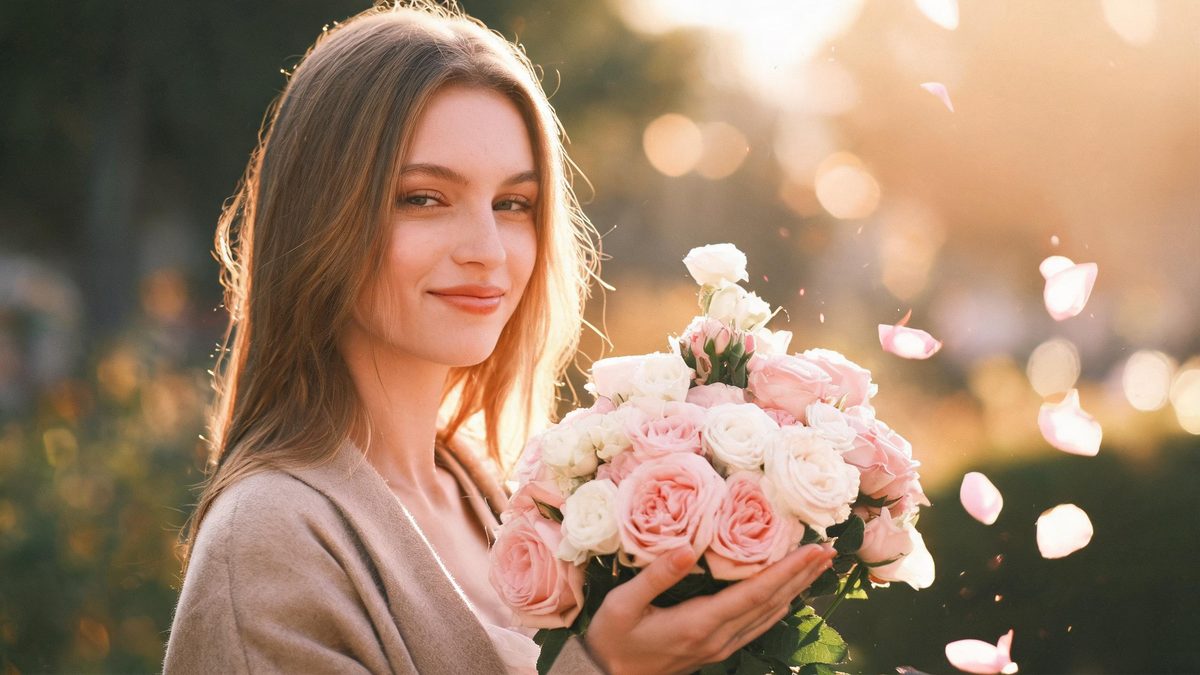
A flower surprise is a small, warm gesture rendered as motion. The template takes one photograph and animates a bouquet arriving for the subject, so the effect is less about transformation than about adding a moment of receiving. It is the most flexible of the couple templates, and also the one whose result depends most on how the source is framed.
The output is a 4-second 720p video at 40 credits per run, and the frame follows your source aspect ratio. A single person, a pair or a group all fit the same upload slot. Three documented behaviours are worth knowing first: a full-body source can turn the gesture into flowers falling from above, a subject photographed from behind can break up while turning, and occasionally a second person appears to receive the flowers.
Specs at a glance
Straight from the product panel, not from a marketing deck.
- Output
- 4-second video
- Credits
- 40 per run
- Resolution
- 720p
- Aspect ratio
- Matches your input photo
- Input
- 1 photo — one person, a pair, or a group
- Best results with
- A front-facing half-body shot
- Known limits
- A full-body source can turn the gesture into flowers falling from the sky instead of being handed over, a subject seen from behind can break up while turning, and occasionally a second person appears to receive the flowers.
What it does
Built for this specific job, not a generic editor.
One upload for one, two or many
The same slot accepts a single person, a pair or a group photograph. That makes the effect usable across solo posts, couple content and family images without a separate tool for each.
Front-facing half-body framing
A front-facing shot at half body is the recommended input, because the gesture happens at chest height where the frame is richest. That framing also keeps the subject’s expression readable.
Source shape preserved
The clip keeps the aspect ratio of the photograph you upload. A vertical portrait remains vertical and a wide group shot stays wide, so the placement decision belongs to the source.
A gesture, not a filter
The effect adds an action to the frame rather than restyling it. That keeps lighting, background and clothing intact, which is what makes the result feel like a moment rather than an edit.
How it works
Four steps, no timeline to learn.
Choose a front-facing half-body shot
Pick one photograph where the subject faces the camera and is framed at roughly the waist up. A clear front view gives the effect both the face to react and the chest-height space to place the bouquet.
Avoid full-body and back-view sources
Two of the documented limits come from framing. A full-body shot can turn the gift into falling flowers, and a subject seen from behind can break up while turning, so a front-facing half-body frame sidesteps both.
Run it and confirm the charge
Add the photo to the flower surprise effect and check the confirmation panel. Each run uses 40 credits from the shared balance, and the amount is displayed before you confirm.
Check who is holding the flowers
Watch the 4-second 720p result and confirm two things: that the bouquet is handed over rather than dropped from above, and that the intended subject is the one receiving it. Both are documented variables on this effect.
Where people use it
The jobs this effect actually gets used for.
Birthday and celebration posts
A portrait becomes a warm gift moment for a birthday or a celebration. A front-facing half-body source gives the effect the face and the space to place the bouquet convincingly.
Couple and anniversary content
A pair in the same photograph can both appear in the clip. Leave some space between the two figures so the gesture reads clearly for the intended recipient.
Family and group images
A group photograph is supported in the same single upload, which makes the effect usable for a family moment. A front-facing arrangement with visible faces works better than a scattered composition.
Client and customer thank-you posts
A business can use the effect for a light thank-you visual. Because the frame follows the source, a vertical image drops straight into a phone-first placement without re-cutting.
Why this effect prefers a front-facing half-body frame
Two of its limits are created by framing, and both are avoidable before you spend a run.
A flower surprise is a handover, and a handover needs a person facing the gesture. That is why the recommended input is a front-facing shot at half body: it puts the face and the chest in the same frame, which is exactly the region where a bouquet arriving would be visible. When the subject faces the camera and the frame is tall enough to hold the gesture, the effect has everything it needs to animate a delivery rather than an event.
The two framing limits follow directly. With a full-body source, the effect loses the close relation between the hands and the flowers, and the delivery can become flowers falling from above instead. With a subject seen from behind, the effect has to turn them toward the camera to show the reaction, and that turn is where the figure can break up. Neither is a defect in the effect so much as a mismatch between the source and the gesture, and both are avoidable by choosing a different photograph.
The third limit is about identity rather than framing: occasionally a second person appears to receive the flowers. That is a reminder that this effect generates a small amount of new content, so it should be reviewed rather than assumed. Checking who ended up holding the bouquet takes a second and decides whether the clip is the one you wanted, which is why it belongs in the workflow rather than in a warning.
Credits and plans
Every effect draws on one shared credit balance.
Each flower surprise video uses 40 credits from the shared OpenFilmo balance, with the charge shown before confirmation. The Free plan includes 30 credits each month with no credit card required. Starter is $9 for 400 credits, Pro is $19 for 1,000, and Studio is $59 for 4,000.
Related guides
Longer reads on the same workflow, from the OpenFilmo blog.
Image to Video AI: Animate Any Photo in Seconds
A complete guide to image to video AI: what makes a good source image, how to write motion prompts, top use cases, and how to fix …
Character Consistency in AI Video: What Actually Works
How to keep characters consistent across AI video shots: reference images, prompt discipline, key frame locking and post-hoc corre…
AI Video Prompt Formulas That Hold Up in Production
Prompt structures that work for AI video: subject, motion, camera, time and style — with tested formulas, failure patterns and a m…
Related effects
Same family of effects, on the same kind of input.
Frequently asked questions
What photo works best for a flower surprise?
One front-facing photograph framed at half body, showing a single person, a pair or a group. That framing keeps the face and the chest-height gesture in the same shot, which is where the bouquet appears.
How much does a flower surprise video cost?
A run costs 40 credits, and the amount is shown before you confirm. The single charge covers the complete four-second clip, with no second upload and no separate step to describe the gift.
Why are the flowers falling from above instead of being handed over?
A full-body source can turn the gesture into flowers falling from the sky rather than being given. A front-facing half-body frame restores the closer relation between the hands and the bouquet.
What happens with a photo taken from behind?
A subject photographed from behind can break up while the effect turns them toward the camera to show the reaction. A front-facing source avoids that turn and keeps the figure stable.
What resolution and length does it produce?
The output is a 4-second video at 720p, and its aspect ratio matches the photograph you uploaded. A vertical portrait stays vertical for a story placement, and a wide image stays wide.