
Transformation effect
Turn a Photo Into a Figurine on a Base
A 4-second clip that turns the subject of your photo into a collectible figure on a display base. One upload, 40 credits, 720p, with the multi-subject rules stated.
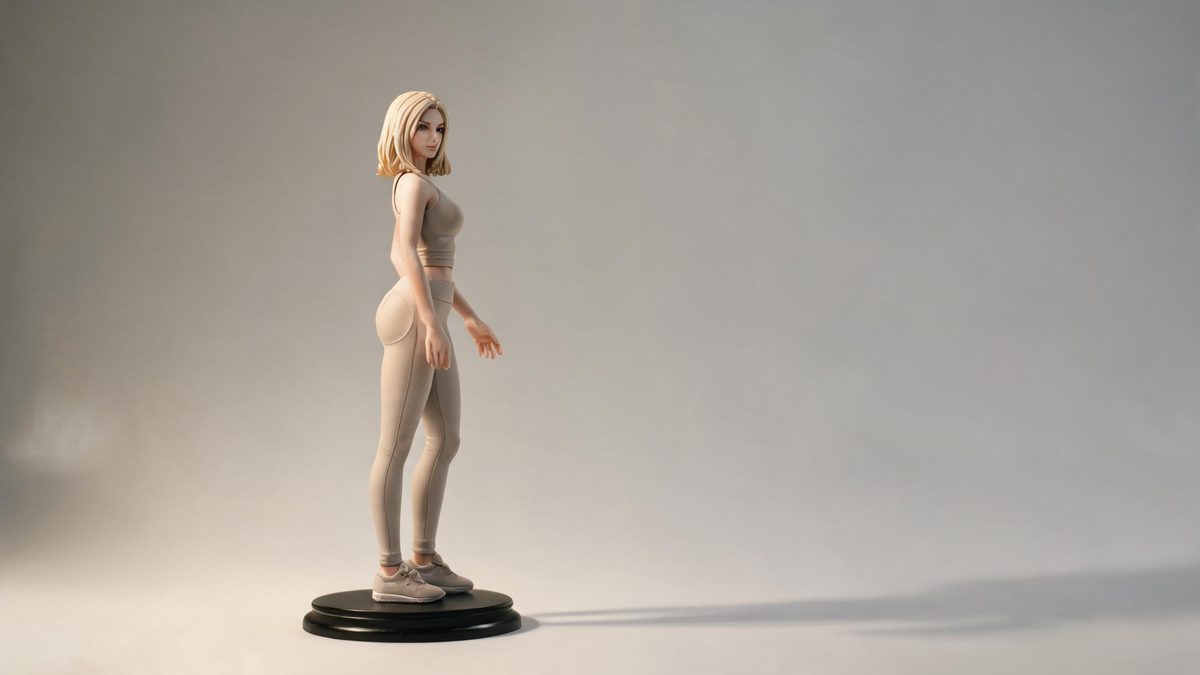
A photo-to-figurine effect delivers the mail-order fantasy directly: the subject of a photograph rotates into a painted collectible on a display base. The template takes one image and animates that spin, so the appeal is as much the turn as the transformation, since a figurine is something you expect to see from more than one angle.
The output is a 4-second 720p video at 40 credits per run, and the clip follows your source aspect ratio. It accepts one person, a pet, a pair, a person with a pet, or a group in the same upload slot. The multi-subject cases carry their own rules: the base is not always generated, unusual poses can come back altered, and subjects that stand far apart may fail to share one base or fail to render at all.
Specs at a glance
Straight from the product panel, not from a marketing deck.
- Output
- 4-second video
- Credits
- 40 per run
- Resolution
- 720p
- Aspect ratio
- Matches your input photo
- Input
- 1 photo — one person, a pet, a pair, a person with a pet, or a group
- Best results with
- A front-facing half-body or full-body frame with a clear, natural pose
- Known limits
- The display base is not always generated, unusual poses can come back altered, and in a pair or group the subjects may fail to share one base — or the run can fail outright — when they stand far apart. More than three subjects rarely works.
What it does
Built for this specific job, not a generic editor.
Broad subject support in one upload
One person, a pet, a pair, a person with a pet, or a group all fit the same slot. A single portrait and a two-person shot are two runs of one effect, with no separate tool for each case.
A turn, not just a conversion
The subject rotates rather than simply changing state, which is what sells the figurine premise. Seeing the figure from more than one angle is the difference between a still and a toy.
Front-facing frames preferred
A front-facing half-body or full-body frame with a clear, natural pose gives the effect the best starting point. A clean, readable pose converts into a stable figure far more readily than an unusual one.
Source proportions preserved
The finished clip keeps the aspect ratio of the photograph you upload, so the framing decision is made with the source rather than after the fact. Vertical and horizontal placements both work from the same effect.
How it works
Four steps, no timeline to learn.
Choose a clear, natural pose
Pick one front-facing photograph of a person, a pet, a pair, a person with a pet, or a group, framed at half body or full body. A clear and ordinary pose converts most predictably into a stable figure.
Plan for one base or two
If two or more subjects appear, place them close together in the frame. Subjects that stand far apart may end up without a shared base, or the run may fail, so proximity is the practical rule for group photographs.
Run it and confirm the cost
Add the image to the photo-to-figurine effect and check the confirmation panel. Each run costs 40 credits from the shared balance, and the amount is shown before you confirm.
Check the base and the pose
Watch the 4-second 720p result and note whether the display base appeared, whether the pose came back as it was, and, for a pair or group, whether the figures ended up on one base. Those are the named variables.
Where people use it
The jobs this effect actually gets used for.
Collector and fandom posts
A portrait becomes a pretend collectible, which suits a fandom or collecting account. A front-facing half-body frame gives the figure a clear face and an easy line to rotate around.
Couple and family keepsakes
A pair or a group can share one run, producing a set of figures on a base. Keep the subjects close together so they resolve onto a single base rather than splitting apart or failing.
Pet and person-with-pet portraits
A person and their pet are both supported in the same single upload. Position them side by side with an overlap of outlines so the two figures read as one set rather than two separate subjects.
Product-style reveals
A clean portrait can be presented like a packaged collectible for a channel or a shop page. A simple background keeps the focus on the figure and the base rather than on the room.
Why one subject is easier than three
The figurine premise needs a base and a pose, and both get harder as the frame fills up.
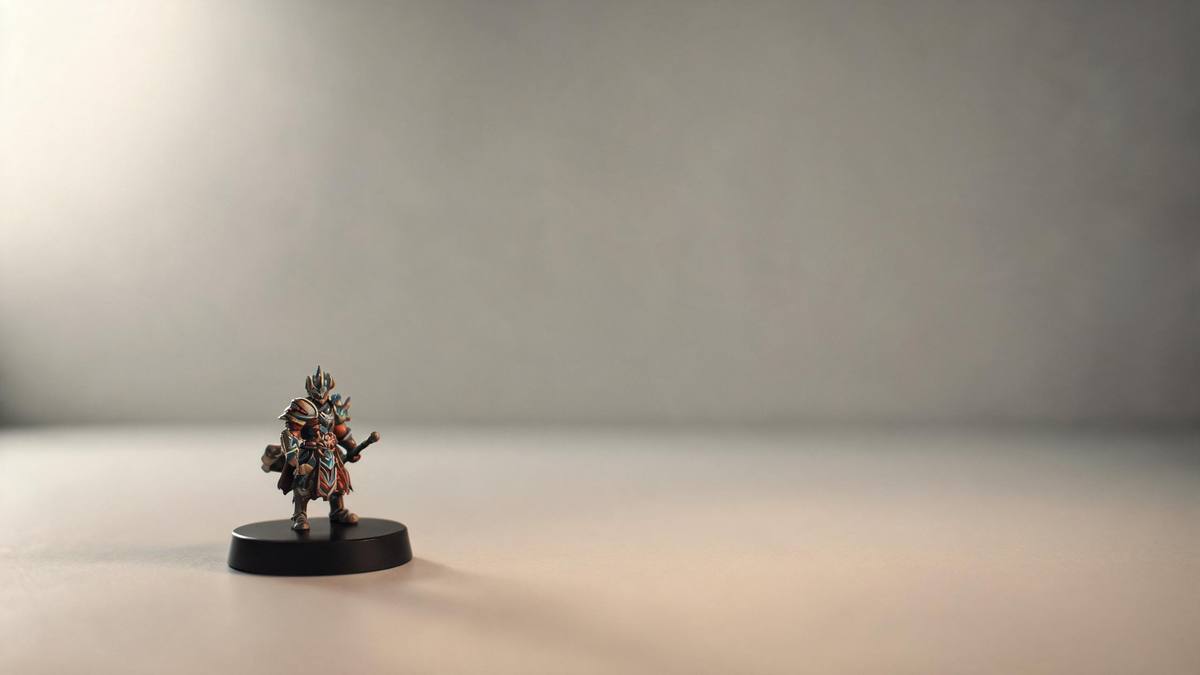
The strongest version of this effect is a single subject with a clear, ordinary pose. A figure that rotates on a base needs to be readable from every angle of the turn, and a pose that is already simple survives that scrutiny. That is why the recommendation is a front-facing half-body or full-body frame: it gives the effect an unambiguous silhouette to build a toy from, and it leaves space for the base beneath the figure.
Adding subjects adds constraints rather than simply scaling up. A pair or a group is supported, but the subjects need to stand near one another to end up on a single base. Where they are separated by a wide gap, the documented outcomes range from figures on two separate bases to a failed run, and unusual poses can come back altered on top of that. Close, overlapping subjects and a natural stance are the two conditions that keep a group photograph on track.
The base itself is the element that is not guaranteed. On some sources it does not appear at all, which turns the result into a rotating figure without a plinth. That is worth knowing before you choose the effect for a given photograph: if the base is the point of the image for you, run the clip and check it early, and be ready to try a different frame if it does not arrive.
Credits and plans
Every effect draws on one shared credit balance.
Each photo-to-figurine video uses 40 credits from the shared OpenFilmo balance, with the charge shown before confirmation. The Free plan includes 30 credits each month with no credit card required. Starter is $9 for 400 credits, Pro is $19 for 1,000, and Studio is $59 for 4,000.
Related guides
Longer reads on the same workflow, from the OpenFilmo blog.
Image to Video AI: Animate Any Photo in Seconds
A complete guide to image to video AI: what makes a good source image, how to write motion prompts, top use cases, and how to fix …
Character Consistency in AI Video: What Actually Works
How to keep characters consistent across AI video shots: reference images, prompt discipline, key frame locking and post-hoc corre…
AI Video Upscaling to 4K: Refiners, Settings and Limits
How AI video upscaling and one-step refiners work, when to upscale versus regenerate at native resolution, and the settings that a…
Related effects
Same family of effects, on the same kind of input.
Frequently asked questions
What can I upload to the photo-to-figurine effect?
One photograph of a person, a pet, a pair, a person with a pet, or a group, framed at half body or full body. A front-facing frame with a clear, natural pose gives the most predictable result.
How much does a photo-to-figurine video cost?
A run costs 40 credits, and the amount is shown before you confirm. One charge covers the full four-second clip, whether the photograph contains a single subject or several.
What resolution and length does it produce?
The output is a 4-second video at 720p, and its aspect ratio matches the photograph you uploaded. A vertical portrait stays vertical and a wide group shot stays wide without extra cropping.
Why did my group photo fail or split onto two bases?
When subjects in the frame stand far apart they can end up without a shared base, or the run can fail. Group photographs work best when the subjects are close together with their outlines overlapping.
Is the display base always generated?
No. The base does not always appear, which leaves a rotating figure without a plinth. If the base matters to you, check the result early and try a different frame when it does not arrive.