
AI Video for YouTube Creators: Intros, B-Roll and Shorts Cuts
A channel needs an intro, constant B-roll and a Shorts pipeline — three recurring jobs that eat more time than the video itself.
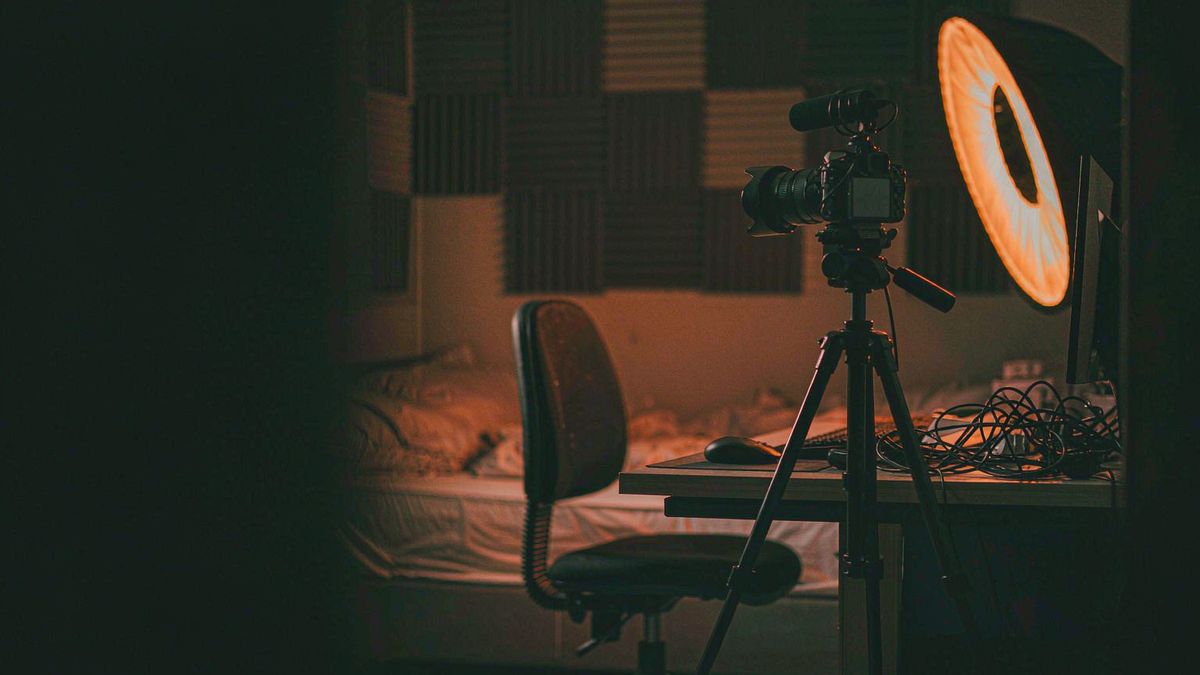
YouTube production time is dominated not by the main footage but by everything around it: the intro, the B-roll that covers cuts, the Shorts versions, the end card. These are recurring, repetitive and the first thing to be skipped when a schedule slips.
OpenFilmo handles the surroundings. Generate B-roll from a script line, build one intro and reuse it, produce vertical Shorts cuts from the same source, and add captions and voiceover without leaving the workspace.
What it does
Built for this specific job, not a generic generator.
Text to video for B-roll
Paste a line from your script and generate illustrative footage to cover cuts.
Reusable intros and end cards
Build one and apply it across uploads so the channel reads consistently.
Voiceover and captions
Narrate and caption in the same workspace.
Vertical Shorts exports
9:16 cuts for Shorts alongside the 16:9 master.
How it works
Four steps, no timeline to learn.
Build the intro once
Generate one intro and reuse it every upload. Consistency is recognition.
Generate B-roll from script lines
Pick the lines that describe something concrete and generate footage for each.
Cut a Shorts version
Export 9:16 from the same material instead of producing a separate video.
Caption everything
Captions improve retention and serve viewers watching muted.
What people make with it
The jobs this actually gets used for.
Channel intros
One consistent intro reused across every upload.
B-roll for cuts
Generated footage that covers edits in talking-head videos.
Shorts pipeline
Vertical cuts produced from existing material rather than shot separately.
End cards and calls to action
Short subscribe clips applied consistently at the end.
Why the surroundings are where time goes
The main footage is the fun part. Everything else is overhead.
Most creators underestimate how much of a production week goes to B-roll, intros, cuts and Shorts versions. These are small individually and enormous in aggregate, and they are what gets dropped when a deadline tightens.
Generation compresses exactly that overhead. B-roll from a script line takes minutes, an intro is built once, and a Shorts cut is an export rather than a separate production.
The restraint worth keeping: B-roll should illustrate what the narration describes. Footage that is merely decorative adds runtime without adding information.
Credits and plans
Generation is metered in credits, shared across every tool.
A five-second video costs 5 credits and one image costs 2. The Free plan gives you 30 credits every month with no credit card, no watermark and commercial use included. Paid plans start at $9 for 400 credits and add faster generation, parallel tasks and higher export resolution.
Related guides
Longer reads on the same workflow, from the OpenFilmo blog.
AI Video Generator for YouTube: Growth Workflow
How to use an AI video generator for YouTube: B-roll, Shorts, intros and thumbnails, a weekly workflow, plus monetisation and disc…
How to Use Opus Clip: Long Video to Shorts
How to use Opus Clip: turning long-form video into short clips, selecting and editing clips, caption styling, and how to judge wha…
AI Video Upscaling to 4K: Refiners, Settings and Limits
How AI video upscaling and one-step refiners work, when to upscale versus regenerate at native resolution, and the settings that a…
AI tools
Single-purpose tools that run in the same workspace, on the same credit balance.
Vidu models
The Vidu Q1 and Q2 models this site runs on, and how they compare to Kling, Veo and Runway.
Related workflows
Closely related tools and guides on the same problem.
Frequently asked questions
Can I generate B-roll from my script?
Yes. Paste a line that describes something concrete and generate illustrative footage. Avoid decorative clips that add runtime without information.
Should I use generated video as my main footage?
Usually not. It works best as B-roll, intros and transitions around your real footage, where it saves time without replacing the substance.
Can I monetise videos using these clips?
Yes. Every plan including Free includes commercial use and watermark-free downloads, so clips can appear in monetised uploads.
What does one clip cost?
A five-second clip costs 5 credits. Paid plans start at $9 for 400 credits monthly, with parallel tasks on higher tiers for batch work.
Can I make Shorts from the same material?
Yes. Export 9:16 alongside your 16:9 master rather than producing a separate video for Shorts.