
New Year effect
Fireworks You Do Not Have to Photograph
Real fireworks need a cold hour, a tripod and a phone that can hold a long exposure. This effect skips all three: you give it one front-facing photo and it puts a lit sparkler in the subject’s hand and a full New Year sky behind them.
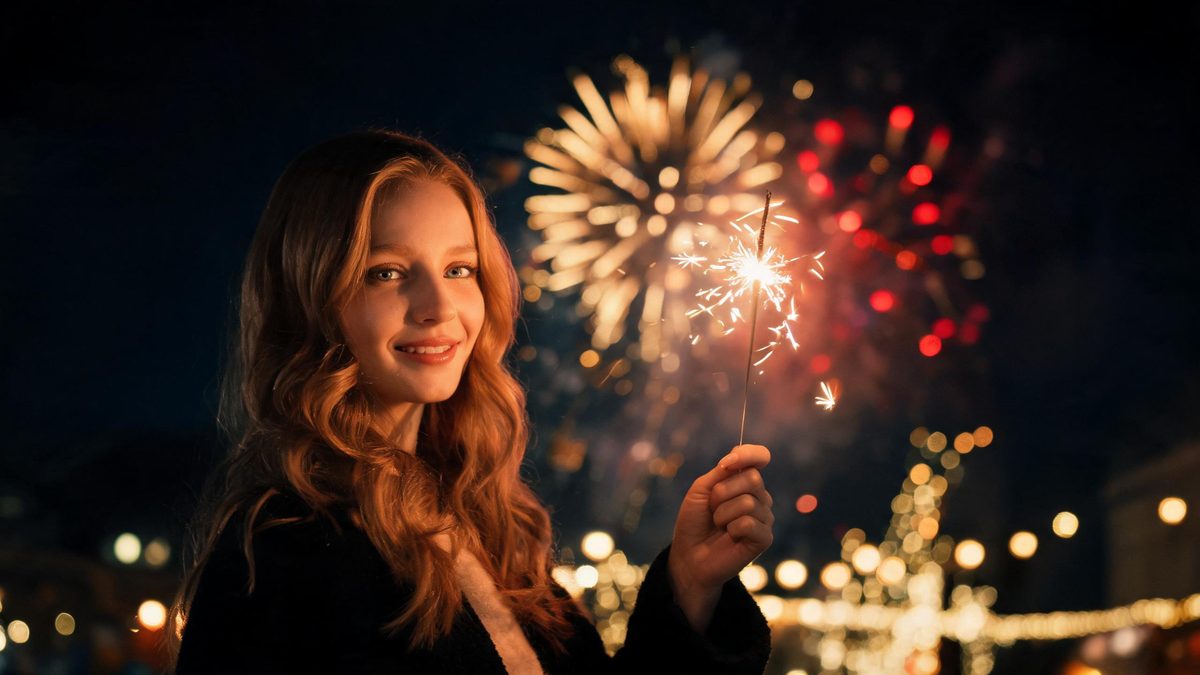
The reason most New Year clips look cheap is that the subject and the fireworks were never in the same frame at the same moment. One is a person standing still; the other is a sky that will not wait. Matching them afterwards means masking, tracking and a colour grade that rarely survives the first export.
This template takes the other route. You upload a single front-facing photo — one person, or several — and the effect generates the whole scene around them: the sparkler lights in the hand, the burst opens behind, and the subject reacts. What comes back is a 4-second 720p video in the aspect ratio of your source photo, for 60 credits per run.
Specs at a glance
Straight from the product panel, not from a marketing deck.
- Output
- 4-second video
- Credits
- 60 per run
- Resolution
- 720p
- Aspect ratio
- Matches your input photo
- Input
- 1 photo — one person or several, front-facing
- Best results with
- A front-facing frame with empty hands and clear sky or wall space behind the subject
- Known limits
- The sparkler and the fireworks are both generated: nothing in the clip was photographed. The year written across the fireworks comes from the source template rather than from your photo, so it is not something you can set. Anything already held in the hands competes with the sparkler, and in a multi-person photo every visible person is given one, which is why the template asks for precise subject counts instead of groups.
What it does
Built for this specific job, not a generic editor.
The sparkler is the anchor
A lit sparkler gives the subject something to do and something to look at, which is what makes a four-second clip feel like a moment rather than a sky with a person pasted into it. The light on the face is generated to match the sparkler rather than added afterwards.
The burst sits behind, not around
The fireworks open in the space behind the subject, so the silhouette stays readable. That is also why the template asks for a front-facing frame with some open space behind — the sky is being painted there and needs room to be painted into.
One photo, one or several people
The effect accepts a single subject or a group in one photo. In a group, every visible person is given their own sparkler, and the template asks for a precise subject count rather than a vague group so nobody is invented who was not in the frame.
Honest output specs
Four seconds at 720p, aspect ratio inherited from your source photo, 60 credits per run, shown before you confirm. The free tier includes 30 credits every month, which is enough to test the effect once.
How it works
Four steps, no timeline to learn.
Choose a front-facing photo
Pick a frame where the subject faces the camera and the hands are empty. Anything already held — a cup, a phone, a coat — competes with the sparkler and is the single most common reason the gesture comes back half-formed.
Leave space behind the subject
A plain wall, a dark evening sky or an out-of-focus background gives the fireworks somewhere to open. A busy background behind the subject fights the burst and usually wins.
Watch the first second
The sparkler lights and the subject reacts before the burst fully opens. If the hand is empty at the start and the sky stays flat, the source framing was too tight or the hands were not clearly visible.
Re-run with a wider frame if needed
Because the sky is generated, a second attempt with more open space behind the subject often produces a noticeably better burst. Each run costs 60 credits, so it is worth choosing the best photo first.
Where people use it
The jobs this effect actually gets used for.
A New Year post without a tripod
The clip posts straight to a story or feed with no editing. It reads as a celebration photo that happened to move, which is exactly the register people expect on the night itself.
A countdown series
Run the same photo through a few different templates to build a short run-up sequence. Consistent framing across the set makes the series feel deliberate rather than random.
A greeting card that moves
Four seconds is short enough to send as an attachment and clear enough that the recipient understands what they are looking at without a caption.
Testing a celebration concept
Creators planning a real fireworks shoot often use this to preview how a sparkler reads on camera before booking the location and the cold hour.
Why the sparkler matters more than the sky
A sky on its own is a wallpaper. A sky plus a hand holding light is a scene.
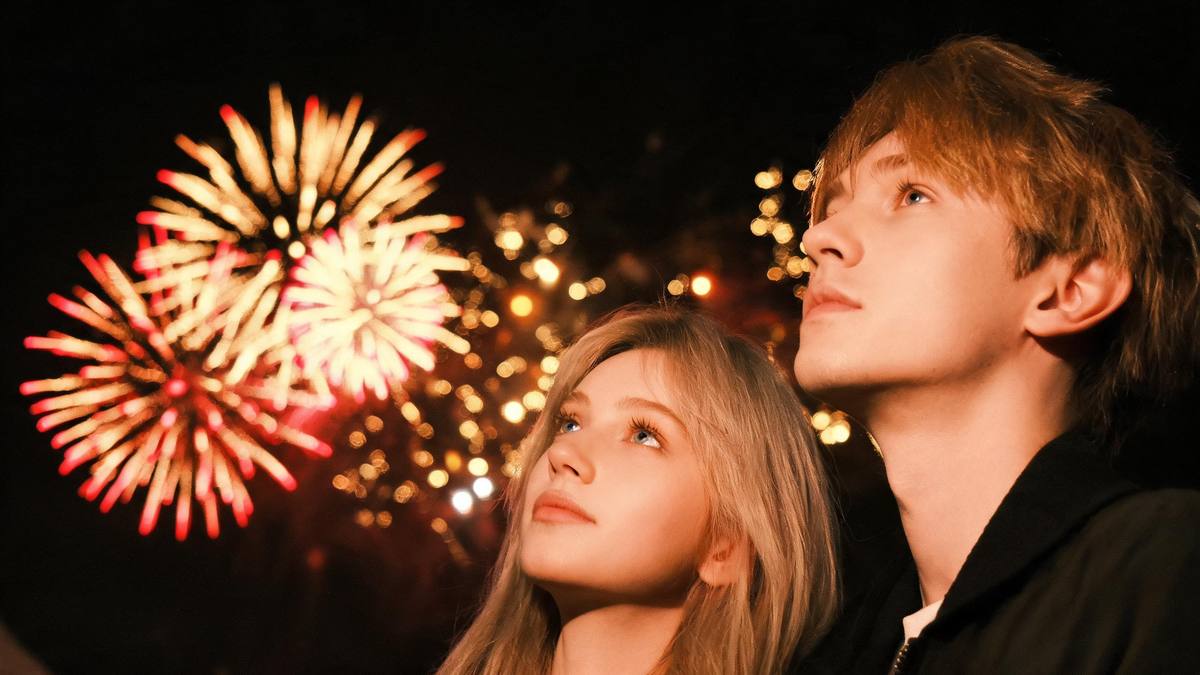
Fireworks footage is easy to find and hard to use. The problem is never the burst; it is that the burst and the subject belong to two different exposures. Drop one into the other and the eye notices the mismatch before it notices the fireworks.
Giving the subject a sparkler solves that in one move. The light source is now in the frame, close to the face, and it explains why anyone is standing there at all. Four seconds is enough for the light to catch and the sky to answer it, and not much more, which is why the length is fixed.
The limits are stated plainly on this page rather than buried: the burst is generated, the year in the sky comes from the template rather than from your photo, and empty hands are a requirement rather than a suggestion.
Credits and plans
Every effect draws on one shared credit balance.
Every effect draws on the same credit balance. This one costs 60 credits per run, shown before you confirm. Free accounts receive 30 credits every month with no card and no watermark on the output, which is enough to try it once before deciding whether to top up.
Related guides
Longer reads on the same workflow, from the OpenFilmo blog.
Image to Video AI: Animate Any Photo in Seconds
A complete guide to image to video AI: what makes a good source image, how to write motion prompts, top use cases, and how to fix …
AI Video Prompt Formulas That Hold Up in Production
Prompt structures that work for AI video: subject, motion, camera, time and style — with tested formulas, failure patterns and a m…
AI Video Cost Per Minute: The Real Numbers in 2026
How to calculate true AI video cost per finished minute: generation price, regeneration waste, edit time and iteration, with worke…
Related effects
Same family of effects, on the same kind of input.
Frequently asked questions
Can I use a photo of two people?
Yes. The template accepts one person or several in a single photo, and in a group every visible person is given their own sparkler. Front-facing frames with empty hands work best either way.
Can I set the year that appears in the fireworks?
No. The year written across the burst comes from the source template rather than from your photo, so it is not a setting you control. Everything else — the sparkler, the burst and the reaction — is generated from your photo.
Why is my result 4 seconds and 720p?
Four seconds at 720p is the fixed specification of this effect, published here so you know before you spend credits. It is long enough for the sparkler to catch and the sky to answer, and it keeps the cost at 60 credits per run.
What kind of photo works worst?
Hands that are already holding something, subjects turned away from the camera, and busy backgrounds directly behind the subject. All three remove information the effect needs to place the sparkler and open the burst cleanly.
Can I use the clip commercially?
Yes. Output is yours to publish, including in paid posts, on every plan including the free tier. The only restriction is the source photo: use an image you own or have permission to use.