
New Year effect
An Entrance, Then an Embrace
The good version of this effect is not a cut to a hug. It is a walk-in: the subject turns, the figure arrives from outside the frame, and only then do the arms close. This template stages the whole approach.
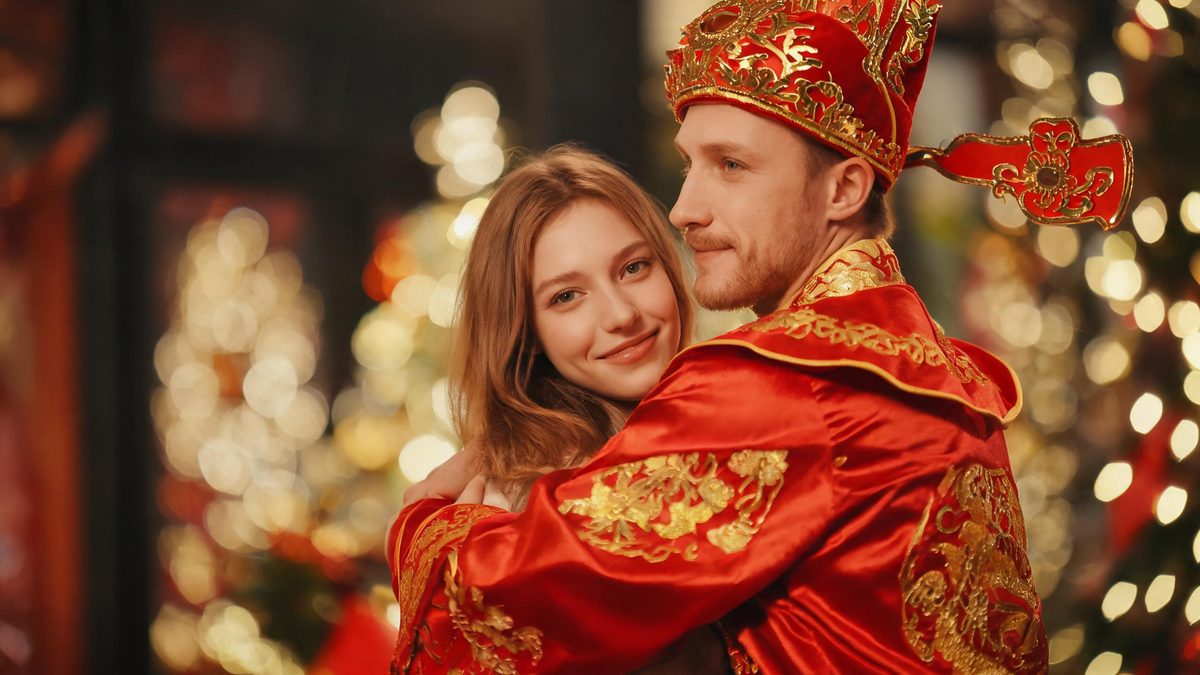
A hug that starts already finished is a photograph. A hug where someone arrives is a scene, and the arrival is the only part that needs space, timing and a frame wide enough to hold it.
This template takes three photos — one of the person, plus the built-in slots for the figure and the background — and stages the approach: the subject shifts into a pose that can be hugged, the God of Wealth walks in from outside the frame, and the embrace lands. You get a 4-second 720p video for 60 credits per run.
Specs at a glance
Straight from the product panel, not from a marketing deck.
- Output
- 4-second video
- Credits
- 60 per run
- Resolution
- 720p
- Aspect ratio
- Matches your input photo
- Input
- 3 photos — one of the person; the God of Wealth and the background are supplied as built-in images
- Best results with
- A single front-facing subject with open space on one side, so the figure has somewhere to walk in from
- Known limits
- This is the only template in the group that needs three images: your person plus the two built-in slots for the figure and the background. Single subject only. The hug is staged rather than instant — the subject is first moved into a pose that can be hugged, and the figure walks in from outside the frame, so a tight crop that fills the edge to edge leaves no entrance. The template also insists on exactly one God of Wealth.
What it does
Built for this specific job, not a generic editor.
The approach is staged
The subject is first moved into a pose that can be hugged before the figure arrives. That intermediate beat is what separates a scene from a cut, and it is why the template asks for open space rather than a tight crop.
Three images, and two are built in
This is the only template in the group that needs three images. Your person is the one you supply; the figure and the background come from built-in slots, so you are not hunting for a usable reference photo of either.
One guest, enforced
The template insists on exactly one God of Wealth. A second figure arriving with the first is the most common failure in entrance effects, and it is ruled out here by design.
Real output specs
Four seconds at 720p, aspect ratio inherited from your source photo, 60 credits per run, shown before you confirm. The free tier includes 30 credits every month.
How it works
Four steps, no timeline to learn.
Choose one clean subject photo
This template accepts a single subject only. Pick a front-facing photo of one person, framed from the waist up or full body, with open space on one side so the figure has somewhere to walk in from.
Use the built-in slots
The figure and the background are supplied by the template rather than by you. What matters is that your person photo is front-facing and uncluttered, because it has to sit believably beside a generated figure.
Watch the arrival, not the embrace
The beat that matters is the walk-in. If the hug begins without an approach, the framing left no room for the entrance — try a wider photo with more space beside the subject.
Re-run with more side room
A second attempt with a wider frame usually produces a cleaner approach and a better-timed embrace. Each run costs 60 credits, so choose the photo with the most open space first.
Where people use it
The jobs this effect actually gets used for.
A New Year greeting
A walk-in hug is warmer than a static greeting and needs no caption. It posts cleanly to a story or a private message.
A family post
The staged approach gives the clip a beginning, which is what makes it feel like a moment rather than a loop of two people standing together.
An opener for a recap
Four seconds with an entrance is a clean first beat for a short edit, and it sets a warm register before any text appears.
Testing an entrance on camera
Creators planning a real two-person shoot use this to preview how an arrival reads before arranging the blocking and the camera position.
Why the entrance is the whole effect
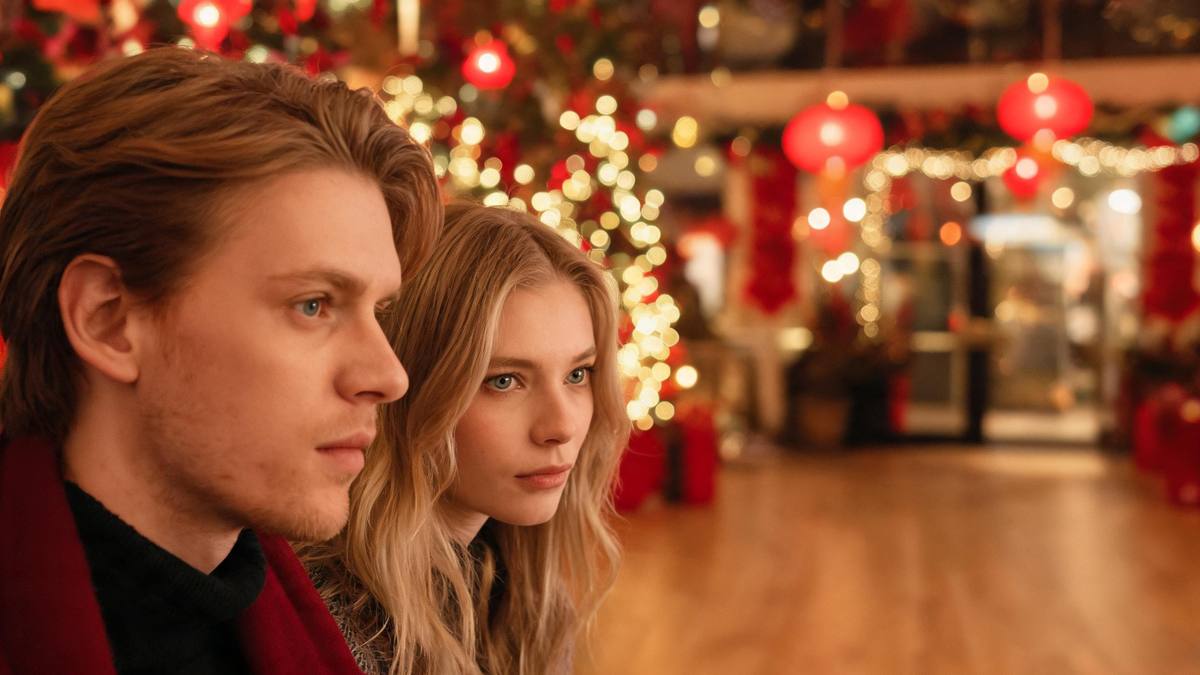
Anyone can composite a hug. An arrival has to be built.
The reason generated embraces usually look wrong is not the arms; it is that nobody arrived. Two figures are already standing together when the clip starts, so the viewer never sees the moment that would have made it a scene.
Staging the approach fixes that. The subject turns, the figure enters from outside the frame, and the embrace is the consequence rather than the premise. Four seconds is enough for that sequence and not much more.
The honest limits are on this page: three images with two of them built in, a single subject only, and a requirement for open space beside the subject so the entrance has somewhere to happen.
Credits and plans
Every effect draws on one shared credit balance.
Every effect draws on the same credit balance. This one costs 60 credits per run, shown before you confirm. Free accounts receive 30 credits every month with no card and no watermark on the output, enough to test the effect once.
Related guides
Longer reads on the same workflow, from the OpenFilmo blog.
Image to Video AI: Animate Any Photo in Seconds
A complete guide to image to video AI: what makes a good source image, how to write motion prompts, top use cases, and how to fix …
Character Consistency in AI Video: What Actually Works
How to keep characters consistent across AI video shots: reference images, prompt discipline, key frame locking and post-hoc corre…
AI Video Generator for YouTube: Growth Workflow
How to use an AI video generator for YouTube: B-roll, Shorts, intros and thumbnails, a weekly workflow, plus monetisation and disc…
Related effects
Same family of effects, on the same kind of input.
Frequently asked questions
Why does this one need three photos?
It is the only template in the group with a three-image input: one photo of the person, plus built-in slots for the figure and the background. The other New Year templates in this group take a single photo.
Can I supply my own God of Wealth image?
The figure and the background come from built-in slots in this template, so you supply only the photo of the person. Other templates in the library do let you bring your own reference images.
Can I use a photo of two people?
No. This template accepts a single subject only. For two people in one photo, the finger heart or toast templates accept groups instead.
What kind of photo works worst?
Tight crops that fill the frame edge to edge, subjects turned away from the camera, and photos with no clear space beside the subject. All three leave the figure nowhere to enter from.
Can I use the clip commercially?
Yes. Output is yours to publish, including in paid posts, on every plan including the free tier. The only restriction is the source photo: use an image you own or have permission to use.