
AI Architecture Photo Prompts for Structures
An architecture prompt describes a building, the line and the light. Use these to plan a frame or to preview a structure before you visit.
These AI architecture photo prompts are written for buildings and spaces, with no people required, so the results stay clean and free of any consent questions. They describe form, material and light, never anything explicit.
Architecture photography is about line and proportion. The prompts below lean into symmetry, natural light and honest materials — concrete, glass, brick — so the structure is the clear subject. Copy one and swap in your own building.
The core idea
Four principles behind every prompt on this page.
Lead with a line
A roof edge, a colonnade, or a stair gives the eye a path. Name the line so the frame has order.
Light reveals form
Side light and raking light expose texture. Flat front light hides the very detail you want.
Honest material
Name concrete, glass, or brick. The material is half the story of any building.
No people needed
Pure structures avoid consent issues entirely. If you add a figure, keep them tiny for scale.
Step-by-step
The order that keeps you from debugging five things at once.
Pick a view
Facade, interior, or bridge — the groups below cover the common architecture looks.
Copy a prompt
Use the Copy button. Each prompt already includes light and form, so it runs as written.
Name your building
Replace the generic structure with your own, or keep it generic while exploring style.
Generate a few
Free covers about fifteen images a month. Try two or three angles before keeping one.
Export
Export with no watermark on Free. If the building is real and recognizable, label it honestly when you share.
Prompt recipes
Paste as-is, then swap the subject for yours. Use Copy on any card.
Concrete facade
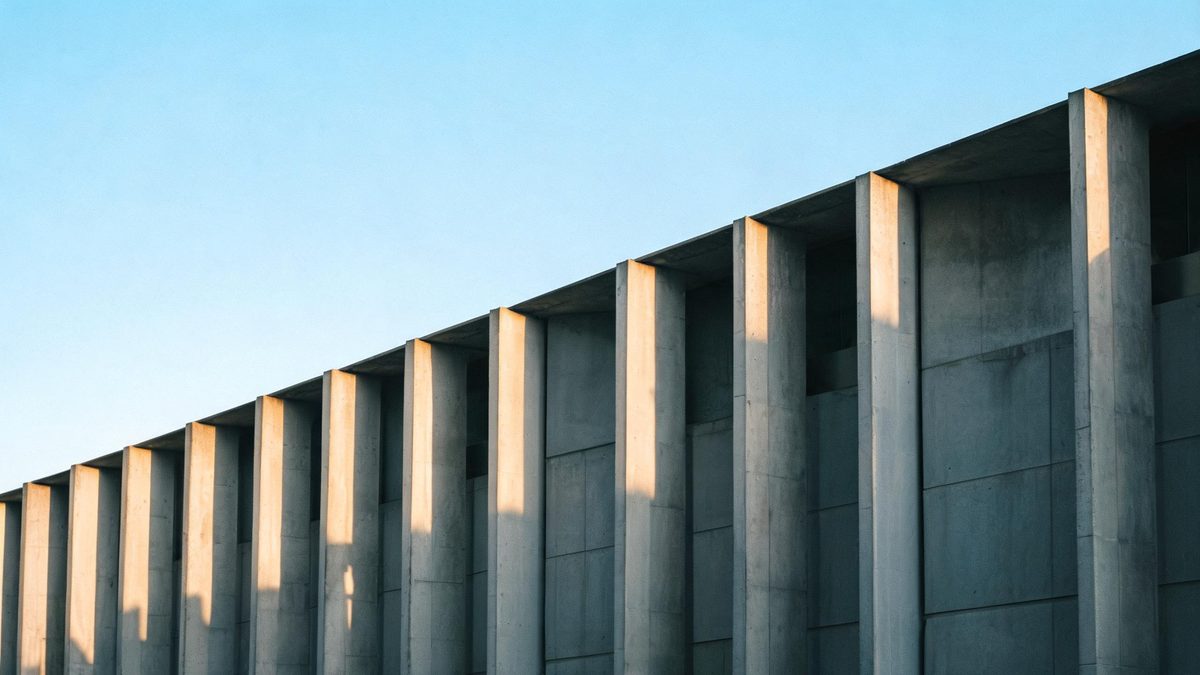
Architecture photo, a concrete facade with strong vertical lines, side light, clear sky, no text, no watermark.
Why it works: Side light exposes the texture that makes concrete interesting.
Glass atrium
Architecture photography, a glass atrium with soft daylight, clean lines, no text, no watermark.
Why it works: An atrium gathers even light and shows the structure's order.
Stair spiral
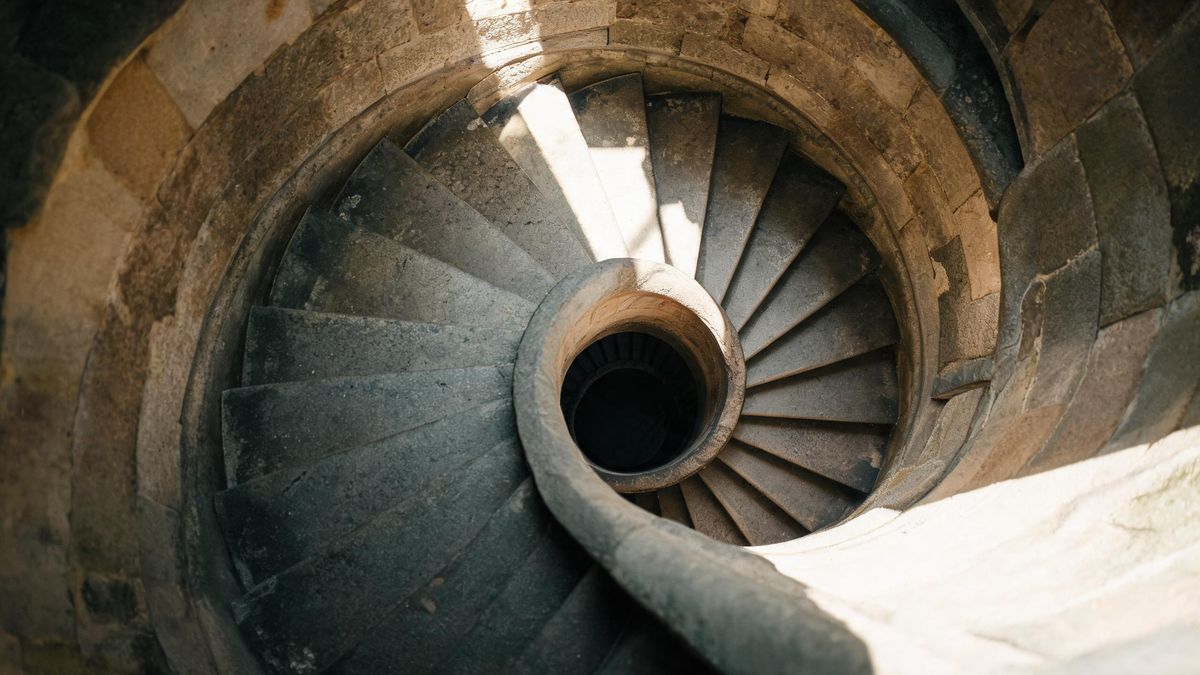
Architecture photo, a spiral staircase from above, raking light, geometric, no text, no watermark.
Why it works: A spiral is a ready-made compositional center.
Bridge span
Architecture photography, a long bridge at golden hour, clean lines, wide shot, no text, no watermark.
Why it works: Golden hour warms the steel and gives the span a calm weight.
Brick interior
Architecture photo, a brick interior with arched windows, soft light, no text, no watermark.
Why it works: Arches repeat as a rhythm that the eye reads as rhythm, not clutter.
Modern lobby
Architecture photography, a minimal lobby with a stone floor, even light, no text, no watermark.
Why it works: Minimal space shows proportion better than a decorated one.
Roof geometry
Architecture photo, a tiled roof seen from below, angular light, no text, no watermark.
Why it works: Looking up turns a roof into pure geometry.
Courtyard
Architecture photography, a quiet courtyard with a tree, soft shade, calm mood, no text, no watermark.
Why it works: A courtyard frames the sky and keeps the building as the subject.
Common mistakes
The ones that account for most weak results.
Flat front light
Head-on light hides form. Use "side light" or "raking light" to expose texture.
No material
"A building" tells the model nothing. Name concrete, glass, or brick so it has character.
Crooked lines
Tilted verticals read as amateur. Ask for straight, symmetric framing.
Busy sky
A messy sky distracts. Name "clear sky" or "soft light" so the structure leads.
Why architecture prompts need a line
An architecture frame fails when it has no order. The prompt has to name the form and the light.
A building in a frame is not automatically architecture. The viewer reads the structure from line and proportion, so the prompt must name them. Without order, the model produces a flat box.
Light does the form work. Side light and raking light expose texture and depth; flat front light hides the detail that makes a building worth photographing. Naming the light is the cheapest way to reveal form.
Pure structures avoid the consent risk entirely because no recognizable person is required. If you add a figure for scale, keep them tiny and anonymous, and the result stays safe to share.
Practise it in OpenFilmo
Every recipe on this page runs in the same workspace.
One image costs 2 credits and a 4K upscale costs 4. The Free plan gives you 30 credits every month with no credit card, no watermark and commercial use included — roughly fifteen images before you pay anything. Paid plans start at $9 for 400 credits and add faster generation and parallel tasks.
Related guides
Longer reads on the same workflow, from the OpenFilmo blog.
AI Video Prompt Formulas That Hold Up in Production
Prompt structures that work for AI video: subject, motion, camera, time and style — with tested formulas, failure patterns and a m…
Free AI Video Generator: No Watermark, No Card
Compare free AI video generators in 2026: free tiers, watermarks, resolution caps and commercial rights — plus when upgrading actu…
Image to Video AI: Animate Any Photo in Seconds
A complete guide to image to video AI: what makes a good source image, how to write motion prompts, top use cases, and how to fix …
AI Video Watermarking and C2PA: Provenance Explained
How AI video watermarking, embedded metadata and C2PA content credentials differ, what survives re-encoding and screenshots, and h…
Related prompt collections
More copy-ready prompt sets on the same problem.
Frequently asked questions
Are these architecture prompts appropriate?
Yes. They describe buildings, materials and light only, with no explicit content and no people required.
How many can I generate free?
The Free plan gives 30 credits a month with no credit card, about fifteen images, and exports carry no watermark. One image costs 2 credits.
Why does my building look flat?
Usually front light or missing material. Add "side light" and name concrete, glass, or brick.
Can I add a person for scale?
Yes, but keep them tiny and anonymous. A recognizable individual depicted without consent is not safe to use.
Can I upscale an architecture photo?
Yes. The Free plan image upscaler can sharpen and enlarge a result for a larger, crisper file.
Video prompt collections
Copy-ready prompt sets for text-to-video, image-to-video, product, UGC, social and tutorial clips.