
AI Pet Photo Prompts for Dogs and Cats
A pet prompt describes the animal, the setting and the light. Use these to plan a frame or to preview a portrait of your own pet.
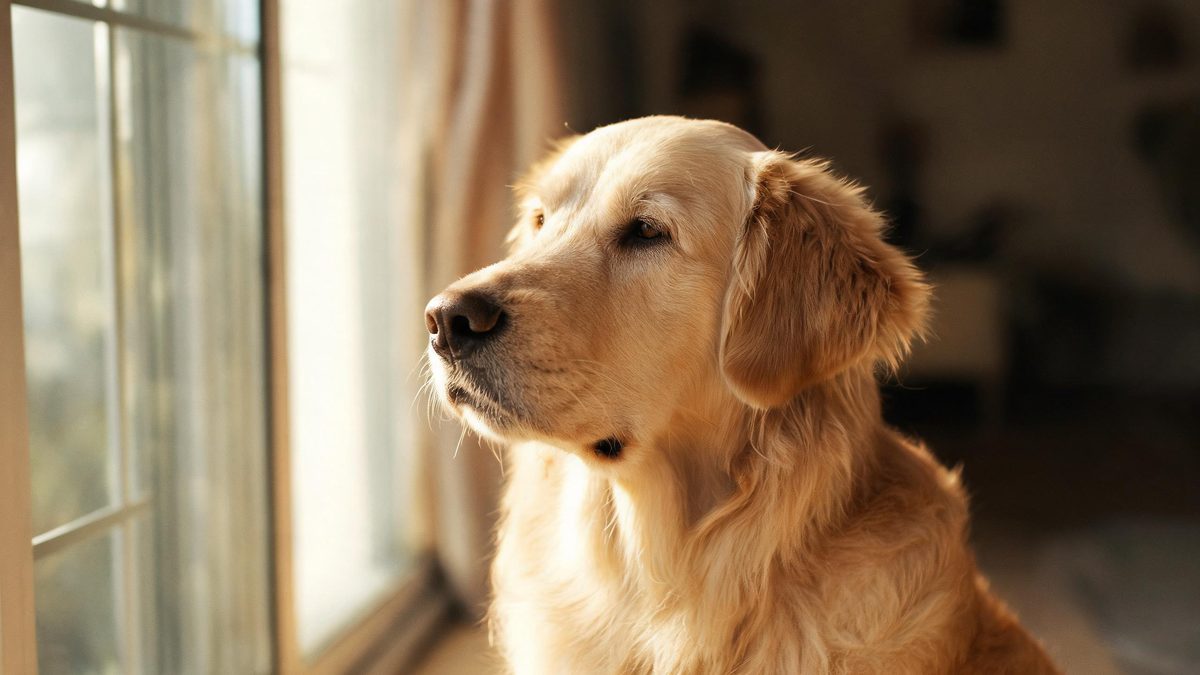
These AI pet photo prompts are written for animals — dogs, cats, and small companions — which carry no consent questions at all, so the results stay wholesome and shareable. They describe coat, pose and light, never anything explicit.
Pet photography is about personality and a soft setting. The prompts below lean into natural light and a calm background, so the animal is the clear subject. Copy one and swap in your own pet.
The core idea
Four principles behind every prompt on this page.
Eye-level framing
Shoot from the animal's height, not yours. Eye level is what makes a pet portrait feel personal.
Soft light only
Window light and open shade flatter fur. Hard sun creates blown highlights and angry eyes.
Calm background
A blurred floor or grass keeps the animal clear. Name a soft background so the eye settles.
No consent risk
Animals need no permission, so pet prompts are the safest image type to generate and share.
Step-by-step
The order that keeps you from debugging five things at once.
Pick a subject
Dog, cat, or small animal — the groups below cover the common pet looks.
Copy a prompt
Use the Copy button. Each prompt already includes light and pose, so it runs as written.
Describe your pet
Replace the generic animal with your own, or keep it generic while exploring style.
Generate a few
Free covers about fifteen images a month. Try two or three poses before keeping one.
Export
Export with no watermark on Free. If the pet is real and recognizable, label it honestly when you share.
Prompt recipes
Paste as-is, then swap the subject for yours. Use Copy on any card.
Dog by window
Pet photo, a dog sitting by a window, soft daylight, calm expression, blurred room behind, no text, no watermark.
Why it works: Window light is the most flattering honest light and signals "at home."
Cat on rug
Pet photography, a cat lying on a wool rug, warm side light, relaxed pose, no text, no watermark.
Why it works: A rug gives the cat a soft, contained stage that reads as cozy.
Puppy outdoors
Pet photo, a puppy on green grass, open shade light, happy mood, no text, no watermark.
Why it works: Open shade is even and forgiving on young fur.
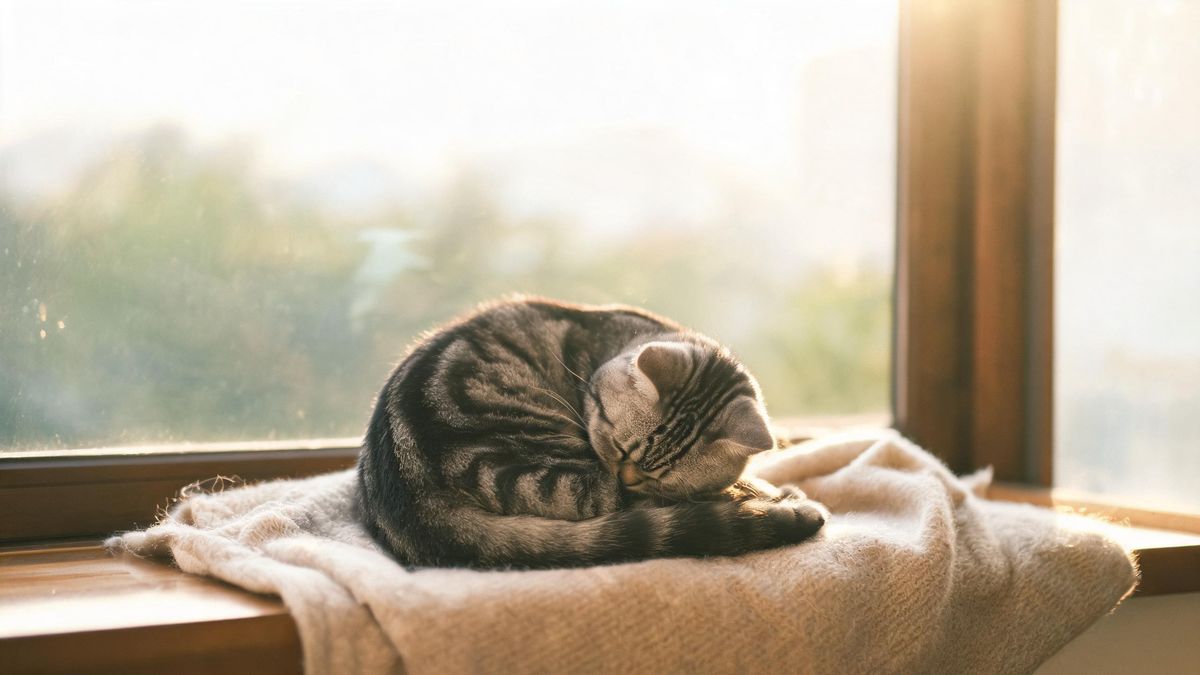
Sleeping kitten
Pet photography, a kitten curled asleep, soft light, tiny detail, no text, no watermark.
Why it works: A sleeping pose is the calmest, most shareable pet subject.
Dog portrait
Pet photo, a dog head-and-shoulders at eye level, plain wall, even light, no text, no watermark.
Why it works: Eye-level and a plain wall make it read as a real portrait.
Two pets
Pet photography, a dog and a cat together, soft light, gentle mood, no text, no watermark.
Why it works: Two animals add a small story without any person in frame.
Rabbit close
Pet photo, a small rabbit close up, soft light, curious look, no text, no watermark.
Why it works: A close-up on a small animal highlights texture and personality.
Pet with toy
Pet photography, a dog holding a toy, natural light, playful mood, no text, no watermark.
Why it works: A toy gives the animal a reason to look engaged, not blank.
Common mistakes
The ones that account for most weak results.
Top-down angle
Shooting from above makes pets look small and odd. Use "eye level" to keep it personal.
Hard sun
Bright sun blows out fur and narrows eyes. Add "soft light" or "open shade."
Busy background
Clutter competes with the animal. Name a blurred or plain background so it stays the subject.
No expression
A blank stare reads as stiff. Add a toy or a curious look for life.
Why pet prompts are the safest to start
A pet frame has no consent risk, so the prompt can focus purely on light and personality.
An animal in a frame is automatically wholesome. Pets need no permission to depict, so the usual consent questions simply do not apply, which makes pet prompts the lowest-risk image type.
Light still does the work. Window light and open shade flatter fur and keep eyes soft; hard sun creates blown highlights. Naming the light is the cheapest way to make a pet look real.
Because there is no person to worry about, you can focus on the fun part — personality. Eye level, a toy, and a calm background are what turn a generic animal into a portrait you would actually keep.
Practise it in OpenFilmo
Every recipe on this page runs in the same workspace.
One image costs 2 credits and a 4K upscale costs 4. The Free plan gives you 30 credits every month with no credit card, no watermark and commercial use included — roughly fifteen images before you pay anything. Paid plans start at $9 for 400 credits and add faster generation and parallel tasks.
Related guides
Longer reads on the same workflow, from the OpenFilmo blog.
AI Content Labeling Rules: What You Must Disclose in 2026
What AI content labelling rules require: what to disclose, where human review is mandatory, and how platform rules differ from law…
Text to Video AI: Turn Any Prompt Into Video
Learn how text to video AI works, the four-part prompt formula that produces usable clips, how to fix common failures, and where i…
Character Consistency in AI Video: What Actually Works
How to keep characters consistent across AI video shots: reference images, prompt discipline, key frame locking and post-hoc corre…
AI Video Upscaling to 4K: Refiners, Settings and Limits
How AI video upscaling and one-step refiners work, when to upscale versus regenerate at native resolution, and the settings that a…
Related prompt collections
More copy-ready prompt sets on the same problem.
Frequently asked questions
Are these pet prompts safe to share?
Yes. Animals need no consent to depict, so these are the lowest-risk prompts on the site — wholly wholesome and non-explicit.
How many can I generate free?
The Free plan gives 30 credits a month with no credit card, about fifteen images, and exports carry no watermark. One image costs 2 credits.
Why does my pet look stiff?
Usually a blank expression or top-down angle. Add a toy and use "eye level" to bring back personality.
Can I make a portrait of my own pet?
Yes. Replace the generic animal with your pet's description and keep the light soft for a real portrait.
Can I upscale a pet photo?
Yes. The Free plan image upscaler can sharpen and enlarge a result for a larger, crisper file.