
Warm moment effect
Someone Walks In With Flowers
This effect animates the most recognisable small gesture there is: a second figure enters, holds out a bouquet, and the person in the photo reacts. One half-body photo is the whole input.
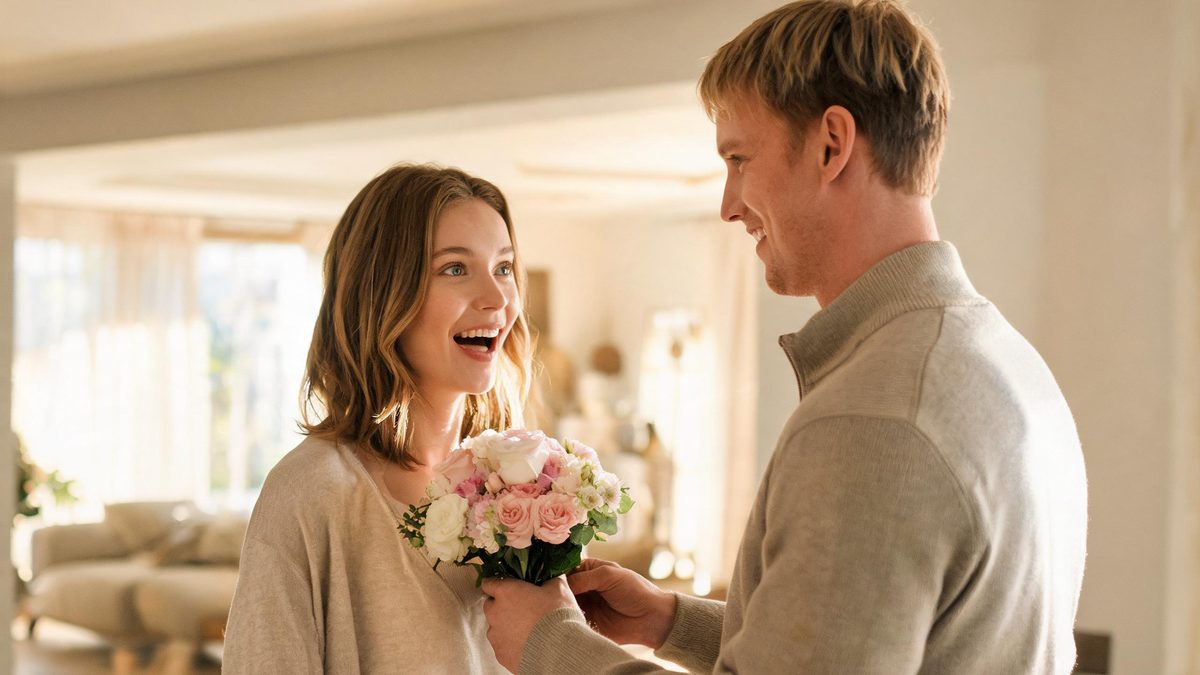
Flowers work on camera for the same reason they work in real life: the gesture is unmistakable. There is nothing to explain and no caption required. The interesting part of the clip is not the bouquet, it is the half-second where the person realises one is arriving.
The effect takes a single photo of one person, framed half-body or closer, and returns a 4-second 720p video where a partner walks in from off-frame and hands the bouquet over. It costs 60 credits per run, and the aspect ratio follows your source photo.
Specs at a glance
Straight from the product panel, not from a marketing deck.
- Output
- 4-second video
- Credits
- 60 per run
- Resolution
- 720p
- Aspect ratio
- Matches your input photo
- Input
- 1 photo — one person, half-body or closer
- Best results with
- A front-facing half-body frame where the subject is already looking towards the camera
- Known limits
- In a full-body source the handover often turns into flowers arriving on their own rather than being carried in. When the subject stands sideways or faces away, the turn towards the camera can break up, and the bouquet size is not controllable.
What it does
Built for this specific job, not a generic editor.
A handover, not falling petals
The bouquet is carried in and offered, with the partner entering from the side of the frame. That makes it a two-person moment rather than a decorative overlay, which is the difference between a clip that feels staged and one that does not.
The reaction beat is preserved
The sequence leaves room for the subject to register the surprise before the clip ends. Small expressions carry the scene, and the four-second length keeps the moment from overstaying.
One photo, nothing else
There is no second upload, no mask to paint and no prompt to write. The subject is the only person you have to provide, which is what makes the effect usable on a photo that already exists.
Stated specs
Four seconds, 720p, 60 credits per run, aspect ratio matched to the source. Every number on this page is the number the product panel shows.
How it works
Four steps, no timeline to learn.
Choose a front-facing half-body frame
The subject should already be looking towards the camera. A photo taken mid-conversation, turning towards the lens, is the ideal input because the effect does not have to rotate the head far.
Avoid full-body wide shots
With a full-body source the handover frequently becomes flowers appearing on their own. A half-body frame keeps the gesture readable and the partner in proportion.
Check hands and props
Empty hands give the best result. If the subject is holding a phone, a cup or a bag, that object competes with the bouquet and the gesture can break apart.
Run once, judge the handover
The first attempt tells you most of what you need to know. If the second figure never appears to carry anything, switch to a closer, more frontal photo rather than re-running the same one.
Where people use it
The jobs this effect actually gets used for.
Birthdays and anniversaries
A clip that shows a bouquet arriving says the same thing as a card and takes less time to send. It suits a story or a direct message where a photo would feel flat.
Long-distance moments
For couples apart, the gesture is the point: something being handed over reads as presence in a way a still image cannot.
Small business and florist posts
Florists and gift shops can use the effect on customer photos to show what a delivery moment looks like, without a studio shoot or a second model.
Testing a surprise reveal
Anyone planning an actual surprise can preview how the moment reads before committing to the real thing, which is cheaper than a reshoot.
Why the gesture beats the bouquet
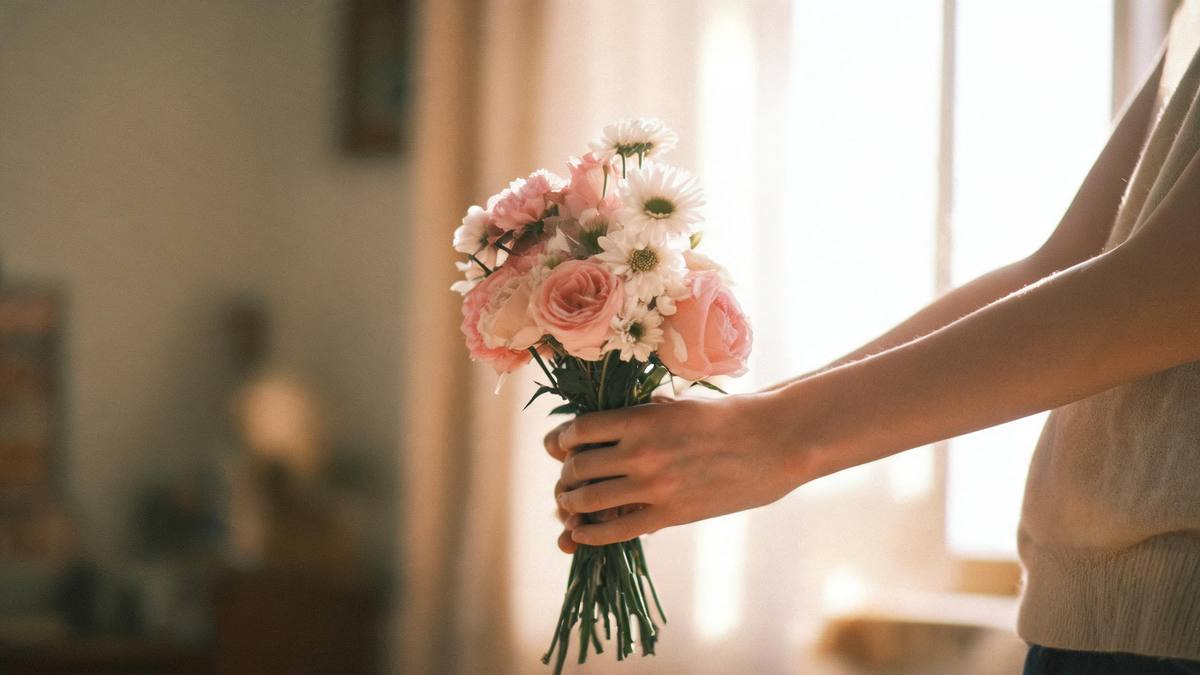
A flower is decoration. A hand holding it out is a relationship.
Stock footage of bouquets is everywhere and almost none of it carries feeling, because the flowers are photographed alone. What people actually remember is the two seconds where someone notices what is being handed to them.
That is the part this effect is built around: the entrance, the offer, the reaction. The bouquet itself is deliberately conventional, because an unusual arrangement would pull attention away from the reaction.
It also means the effect works on the photos people already have. A single half-body frame from a phone is enough — no second shoot, no stand-in, no studio.
Credits and plans
Every effect draws on one shared credit balance.
One run costs 60 credits, shown before you confirm. The free tier includes 30 credits per month with no card and no watermark, so a first attempt is effectively free. Paid plans add credits and faster queues — see the pricing page for current numbers.
Related guides
Longer reads on the same workflow, from the OpenFilmo blog.
Image to Video AI: Animate Any Photo in Seconds
A complete guide to image to video AI: what makes a good source image, how to write motion prompts, top use cases, and how to fix …
Character Consistency in AI Video: What Actually Works
How to keep characters consistent across AI video shots: reference images, prompt discipline, key frame locking and post-hoc corre…
AI Video Cost Per Minute: The Real Numbers in 2026
How to calculate true AI video cost per finished minute: generation price, regeneration waste, edit time and iteration, with worke…
Related effects
Same family of effects, on the same kind of input.
Frequently asked questions
Do I need to photograph two people?
No. You upload one photo of one person and the partner who carries the flowers is generated. Two-person photos suit the piggyback and back hug templates better.
Can I pick which flowers appear?
The bouquet is generated by the effect rather than chosen by you, and its size is not controllable. What you can influence is the framing: the gesture reads far better in a half-body shot than a full-body one.
What if the second person never appears?
That usually means the framing is too wide or the subject is turned too far from the camera. Try a closer, front-facing half-body photo — the entrance needs space and a clear eyeline into the lens.
Is 60 credits a lot for a 4-second clip?
It is the same rate as the other warm-moment effects that generate a second person. Effects that only animate the subject already in the photo, such as blown kiss, cost 40. Free accounts get 30 credits monthly, so a paid top-up is only needed for repeated runs.
Will the clip work as an advert?
Yes. Output can be used commercially on every plan, including free. Just make sure you have the rights to the source photo before you upload it.