
Swap a Face Without Leaving the Browser
The work is one edit, not a deepfake factory. You supply both images, you choose where the swap lands, and you export a single result.
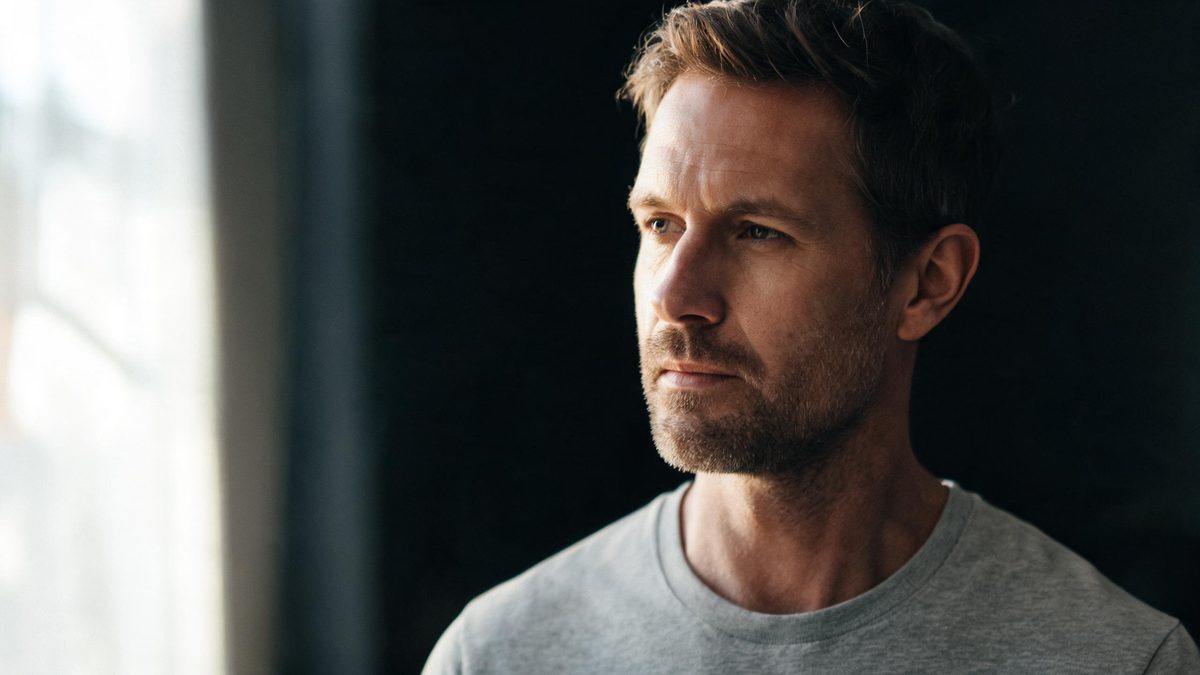
AI face swap, on this page, means replacing one face with another inside a still image or a short clip that you already have the right to use. The workspace is OpenFilmo and runs entirely in the browser at app.openfilmo.com, so there is nothing to install and no desktop app to keep updated. You bring a base image and a face source, the edit maps the new face onto the original lighting and angle, and you get back one result you can review before exporting.
This page is about that single edit and the judgement around it: whose faces you may use, how to keep the lighting believable, and where the result stops being honest. It is deliberately narrow. Turning a swapped face into a moving clip, restyling its expression, or generating a face you then swap — those are separate jobs on the face editor page and the image-to-video page. Start there if your goal is motion rather than a still swap.
What it does
Built for this specific job, not a generic editor.
Face detection and alignment
The editor locates the face in both the base and the source, then aligns head pose, scale and roll before any blending. Working from aligned anchors is what keeps the swapped face from floating above the chin or twisting against the neck, which is the failure that makes a swap read as fake in the first half-second.
Lighting and skin-tone matching
A swap that ignores the original light looks pasted. The editor reads the key direction and colour temperature of the base shot and pulls the new face toward them, so a face shot in daylight does not land under an interior lamp looking like a cut-out. The match is approximate — it is not a relight — but it removes the most obvious seam.
One export, one credit cost
Each completed face edit is counted once against a single balance shared with the rest of the workspace; image-to-video and text-to-video draw on the same pool at the same rate. You are not billed per attempt, only per edit you actually keep, which makes a few careful comparisons cheaper than a scatter of guesses.
Still or short clip
The same face source can be applied to a still or carried into a five-second clip, where the face is held steady across the take rather than re-detected every frame. A clip is quoted at the video rate, so a moving swap costs more than a still one and is worth reserving for the shot that actually needs motion.
How it works
Four steps, no timeline to learn.
Confirm you may use both faces
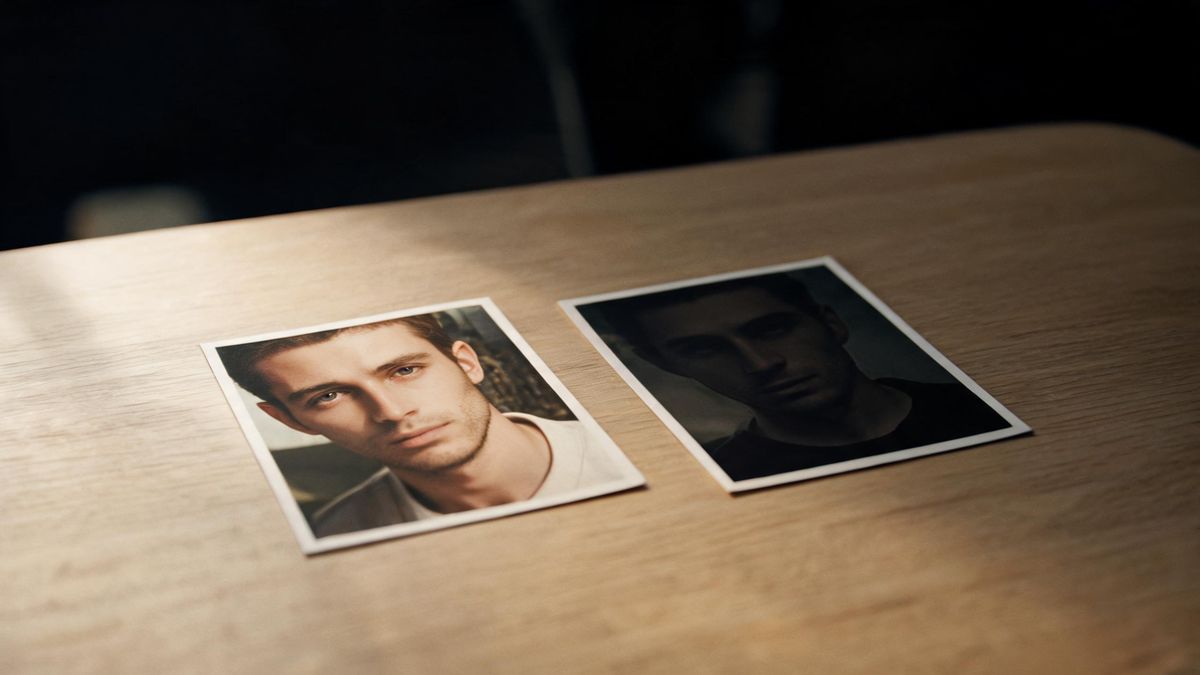
Before any generation, make sure you have the right to use each face — your own, a collaborator who agreed, or a licensed or generated source. The tool does not check this for you, and generating from a face you cannot show consent for is the one risk that no quality setting removes.
Pick a base with clear, even light
The edit has the easiest time when the base face is front-on, well lit and unobstructed. A harsh side light or a hand over the mouth forces the editor to guess, and a guess is where the seam appears. Spend the choice on the base, because the source only needs to be a clean face.
Run one, compare, keep or redo
Free gives 30 credits a month, which is about fifteen face edits, so a swap can be tried more than once. Change one thing between attempts — the source, the alignment, the crop — rather than regenerating blindly, and keep the take whose lighting matches the base.
Export and label if you publish
When the result is one you will share, export it with no watermark on the Free plan and, if the swap is not obvious, say so. Many regions now expect disclosure for altered faces, and a one-line note costs less than the trust you lose by omitting it.
What people use it for
The jobs this actually gets used for.
A profile picture with a consistent face
Apply one agreed face source across a set of stills so a campaign or a team page reads as the same person in every frame, without reshooting each setup.
A cameo inside an existing clip
Place a face that was not on set into a five-second insert where it is meant to be, holding steady across the take rather than flickering between frames.
A private edit you never publish
Replacing your own face in a personal photo to see a different hairstyle or expression is the lowest-risk use of all, and it stays on your machine until you choose to export.
A generated face, swapped into a scene
When the face is itself generated rather than photographed, the consent question goes away and the edit becomes a styling choice about where that face should sit.
Why consent is the whole job
The technology is the easy part. The right to use the face is the part that decides whether the result is usable at all.
A face swap lives or dies on permission, not on quality. An edit that is technically flawless but uses a face the publisher cannot show consent for is worse than useless, because the legal and platform exposure sits there regardless of how the pixels look. The editor cannot know your rights, so the check has to happen before the first generation, and it has to happen for both faces.
Quality itself has a ceiling that is worth respecting. The editor matches light and tone, but it is not a full relight, and it will not invent detail a source face does not have. Pushing a swap past what the anchors support produces the smoothed, melted look that makes viewers distrust the whole image — which is its own form of failure once the result is published.
Cost is the part people misjudge. Because one edit is two credits and Free covers about fifteen, a careful workflow is cheap; a careless one that regenerates ten times to chase a seam is not. Deciding the base and the source before generating, then changing one variable per attempt, is what keeps the credit count low and the result honest.
Credits and plans
Every tool draws on one shared credit balance.
One face edit costs two credits and is drawn from a single balance shared with the rest of the workspace; image-to-video and text-to-video use the same models at the same rate. Free is $0 a month for 30 credits with no credit card, which covers about fifteen face edits, runs one task at a time at standard speed, exports with no watermark and includes commercial use. Starter is $9 for 400 credits, Pro is $19 for 1,000, and Studio is $59 for 4,000 with API access. Prices are those listed on the pricing page in October 2026. A moving swap held across a five-second clip is charged at the video rate rather than the still rate.
Related guides
Longer reads on the same workflow, from the OpenFilmo blog.
Image to Video AI: Animate Any Photo in Seconds
A complete guide to image to video AI: what makes a good source image, how to write motion prompts, top use cases, and how to fix …
9 Best Pollo AI Alternatives in 2026 (Compared)
An honest 2026 comparison of the best Pollo AI alternatives: OpenFilmo, Runway, Kling, Hailuo, Luma and HeyGen compared on price, …
AI Content Labeling Rules: What You Must Disclose in 2026
What AI content labelling rules require: what to disclose, where human review is mandatory, and how platform rules differ from law…
Related tools
Closely related pages on the same problem.
Frequently asked questions
How much does one face swap cost, and what does Free cover?
Two credits per still face edit, drawn from one balance shared with the rest of the workspace. Free gives 30 credits a month with no credit card, which is about fifteen face edits, and it includes commercial use and exports with no watermark. A five-second clip that carries the swap is charged at the video rate instead.
Can I swap a face into a video?
Yes — the same face source can be applied to a still or held steady across a five-second clip. The clip is quoted at the video rate, so use motion only for the shot that actually needs it, and keep still swaps for everything else.
Is this legal to use on any photo?
The tool does not grant rights, and you are responsible for confirming you may use each face — your own, a collaborator who agreed, or a licensed or generated source. Swapping a face you cannot show consent for carries exposure that no quality setting removes, so the permission check has to happen before generating.
Will the swap look real?
The editor matches head pose and the base shot’s lighting and colour temperature, which removes the most obvious seam, but it is not a full relight and will not invent detail the source lacks. Pushing past what the anchors support produces a smoothed result that viewers tend to distrust, so a clean base and a one-variable-per-attempt workflow matters more than the model.
Do I have to disclose a swapped face?
If the swap is not obvious and you publish the result, a one-line note that the face was altered is the safer choice — several regions now expect disclosure for altered faces. The Free plan exports without a watermark either way.