
Enhance a Face by Recovering What Was There
Enhancement is recovery, not invention. The honest unit of work is the detail the original camera actually captured.
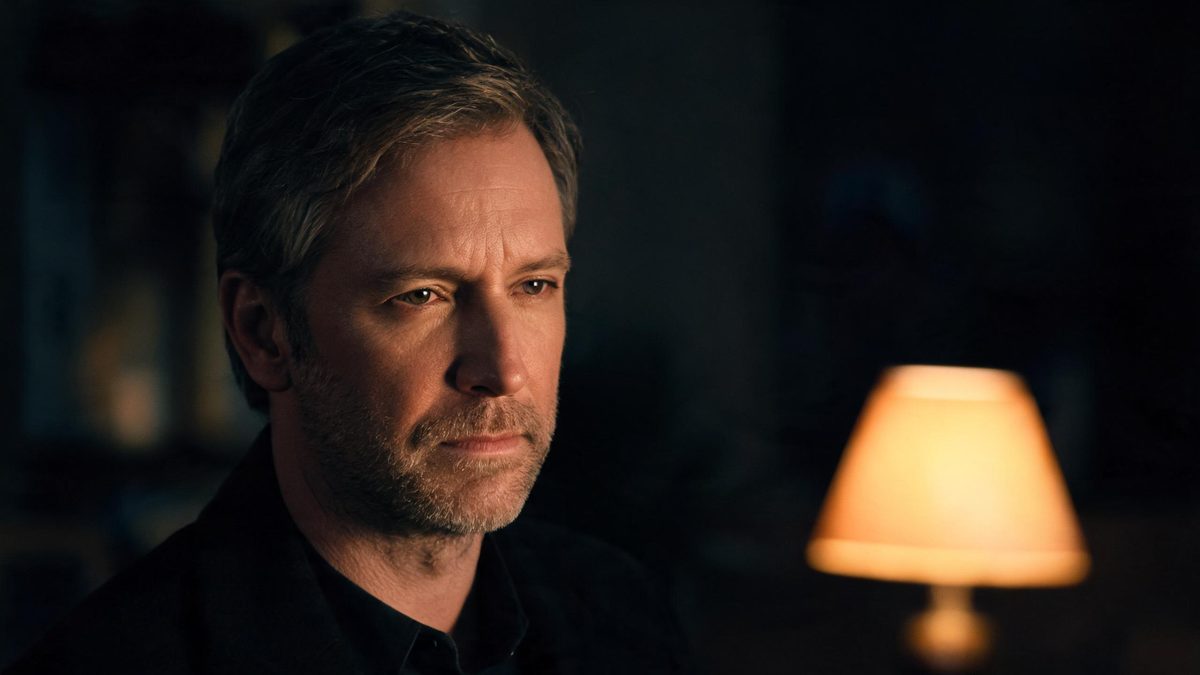
AI face enhancer, on this page, means recovering a portrait that a camera or a phone let down: a soft lens, a dim room, a low-resolution crop. The workspace is OpenFilmo and runs in the browser at app.openfilmo.com with nothing to install. You upload one portrait, the editor sharpens the face and lifts the exposure, and you review before exporting — the aim is a face that reads clearly, not a face that was rebuilt.
This page is about still enhancement and the line between recover and invent. Brightening a portrait, retouching a blemish, or restyling the face are neighbours on the face editor page; if the problem is a spot, retouch is the sharper tool, and if it is the whole expression, that is restyle. Stay here when the issue is clarity and light.
What it does
Built for this specific job, not a generic editor.
Detail recovery, not invented sharpness
The enhancer restores edges where the original held them, so a soft portrait regains definition without the halo and crunch that mark a fake upscale. The test is whether the detail was there to begin with; the tool recovers it rather than drawing it in.
Low-light and exposure lift
A face shot in a dim room or against a bright window gets its exposure balanced so the features read, without blowing the highlights or crushing the shadows into noise. The lift is local to the face, leaving the rest of the frame as shot.
Noise and softness reduction
A high-ISO phone shot or a heavily compressed crop carries both grain and blur; the editor reduces both together so the face steadies without looking painted. Reducing noise and recovering detail at once is what separates an enhancement from a blur.
One edit, shared balance
Each enhanced portrait is one entry against a single balance shared with the rest of the workspace, at the same two-credit rate as any other face edit. You are billed per edit kept, so a careful lift costs less than regenerating to chase one corner.
How it works
Four steps, no timeline to learn.
Decide what the photo is missing
Blurry, dark, or noisy are three different problems and three different amounts of work. Naming which one the portrait actually has tells you whether enhancement will help or whether the file is simply too small to recover.
Enhance once, review at full size
Free gives 30 credits a month, about fifteen edits, so a portrait can be tried more than once. Open the result at actual pixels before exporting, because a lift that looks right thumbnail-sized often betrays itself at print resolution.
Stop at recovery
When the face reads clearly and the noise is gone, export. Pushing the enhancer past recovery starts inventing detail the camera never captured, and that is where a portrait tips from enhanced to artificial.
Keep the rest of the frame honest
The lift is local to the face by design; let the background stay as shot. A sharpened face against a deliberately soft backdrop reads as a portrait, while a uniformly cranked image reads as processed.
What people use it for
The jobs this actually gets used for.
A soft phone portrait
A candid shot that missed focus on the face recovers enough definition to use, without reshooting the moment.
A dim-room headshot
A portrait taken in low light gets its features lifted so it reads on a profile or a team page, with the room left as it was.
A small cropped face
A face pulled from a larger photo, too small to print, gains the detail it needs to stand on its own as a crop.
An old digital photo
An early-digital portrait with softness and compression noise steadies into something worth reprinting or posting.
Why enhancement has a ceiling
The tool recovers detail the camera captured. It does not create detail it did not.
Enhancement is honest only when it stays within what the file holds. A soft portrait has the edges somewhere in the blur; lifting them is recovery. A tiny crop has no detail to find, and asking the enhancer to supply it produces a face that is sharp in the wrong way — smooth, plausible, and unrecognisable. Knowing which case you are in is the whole skill.
The second failure is over-lifting. A lift that pulls a dim face into the light is welcome; a lift that also flattens the shadows, blows the highlights, and scrapes the noise into a plastic finish is not. Local work on the face, leaving the frame around it, is what keeps an enhancement from reading as a filter.
Cost follows the same rule as the other face edits. One enhancement is two credits and Free covers about fifteen, so a portrait can be refined across attempts — but each attempt should change one setting. Regenerating to chase a corner the file simply cannot support is where the balance drains without the image improving.
Credits and plans
Every tool draws on one shared credit balance.
One enhancement costs two credits and is drawn from a single balance shared with the rest of the workspace; image-to-video and text-to-video use the same models at the same rate. Free is $0 a month for 30 credits with no credit card, which is about fifteen edits, runs one task at a time at standard speed, exports with no watermark and includes commercial use. Starter is $9 for 400 credits, Pro is $19 for 1,000, and Studio is $59 for 4,000 with API access. Prices are those listed on the pricing page in October 2026.
Related guides
Longer reads on the same workflow, from the OpenFilmo blog.
Image to Video AI: Animate Any Photo in Seconds
A complete guide to image to video AI: what makes a good source image, how to write motion prompts, top use cases, and how to fix …
AI Content Labeling Rules: What You Must Disclose in 2026
What AI content labelling rules require: what to disclose, where human review is mandatory, and how platform rules differ from law…
AI Video Watermarking and C2PA: Provenance Explained
How AI video watermarking, embedded metadata and C2PA content credentials differ, what survives re-encoding and screenshots, and h…
Related tools
Closely related pages on the same problem.
Frequently asked questions
How much does one enhancement cost, and what does Free cover?
Two credits per edit, from one balance shared across the workspace. Free gives 30 credits a month with no credit card — about fifteen enhancements — and includes commercial use and exports with no watermark. Paid plans start at $9 for 400 credits.
Can it fix a blurry photo?
It can recover a soft or mildly out-of-focus face if the detail was there to begin with. It will not invent sharpness a tiny or heavily blurred file never captured, so a very small crop or a badly missed-focus shot has a ceiling the enhancer cannot cross.
Will it brighten a dark portrait?
Yes — the lift is local to the face, balancing exposure so the features read without flattening the rest of the frame. The background stays as shot, which is what keeps the result reading as a portrait rather than a global filter.
Is this the same as upscaling?
Related but narrower. The enhancer recovers detail and lifts light in a portrait; an upscaler changes resolution. They draw on the same credit balance and the same two-credit rate, and are often used together, but they are not the same edit.
Can I use the result commercially?
Yes — commercial use is included on Free as well as paid plans, and exports carry no watermark. You remain responsible for having the right to use the portrait you upload.