
AI Coloring Page Generator
Make printable line art from a plain description or a photo you already have. Pick a subject, describe the style, and download a page ready for crayons.
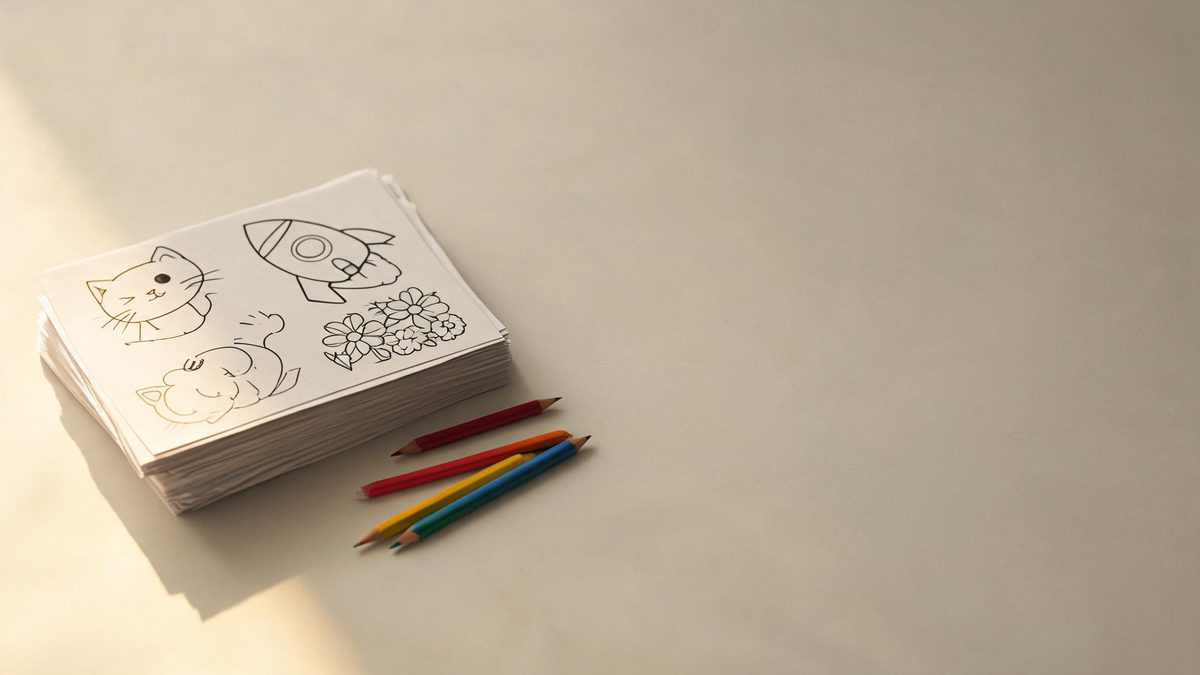
A coloring page looks simple. Thick clean outlines, a subject a child can recognise, enough empty space to stay interesting without becoming work. Producing one by hand takes a steady line and a fair amount of patience, which is why most people either download the same free sheets everyone else has or give up after a few attempts.
An AI coloring page generator starts from the other end. You describe the subject in ordinary language — a rocket over the moon, a cat asleep in a teacup, a dinosaur eating a sandwich — and the tool returns black line art on a white background. On OpenFilmo this runs through the AI image generator, the same image model behind the rest of the image tools. One page costs 2 credits, and the free plan gives you 30 credits a month with no credit card, no watermark and commercial use.
This page is a practical guide to getting a page that is actually enjoyable to color. It covers what the tool can and cannot draw, a repeatable prompt shape, the settings worth touching, and the small mistakes that turn a good outline into a muddy mess. No design background is assumed.
What an AI coloring page generator makes
A short list of what the image tool actually does when you point it at this job.
Text to line art
Type a subject and get a black-and-white outline on a white canvas. Ask for thick edges and large closed shapes, and the result reads clearly at print size instead of dissolving into detail.
Photo to coloring page
Upload up to seven reference images. The tool keeps the subject recognisable, so a family pet or a favourite toy becomes a page rather than a generic animal that only looks similar.
Ratios that fit real paper
Pick 1:1 for a square page, 3:4 or 4:3 for something close to A4, or 16:9 for a landscape scene. Output resolution goes up to 4K when a page needs to be printed large.
Control with a seed
Set the seed to hold a look steady across a batch. If one page has the line weight and character style you want, keeping the seed makes the next pages feel like a set.

How to make a coloring page in four steps
No drawing skill needed — the wording does most of the work.
Choose one clear subject
A coloring page works best when a single thing owns the frame. Decide first whether it is an animal, a vehicle, a plant or a scene, and leave the background almost empty. Busy scenes are the most common reason a page is hard to color.
Describe the lines, not just the subject
Say what the ink should look like: bold black outlines, clean white background, no shading, no color, simple shapes. Without that instruction the model often returns a finished illustration with tone and texture, which leaves little to color.
Set ratio and reference
Use 3:4 or 4:3 for a printable sheet. If the page is based on a real animal or object, add a reference photo so the result stays faithful. Prompts allow up to 2,000 characters, which is more than enough for a subject plus a short style note.
Generate, inspect, then print
Each image costs 2 credits and usually finishes quickly. Look at the exported page before printing: check that the outlines close, that small shapes are not solid black, and that nothing important sits right at the edge.
Prompt recipes you can copy
Each one is a complete prompt. Paste it into the image tool, swap the subject, and keep the line-style words at the end.
A friendly rocket flying over a simple crescent moon, bold thick black outlines, large closed shapes, plain white background, no shading, no color, no text, centered, coloring page style
Why it works: Thick outlines and large closed shapes give small hands a clear boundary to stay inside, and the empty background keeps the picture readable.
A cartoon cat sleeping curled up inside a teacup, clean black line art only, smooth continuous outlines, white background, minimal internal detail, no shading, no text, printable coloring page
Why it works: Continuous outlines are easier to fill than broken ones. Asking for minimal internal detail stops the model from packing the body with decorative marks.
Turn the referenced dog into a simple black and white coloring page, keep the same face shape and floppy ears, bold clean outlines, plain white background, no shading, no text
Why it works: Naming the features that matter — face shape, ears — tells the model what to preserve instead of inventing a different breed.
A detailed garden of flowers and leaves in black line art, flowing botanical outlines, varied flower shapes, evenly spaced, white background, no shading, no color, no text, adult coloring page
Why it works: More varied shapes and closer spacing add the detail that makes a page relaxing for older colorists, while the even spacing prevents crowded patches.
Three friendly dinosaurs having a picnic, simple happy faces, bold black outlines, balloons and a blanket drawn with large shapes, white background, no shading, no text, coloring page for kids
Why it works: A small, fixed cast keeps the scene legible. Balloons and a blanket use big shapes that print cleanly and leave room for color.
Who uses generated coloring pages
The jobs this gets used for, beyond keeping a child quiet on a rainy afternoon.
Printable sheets for home
Parents use a generator when the same ten free sheets have been colored to death. A fresh subject each week costs almost nothing and gives children something new to look forward to.
Classroom and worksheet art
Teachers make a page that matches the topic of the day — a solar system for science, a maple leaf for autumn. A reference keeps the drawing accurate enough to teach from.
Party favours and small events
A themed page with the birthday theme or the team mascot makes a cheap, personal take-home. Render once, then print as many copies as the guest list needs.
Relaxation for older colorists
Botanical patterns, mandala shapes and detailed animals suit adults who color to unwind. The trick is even spacing and a little more detail, not a busier background.
Where AI line art still falls short
An honest look at the pages that come out wrong, and what to do about them.
The most common failure is detail that closes up. When a prompt asks for a detailed subject without asking for clean shapes, the model fills small areas with tight hatching that prints as a black blob. Fix it by asking for large closed shapes and minimal internal detail, then regenerate rather than trying to salvage the file.
The second is style drift. A model asked only for a subject will often return a shaded illustration or a colored picture. The words line art only, no shading and white background are not decoration — they are the instruction that makes the output a coloring page instead of a drawing.
Faces and hands are worth checking closely. Small distortions are easy to miss on screen and obvious once printed. A reference photo reduces the problem, and so does keeping the subject simple: a sleeping animal is a safer first page than a group of people waving.
Credits and plans
Every image draws on one shared credit balance.
Every generated image costs 2 credits from one shared balance. The Free plan gives 30 credits each month with no credit card, which is fifteen pages before you pay anything; exports carry no watermark and include commercial use. Paid plans start at $9 a month for 400 credits, then $19 for 1,000 and $59 for 4,000 on Studio. Pricing and the live credit balance are on the pricing page.
Related guides
Longer reads on prompting and image workflows, from the OpenFilmo blog.
AI Video Prompt Formulas That Hold Up in Production
Prompt structures that work for AI video: subject, motion, camera, time and style — with tested formulas, failure patterns and a m…
Image to Video AI: Animate Any Photo in Seconds
A complete guide to image to video AI: what makes a good source image, how to write motion prompts, top use cases, and how to fix …
AI Kids' Educational Video Maker (Step-by-Step)
Make AI kids' educational videos with OpenFilmo and CapCut: a practical 4-beat framework, a Tito bunny template, and the animales/…
Frequently asked questions
Is there a dedicated coloring page tool in OpenFilmo?
No. Coloring pages are made with the AI image generator. You describe the page and ask for line art, and the model returns the outline. There is no separate coloring-page interface, which is why the prompt shape matters more than it would in a purpose-built app.
How much does one coloring page cost?
Two credits per image. The Free plan includes 30 credits a month with no credit card, so fifteen pages are available before any payment. Exports have no watermark and commercial use is included.
Can I turn my own photo into a coloring page?
Yes. The image tool accepts up to seven reference images. Upload a photo of the subject and describe the line art you want while naming the features to keep, such as the ears or the face shape.
What page size should I choose?
Use 3:4 or 4:3 for a sheet close to A4 or letter paper, and 1:1 for a square page. For a wide scene choose 16:9. Resolution can go up to 4K, though 1080p is already enough for a normal home printer.
Why does my page have so much fine detail?
Because the prompt named a subject but not the line style. Add bold thick outlines, large closed shapes, no shading and minimal internal detail. If the result is still crowded, regenerate — a crowded outline rarely improves in editing.
Can I sell pages I generate?
Commercial use is included on the Free and paid plans, and exports carry no watermark. You still need the rights to any reference photo you upload, so use your own pictures or images you are licensed to use.