
Write One Shot That Reads as Cinema
A model will happily invent the decisions you did not make. Camera, light and pace are the three worth keeping.
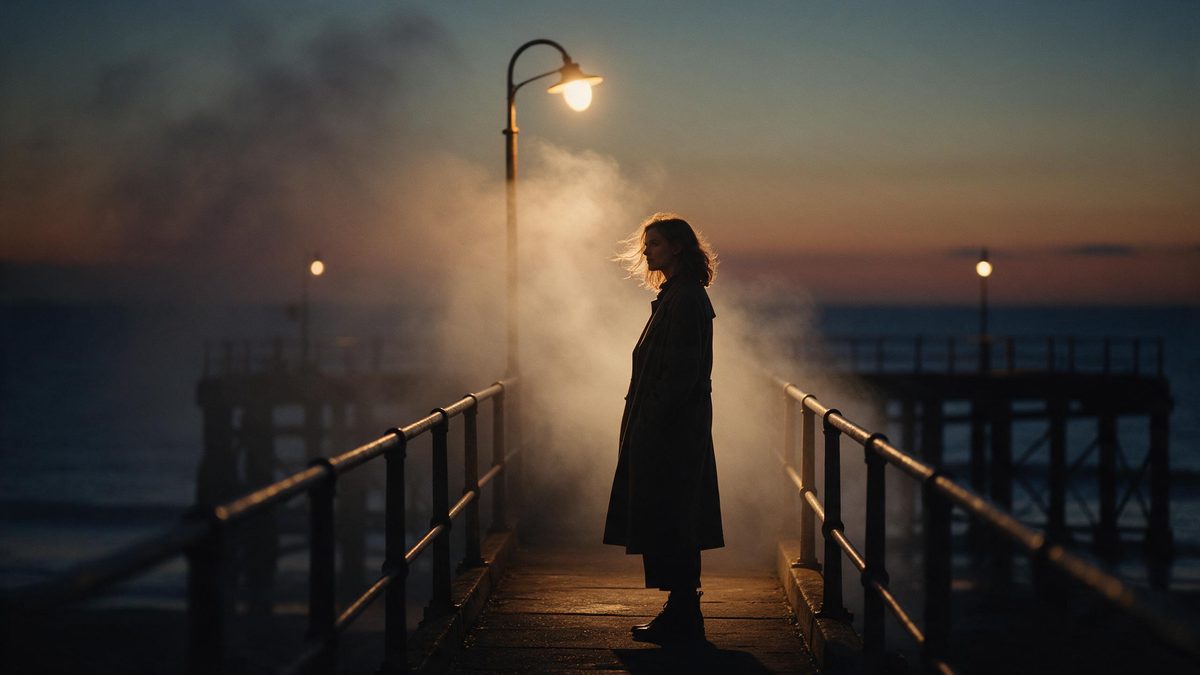
Text to film, in the sense used on this page, is narrower than it sounds. It is not a feature and not a trailer. It is one shot, a few seconds long, that reads as cinema rather than as a demonstration: a deliberate lens, a camera that moves for a reason, light falling where a cinematographer would put it, and a beat that ends before it becomes boring. The workspace is called OpenFilmo and runs entirely in the browser at app.openfilmo.com, so there is nothing to install. Text-to-video starts in AI Create at app.openfilmo.com/en-US/create, and the generator panel is where you choose between Vidu Q1 and Vidu Q2 before describing what you want.
This page stays inside that single shot. It is about writing a prompt that carries camera, light and tone instead of adjectives, and about judging the take once it arrives. It ends where the shot ends. Turning several shots into something you can actually deliver — a shot list, dialogue, music, captions, a cut and an export spec — is a different job with a different set of failure points, and that chain lives on the text to movie page: go there if your shot already looks right and your problem is that there are eleven of them.
What it does
Built for this specific job, not a generic editor.
Lens and framing as a written instruction
Shot size and focal character change what a viewer feels before anything happens. A wide frame with a figure small inside it reads as isolation; a long lens flattens distance and makes a face feel observed; a low angle gives a subject weight. Writing a lens, a shot size and a camera height gives the model something geometric to satisfy rather than a mood it has to guess at.
Camera movement you can describe
Push-ins, pull-backs, pans, tracking moves and the drift of a handheld frame are all specifiable in words, and the move often carries more meaning than the subject. A locked frame says the moment is being examined. A slow push says it is closing in. Decide which one this shot needs before generating, because a move cannot be convincingly added afterwards.
Light, contrast and colour temperature
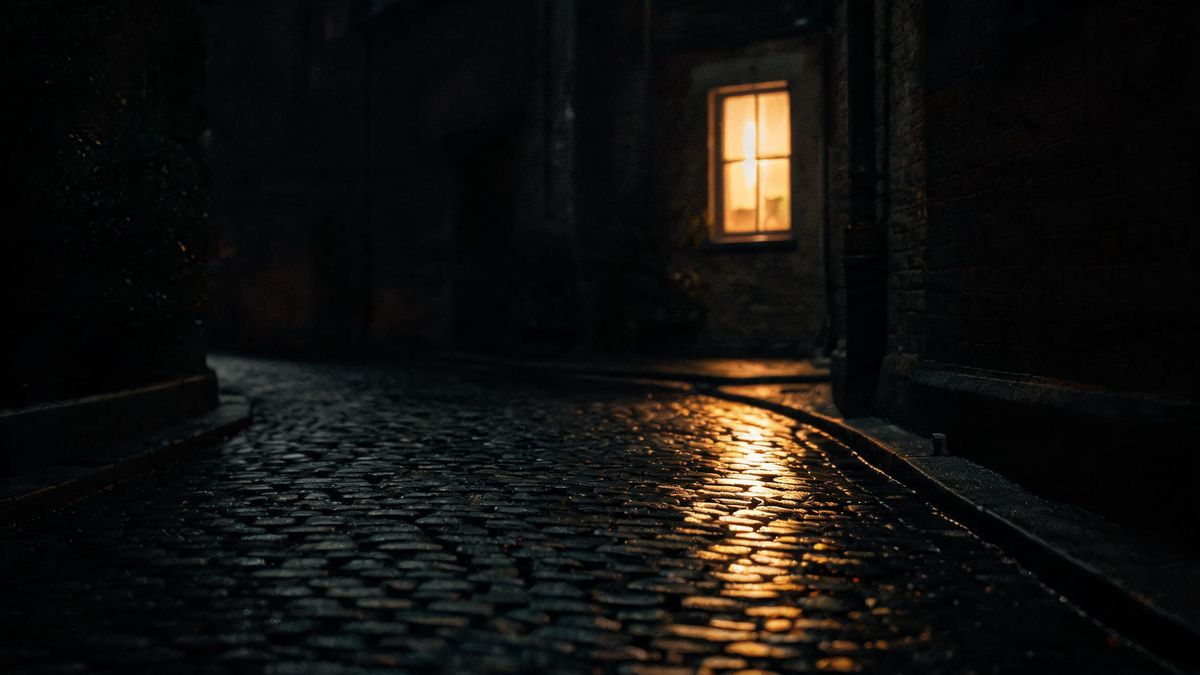
Say where the key light comes from, whether it is hard or soft, what hour it implies and how much the shadows hold. One window beside a face at dusk is a different shot from the same face under flat overhead light, and the difference is legible within the first second. Colour is tone: cool night, warm interior and bleached daylight each tell the viewer what kind of scene this is before anything moves.
Pacing, stillness and what to leave out
A generation is a few seconds — closer to a line of dialogue than to a scene — so the honest unit of work is one beat. Stillness is a real choice: a frame that holds while a curtain moves can carry more than a shot full of action. Leaving material out is the discipline that makes a result look directed instead of generated.
How it works
Four steps, no timeline to learn.
Decide what the shot is for
One idea per generation. A woman realising the letter is not from her husband is a shot; a noir thriller is not. If you cannot say what changes between the first frame and the last, the prompt is not finished yet.
Write camera and light, not adjectives
Replace cinematic, moody and beautiful with the things that would produce them: lens, height, distance, movement, key direction, hardness, colour temperature. Adjectives ask the model to choose for you, and it will choose differently every time.
Run two or three and compare in motion
Free gives 30 credits a month, which is about six five-second clips, so a shot can be tried more than once. Change one variable between attempts, play both at full speed rather than paused, and keep the take whose movement lands on the right beat.
Stop when the shot holds
Regenerating a take that already works spends credits to buy a variation nobody asked for. Approve it and put the remaining budget into the next beat, or into the delivery chain if the piece has to be finished this week.
What people use it for
The jobs this actually gets used for.
An opening image
The first shot of a piece sets its grammar. Lens, light and pace establish what everything after it will be judged against, and having that frame early gives you a reference for every later decision.
Pre-visualisation before a real shoot
Block a shot on screen before booking a crew: where the camera sits, how far it travels, what the light does at that hour. A rough generated beat answers those questions in minutes and is cheap enough to discard.
Atmospheric material
Rain on a window, dust in a shaft of light, a street held at the edge of frame — shots whose job is texture and mood rather than information, and which no stock library matches exactly.
The one beat that has to feel like film
A single shot inside a larger edit that needs film grammar rather than footage. Generate it as one beat and cut it in, instead of trying to generate the sequence around it.
Why film language beats adjectives
The model will invent whatever you leave open. That is the problem, not the solution.
A prompt built from adjectives asks the model to make the decisions you skipped. Two people writing cinematic get two different films, because the word carries no lens, no light and no pace — it only signals a register. Naming camera height, focal character, key direction and movement puts those decisions back on your side of the exchange, which is where they cost the least to change.
What no prompt can do is hold a shot open. A generation lasts a few seconds and pricing is quoted per five-second clip, so anything with development in it has to be built as beats and assembled. Continuity between beats is a further problem: the same face or garment drifts once angle and lighting move far enough, and no phrasing inside one prompt prevents that across several.
Judgement is where most of the craft actually sits. Watch a take at full speed, because a camera move that reads as smooth frame by frame often feels hurried in motion. Check edges and any lettering at full size. Be willing to keep the second-best take because its movement lands on the right beat — the prettiest frame rarely wins the cut.
Credits and plans
Every tool draws on one shared credit balance.
One five-second clip costs five credits and one image costs two, drawn from a single balance shared with the rest of the workspace; image-to-video and text-to-video use the same models at the same rate. Free is $0 a month for 30 credits with no credit card, which is about six five-second clips or fifteen images, running one task at a time at standard speed, exporting at 720p with no watermark and commercial use included. Starter is $9 for 400 credits, roughly eighty five-second clips, with two parallel tasks and every model available; Pro is $19 for 1,000 credits, three tasks and a priority queue; Studio is $59 for 4,000 credits, six tasks and API access. Figures are those listed on the pricing page in October 2026. Budget three generations per beat you intend to keep, because a shot rarely survives its first take.
Related guides
Longer reads on the same workflow, from the OpenFilmo blog.
AI Video Prompt Formulas That Hold Up in Production
Prompt structures that work for AI video: subject, motion, camera, time and style — with tested formulas, failure patterns and a m…
Text to Video AI: Turn Any Prompt Into Video
Learn how text to video AI works, the four-part prompt formula that produces usable clips, how to fix common failures, and where i…
How to Use Vidu: A Practical Guide
How to use Vidu: reference-to-video workflow, keeping subjects consistent across shots, prompt approach, and where it fits compare…
Related tools
Closely related pages on the same problem.
Frequently asked questions
How much does one clip cost, and what does the free plan cover?
Five credits per five-second clip and two per image. Free gives 30 credits a month with no credit card, which is about six clips or fifteen images, and it includes commercial use and exports with no watermark. Paid plans start at $9 for 400 credits, which is roughly eighty five-second clips.
How long is a single generation?
The unit the pricing page quotes is a five-second clip. No maximum length is published, so the reliable way to work is one beat per generation, assembled afterwards, rather than trying to stretch one take across a whole idea.
Can this actually make a film for me?
Not in one pass. One generation produces one shot of a few seconds, and a film is a set of such shots cut together. This page is about making each of them read as cinema; the chain that turns a set of shots into a deliverable piece is on the text to movie page.
Can I use the result commercially?
Yes — commercial use is part of the Free plan, not only the paid ones, and exports leave without a watermark. Clearing the rights to any script, music or reference images you supply remains your job: generating from material does not transfer them to you.
What is the difference between this page and text to movie?
This page stops at the shot: lens, camera movement, light, colour and pacing. The text to movie page starts where this one ends and covers the delivery chain — beat list, per-shot generation, dialogue, music, captions, the cut and the export spec. If your shots look right and the piece is not finished, go there.
Halloween pages
Scene ideas, prompt libraries and a step-by-step walkthrough for the Halloween effect.