
AI STORM Dance Video: Recreate the Formation Trend From Your Own Photos
One dancer in the centre, a formation behind them, every face in the crowd supposed to look like the same person. It is the second big trend of the season and it fails in a very specific way: the crowd multiplies.
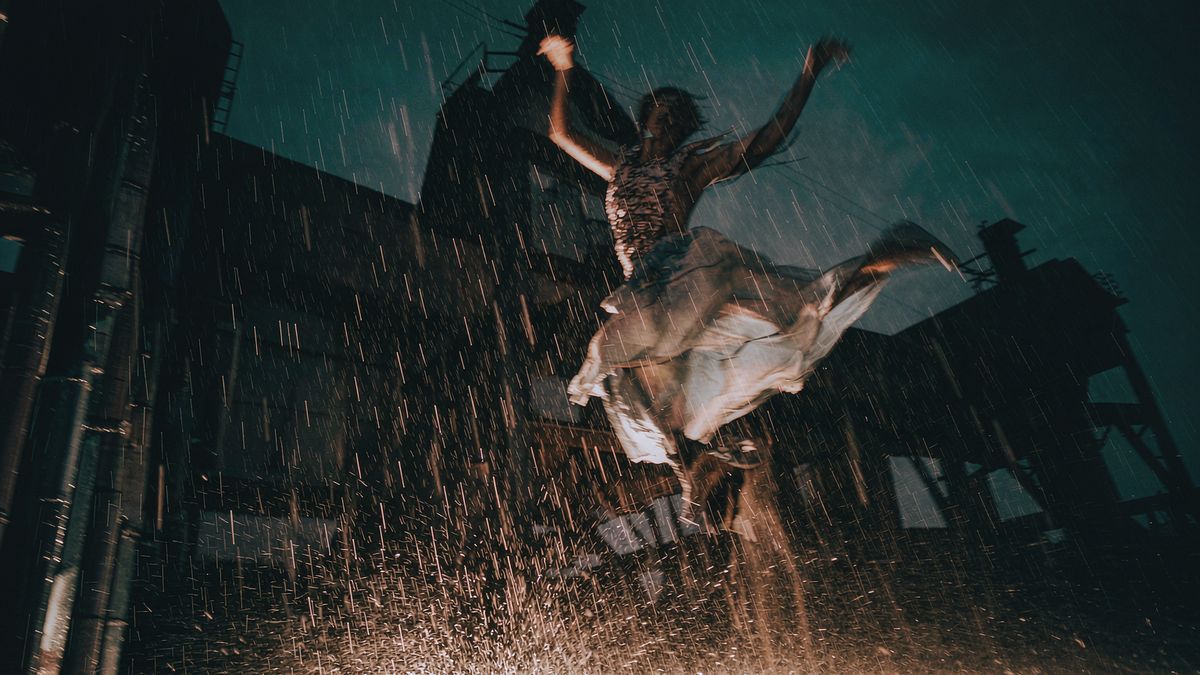
The STORM formation trend puts a single dancer front and centre with a line of dancers behind, all moving to the same choreography. Where the Hotel Lobby trend is a two-identity problem, this one is a one-versus-many problem: the centre dancer has to stay recognisable while the crowd behind them stays uniform.
Three failures account for most bad versions. Outfits mix between shots, so the crowd wears two different uniforms in the same clip. Crowd members duplicate or vanish between frames. And in wide shots, faces smear because there are too many of them to resolve. All three are cheaper to find in a five-second test than in a finished render.
What it does
Built for this specific job, not a generic generator.
Separate the centre from the crowd
Assign the centre dancer and the crowd to different reference images so the model is not guessing which face goes where.
Keep the choreography
The formation, camera and rhythm are held steady rather than re-imagined every few frames.
Uniform crowd
One reference for what the crowd wears, so outfits do not drift between shots.
Vertical export
9:16 for TikTok, Reels and Shorts, plus 1:1 and 16:9 from the same generation.
How it works
Four steps, no timeline to learn.
Prepare two references
One frontal photo for the centre dancer and one photo of the outfit the crowd should wear. Two images are enough — you do not need a reference per crowd member.
Assign centre and crowd separately
State which image is the centre performer and which is the crowd. Leaving this unsaid is what produces mixed outfits and duplicated faces.
Test ten to fifteen seconds
Render short at lower cost and check three things: the centre face held, the crowd stayed uniform, and nobody disappeared mid-formation.
Render full and finish
Generate the full clip, then add music and captions in the same workspace and export per channel.
What people make with it
The jobs this actually gets used for.
Dance studios and crews
Turn one dancer into a full formation piece for a class promo or a crew announcement.
Music releases
A choreography-led visual for a single, without booking a studio or a cast.
Sports and spirit clips
A team in formation, using one kit reference for the crowd behind.
Personal and birthday clips
One person centre stage with a crowd of the same face behind — the version that travels furthest on feeds.
Why formation trends break differently
Two identities is hard. One identity repeated ten times is a different problem.
A crowd is the hardest thing to ask a video model for, because the same face has to hold at ten different distances from camera while the centre performer stays sharper than all of them. Most of the artefacts people describe — duplicated people, missing rows, outfits that change between cuts — come from asking the model to resolve more faces than it can.
The workaround is to reduce what has to be resolved. Give one reference for the crowd rather than ten, keep the formation static where the choreography allows, and test short. A ten-second test exposes all three failure modes at once for a fraction of a full render.
It is also worth being realistic about where the format is in its lifecycle. Formation trends move fast and the audience for them is concentrated on short-form feeds. A clip made today is worth more posted today than polished for a week.
Credits and plans
Generation is metered in credits, shared across every tool.
A five-second video costs 5 credits and one image costs 2. The Free plan gives you 30 credits every month with no credit card, no watermark and commercial use included. Paid plans start at $9 for 400 credits and add faster generation, parallel tasks and higher export resolution.
Related guides
Longer reads on the same workflow, from the OpenFilmo blog.
Character Consistency in AI Video: What Actually Works
How to keep characters consistent across AI video shots: reference images, prompt discipline, key frame locking and post-hoc corre…
AI Video Prompt Formulas That Hold Up in Production
Prompt structures that work for AI video: subject, motion, camera, time and style — with tested formulas, failure patterns and a m…
Image to Video AI: Animate Any Photo in Seconds
A complete guide to image to video AI: what makes a good source image, how to write motion prompts, top use cases, and how to fix …
AI tools
Single-purpose tools that run in the same workspace, on the same credit balance.
Vidu models
The Vidu Q1 and Q2 models this site runs on, and how they compare to Kling, Veo and Runway.
Related workflows
Closely related tools and guides on the same problem.
Frequently asked questions
What is the STORM dance trend?
A formation clip where one dancer performs centre stage with a line of dancers behind, all on the same choreography. It spread on short-form feeds alongside the Hotel Lobby trend in September 2026.
How many reference photos do I need?
Two: a frontal photo of the centre dancer and a photo of the outfit the crowd should wear. You do not need one image per crowd member.
Why does the crowd duplicate or disappear?
Because the model is resolving many faces at different depths at once. Give a single crowd reference, keep the formation stable and avoid very wide shots where faces are too small to hold.
Why do outfits change between shots?
The crowd uniform was never fixed to one reference. Assign the crowd outfit explicitly rather than describing it in the prompt alone.
Can I put an animal in the centre?
Yes. Drop the crowd instruction and keep only the centre assignment. A single subject with no crowd resolves far more reliably.
How long should the clip be?
Ten to fifteen seconds is the common length and the right length to test at. Render longer only after the short test holds on all three checks.
How much does it cost?
A five-second video costs 5 credits, so a fifteen-second test is roughly 15 credits. The Free plan gives 30 credits per month with no credit card. Paid plans start at $9 for 400 credits.
Does the music come with it?
No. Generate the visuals and add audio in the same workspace using a track you are cleared to use on the platform you are posting to.
Can I use it commercially?
Your generated footage carries commercial use rights on every plan including Free. Third-party audio is licensed separately.
What should I change if the first attempt fails?
One variable at a time — the centre photo, then the crowd reference, then the length. Changing several at once means you cannot attribute the fix.