
AI Anime Video Generator: Turn Text or Stills Into Animated Scenes
Anime is the one style where generated video has an advantage over live action: the reference frame is drawn, so the artefacts that break realism simply read as style.
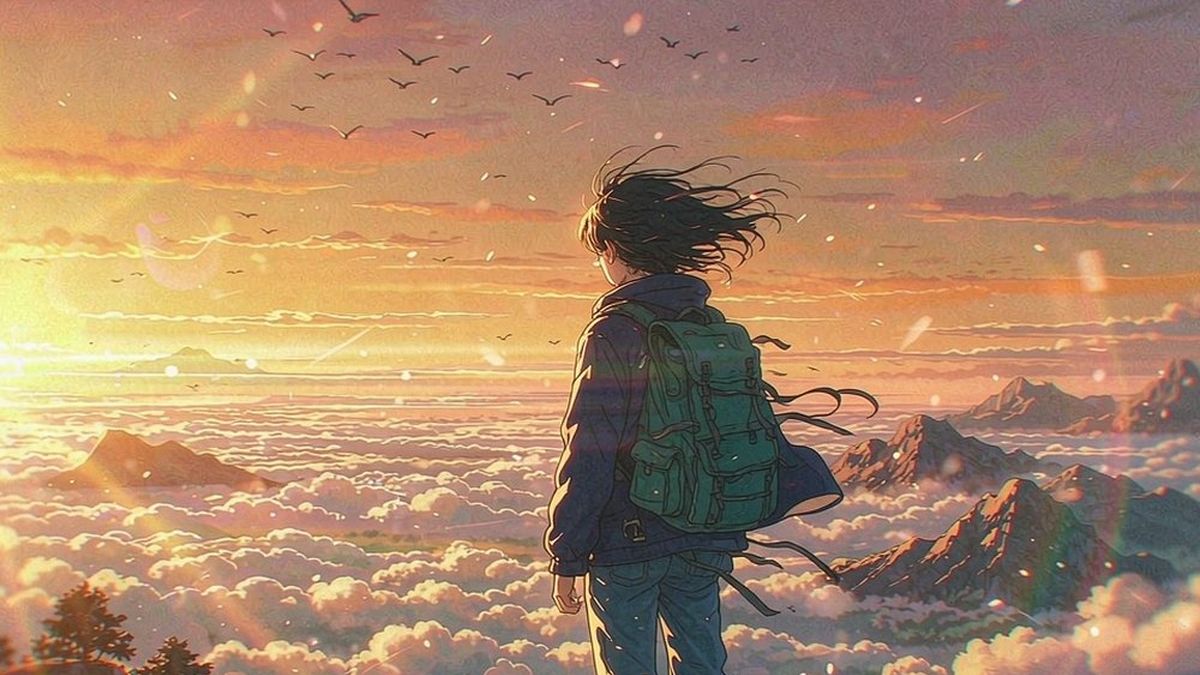
Photorealistic generation is judged against reality and usually loses. Anime is judged against a drawn convention, which is far more forgiving — a slightly wrong hand is an artefact in live action and a stylistic choice in animation.
OpenFilmo generates anime-style clips from text or stills, with voiceover, captions and music in the same workspace. The hard part remains what it always is in animation: keeping a character consistent across shots.
What it does
Built for this specific job, not a generic generator.
Text to anime
Describe a scene and generate it in an anime style without drawing a frame.
Still to animated scene
Animate existing artwork, illustrations or character designs into motion.
Voiceover and captions
Add narration and subtitles in the same workspace, including for dubbed versions.
Consistent style
Reuse one style description so shots belong to the same piece rather than drifting.
How it works
Four steps, no timeline to learn.
Fix the style before the scene
Decide the visual register — flat cel, painterly, high-contrast — and write it into every prompt.
Describe the scene, not the mood
Camera, action and setting. Abstract descriptors produce inconsistent results in any style.
Reuse the character description
Repeat the same character details verbatim across shots. Paraphrasing between shots is what breaks continuity.
Add voice and export
Add narration, captions and music, then export in the ratio the platform wants.
What people make with it
The jobs this actually gets used for.
Short-form animation
Anime-style clips for channels built around the style.
Music visuals
Animated sequences for a track, without an animation team.
Story and concept pieces
Animated versions of scenes before committing to production.
Game and community content
Stylised clips for trailers, updates and community posts.
Why anime is the strongest use of generated video
The style absorbs artefacts that would sink a photorealistic clip.
Photorealism has an unforgiving reference: reality. Viewers detect wrong fingers, odd blinks and inconsistent lighting immediately, because they know what a person looks like.
Anime has no such reference. Within a drawn convention, simplification and inconsistency read as style, which means generated output that would be rejected as footage is often perfectly acceptable as animation.
What still breaks it is continuity. A character whose hair, outfit or palette changes between cuts is wrong in any style, and the only reliable fix is mechanical: repeat the same description verbatim in every prompt rather than paraphrasing it.
Credits and plans
Generation is metered in credits, shared across every tool.
A five-second video costs 5 credits and one image costs 2. The Free plan gives you 30 credits every month with no credit card, no watermark and commercial use included. Paid plans start at $9 for 400 credits and add faster generation, parallel tasks and higher export resolution.
Related guides
Longer reads on the same workflow, from the OpenFilmo blog.
AI Anime Video Generator: Text or Image to Anime
How to use an AI anime video generator: a script-to-anime workflow, character consistency with reference images, style options and…
Character Consistency in AI Video: What Actually Works
How to keep characters consistent across AI video shots: reference images, prompt discipline, key frame locking and post-hoc corre…
AI Video Prompt Formulas That Hold Up in Production
Prompt structures that work for AI video: subject, motion, camera, time and style — with tested formulas, failure patterns and a m…
AI tools
Single-purpose tools that run in the same workspace, on the same credit balance.
Vidu models
The Vidu Q1 and Q2 models this site runs on, and how they compare to Kling, Veo and Runway.
Related workflows
Closely related tools and guides on the same problem.
Frequently asked questions
Can I generate from text alone?
Yes. Describe the scene in anime style, or animate existing artwork and character designs.
How do I keep a character consistent?
Repeat the same character description verbatim in every prompt. Paraphrasing between shots is the main cause of continuity breaks.
How much does it cost?
A five-second clip costs 5 credits. The Free plan gives 30 credits per month with no credit card, and paid plans start at $9 for 400 credits.
Can I add voiceover and captions?
Yes, in the same workspace — including dubbed versions generated from the same transcript.
Does it work for music videos?
Yes. Animated sequences for a track are one of the clearest uses, since no animation team is needed.
Can I use the output commercially?
Yes. Commercial use is included on every plan including Free, with no watermark on exports.
Does it imitate a specific studio style?
It generates in general anime conventions. Avoid prompting for a named studio or artist style, which raises rights questions.
What length should I generate?
Five-second units work best, tested one at a time before extending, so a continuity break is caught early.
AI prompt collections
Copy-ready prompt sets for portraits, couples, selfies, anime, fashion and film.