
AI Profile Picture Prompts That Look Like You
A profile prompt recreates the feel of a headshot — close, clean, personal. Use these to plan a shot or to generate a reference you can match with your own camera.
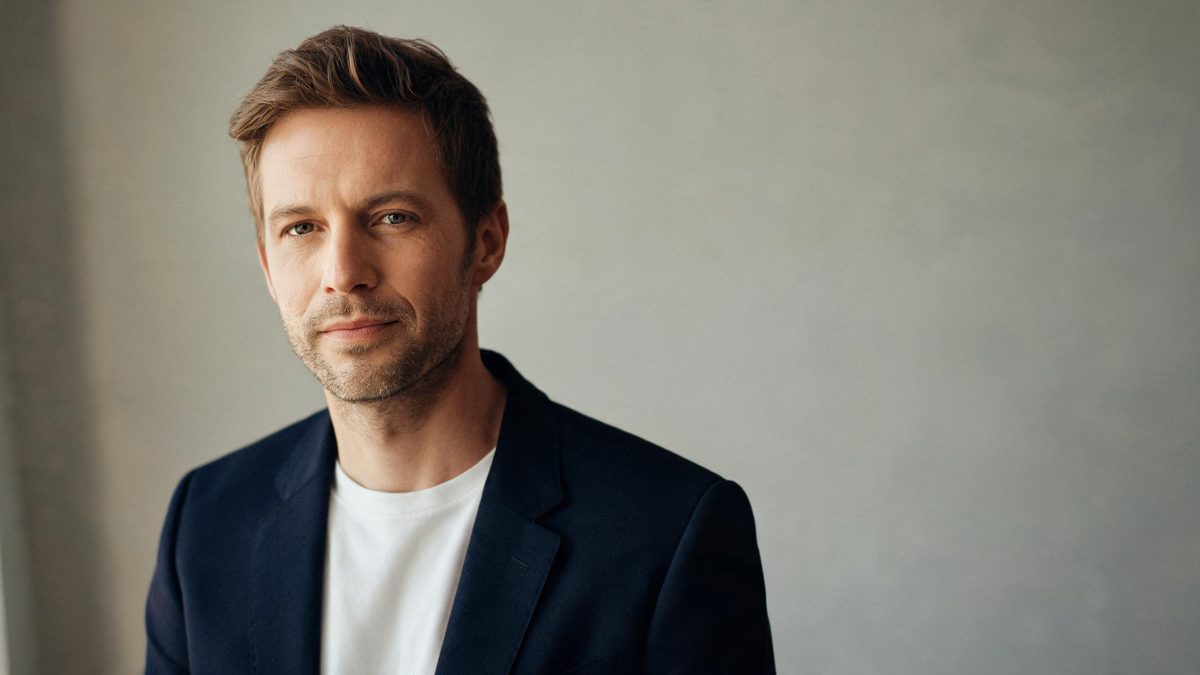
These AI profile picture prompts lean into the clean, first-person feel of a real headshot: soft light, a plain background, an approachable expression. They are written for a single person and stay fully clothed and non-sexualized, so the results look like everyday portraits rather than staged shots.
The trick with profile prompts is to keep them simple. A headshot is allowed to be plain — a neutral wall, even light, a calm expression. Copy one below, swap in your own description, and you have a starting point that still feels like you took it.
The core idea
Four principles behind every prompt on this page.
Keep it close
Profiles are head-and-shoulders. Describe a close, eye-level framing rather than a distant portrait.
Plain background
A neutral wall or soft blur keeps the face the subject. Busy backgrounds compete with you.
Even soft light
Window light and studio soft light flatter skin. Naming them keeps the result believable.
One person, consented
Profiles are usually of the person generating them. Keep the subject generic or yourself, never someone else without consent.
Step-by-step
The order that keeps you from debugging five things at once.
Pick a style
Professional, casual, or minimal — the groups below cover the common profile looks.
Copy a prompt
Use the Copy button. Each prompt already includes framing and light, so it runs as written.
Describe yourself
Replace the generic subject with your own description, or keep it generic while exploring style.
Generate a few
Free covers about fifteen images a month. Try two or three framings before keeping one.
Export
Export with no watermark on Free. If the image is of you and the edit is not obvious, a short AI note is good practice.
Prompt recipes
Paste as-is, then swap the subject for yours. Use Copy on any card.
LinkedIn studio
Professional profile portrait, the person in a blazer, plain neutral background, even soft light, confident calm expression, 85mm, no text, no watermark.
Why it works: A blazer and neutral wall read as "work," which suits a LinkedIn frame.
Window headshot
Profile picture by a window, natural daylight, the person smiling softly, plain wall, 50mm, no text, no watermark.
Why it works: Window light is the most flattering honest light and signals "at home."
Outdoor casual
Casual profile photo outdoors, soft shade light, the person relaxed, blurred greenery behind, 50mm, no text, no watermark.
Why it works: Shade light is even and forgiving, and a soft blur keeps you the focus.
Bookcase backdrop
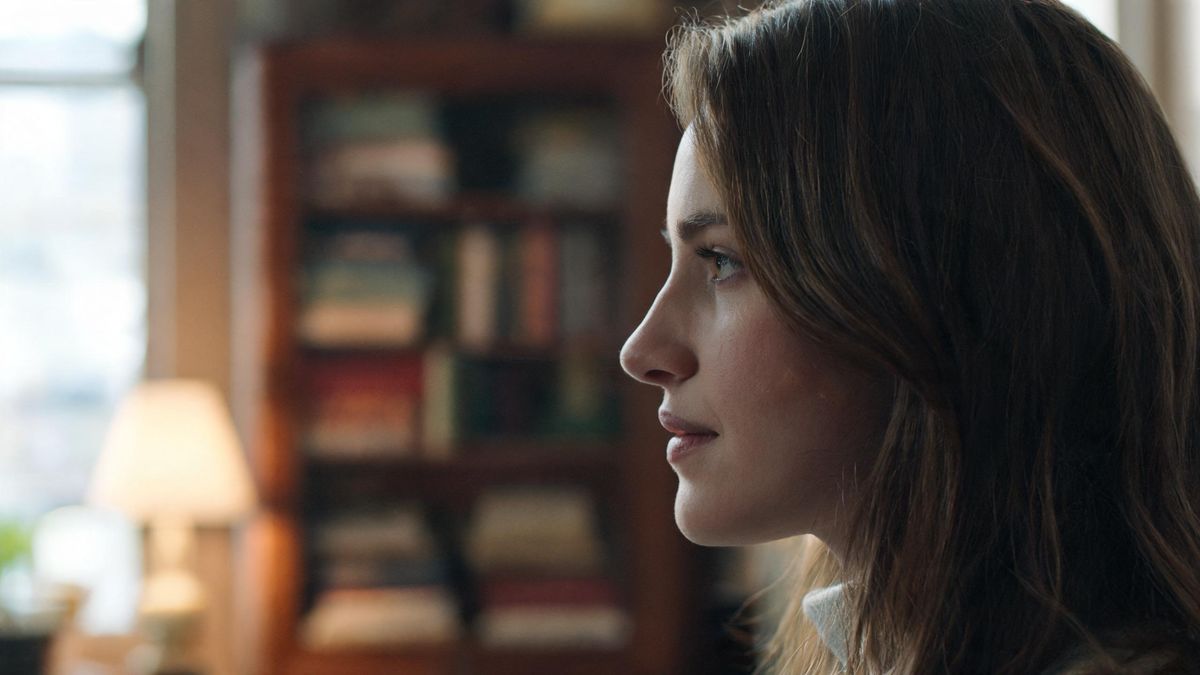
Profile portrait with a blurred bookcase behind, warm light, approachable mood, 50mm, no text, no watermark.
Why it works: A blurred bookcase adds personality without distracting from the face.
Minimal white
Minimal profile photo, plain white wall, even light, the person centered with negative space, calm expression, no text, no watermark.
Why it works: Negative space and a plain wall suit avatar or profile use.
City bokeh
Profile picture at dusk, soft bokeh lights behind, the person in sharp focus, 50mm, no text, no watermark.
Why it works: Bokeh lights signal "evening out," a universally approachable setting.
Active wear
Profile photo in activewear, outdoor light, energetic confident mood, 35mm, no text, no watermark.
Why it works: Activewear and outdoor light read as healthy and approachable.
Black-and-white
Black and white profile portrait, strong light, deep contrast, timeless professional mood, no text, no watermark.
Why it works: Removing color directs all attention to light, shape and expression.
Common mistakes
The ones that account for most weak results.
Too much background
Busy backgrounds compete with the face. Name a plain wall or soft blur so the subject stays clear.
No light source
Without naming the light, the model defaults to flat light. Add "window light" or "studio soft light."
Depicting others
Never generate a recognizable other person without consent. Profiles are safest when the subject is you or generic.
Off framing
Too wide a crop stops reading as a headshot. Describe head-and-shoulders to keep it a profile.
Why profile prompts work best simple
A profile's clarity is its strength. The prompt should ask for a face and a plain frame, not a scene.
A profile is not a portrait. It is a close, clean, often plain frame, and the model needs to know that. Describe the wall, the window, or the soft light, and you tell it to aim for clarity rather than spectacle.
Light is what keeps a profile honest. Real headshots are lit by whatever is at hand — a lamp, a window — and naming that light stops the result from looking like a stock thumbnail.
Because profiles are usually of the person generating them, they are the lowest-risk image type. Keep the subject generic or yourself, never a recognizable other person without consent, and the result is safe to share anywhere.
Practise it in OpenFilmo
Every recipe on this page runs in the same workspace.
One image costs 2 credits and a 4K upscale costs 4. The Free plan gives you 30 credits every month with no credit card, no watermark and commercial use included — roughly fifteen images before you pay anything. Paid plans start at $9 for 400 credits and add faster generation and parallel tasks.
Related guides
Longer reads on the same workflow, from the OpenFilmo blog.
AI Content Labeling Rules: What You Must Disclose in 2026
What AI content labelling rules require: what to disclose, where human review is mandatory, and how platform rules differ from law…
AI Video Prompt Formulas That Hold Up in Production
Prompt structures that work for AI video: subject, motion, camera, time and style — with tested formulas, failure patterns and a m…
Best AI Video Generators 2026: 15 Tools Tested
We tested 15 AI video generators on the same prompts and ranked them for 2026. Compare quality, speed, credit pricing and commerci…
Image to Video AI: Animate Any Photo in Seconds
A complete guide to image to video AI: what makes a good source image, how to write motion prompts, top use cases, and how to fix …
Related prompt collections
More copy-ready prompt sets on the same problem.
Frequently asked questions
Are these profile prompts appropriate?
Yes. They stay fully clothed and non-sexualized, describing clean, everyday headshot looks only. They are meant to feel like real photos.
How many can I generate free?
The Free plan gives 30 credits a month with no credit card, about fifteen images, with no watermark on export. One image costs 2 credits.
Can I make a profile of someone else?
Only with their consent. A recognizable real person depicted without permission is not safe to use, so keep the subject generic or yourself.
Why does my profile look like a stock photo?
Studio-clean light and perfect symmetry. Add "window," "soft shade," or "plain wall" to bring back the natural feel.
Can I upscale a profile picture?
Yes. The Free plan's image upscaler can sharpen and enlarge a result when you want a larger file.