
AI Face Swap Video: Put Any Face Into Any Clip
Upload a clip and a reference photo. OpenFilmo maps the new face onto the moving subject — expression, angle and light included — so the swap holds through every frame.
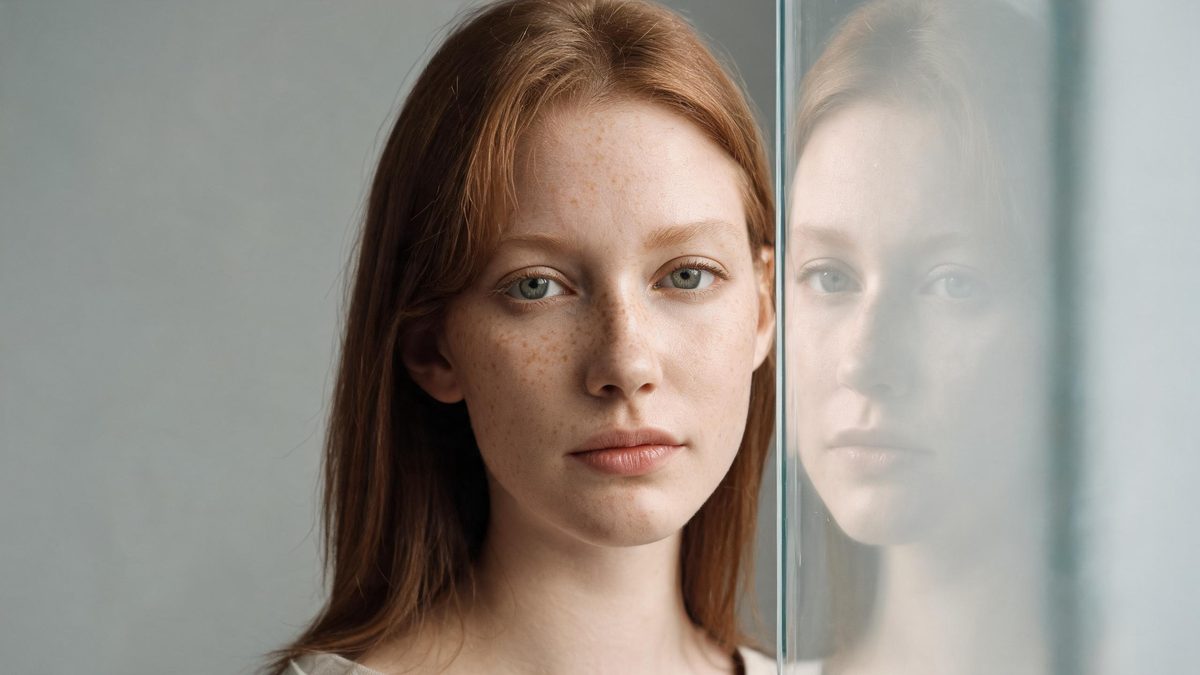
A face swap video takes a face from one photo and carries it through a moving clip — every frame, every angle, every expression. The subject keeps moving the way they moved; only the face changes. What used to mean rotoscoping a mask by hand, frame by frame, now means one reference photo and a short wait.
OpenFilmo keeps the swap inside the same workspace you already use for generation. Swap a face onto footage you generated, or onto a clip you uploaded. Then finish in the same tab: captions, sound, an upscale, a trim. Nothing has to leave the editor, and the look stays consistent because it is the same tool the whole way through.
What it does
Two ways in, one workspace out.
Frame-consistent mapping
The face tracks the subject through turns, occlusions and lighting changes, so it does not flicker or drift the way a static sticker would.
Expression and angle
Smiles, glances and head turns carry over. The swap follows the performance instead of flattening it into one frozen pose.
Reference from one photo
A single clear portrait is enough. You do not need a matching video of the new subject to make the swap read as real.
Finish without re-exporting
Captions, music, sound effects, voiceover and a 4K upscale all live in the same editor, so the swapped clip ships from one place.
How it works
Four steps, no timeline to learn.
Load the clip
Upload the footage, or generate a clip first and use it as the base. Both routes land in the same timeline.
Add the reference face
Drop in one portrait of the face you want. Pick the subject in the clip if there is more than one person.
Generate and review
Most swaps come back in a couple of minutes. Check the bridge frames — the moments a hand passes near the face or the head turns — and rerun if one looks off.
Finish and export
Add captions and sound, upscale if you need 4K, then download. No watermark, commercial use included.
What people make with it
The jobs these tools actually get used for.
Recasts and cameos
Put a different actor into an existing scene for a promo, a pitch or a private joke — without reshooting anything.
Personalised messages
A birthday or holiday clip that wears the recipient's face, made from a photo you already have.
Character continuity
Carry one face across a series of short clips so a mascot or avatar reads as the same person every time.
Localisation
Keep the original body and performance while the on-screen face matches the market you are shipping to.
Creative experiments
Try a historical portrait in modern footage, or swap faces between two people in the same shot, just to see what happens.
Why swap instead of reshoot
The cost that used to block the idea is now close to zero.
A reshoot to change one face means call sheets, locations, lighting and a day of post. A face swap means one photo and a few minutes. The binding constraint stops being budget and becomes whether the idea is worth trying — which is the right thing to be limited by.
It also keeps the rest of the shot intact. The body language, the setting and the camera move were already right; only the face needed to change. Swapping instead of rebuilding preserves the parts that were working and touches only the part that was not.
And because the swap, the edit and the export share one workspace, a swapped clip does not lose its grade in transit the way it would if you exported, re-imported and re-graded in three other apps. The look you set is the look you ship.
Credits and plans
Generation is metered in credits, shared across every tool.
A five-second video costs 5 credits and one image costs 2. The Free plan gives you 30 credits every month with no credit card, no watermark and commercial use included. Paid plans start at $9 for 400 credits and add faster generation, parallel tasks and higher export resolution.
Frequently asked questions
Do I need a video of the new face?
No. One clear reference photo is enough. The model carries the face through the clip's own motion, so you never have to film the new subject.
Will the face stay put through movement?
Yes. The mapping tracks the subject frame by frame, including turns and partial occlusions, so it does not flicker like a static overlay would.
Can I use this commercially?
Yes, on every plan including Free. Downloads are watermark-free and cleared for commercial use.
What does it cost in credits?
A short swapped clip costs the same as any generated video — about 5 credits for five seconds. The Free plan includes 30 credits a month.
Is it OK to swap anyone's face?
Use it for creative, consensual work — parody, recasts, personalised messages and your own content. Do not use it to mislead or to put a real person's face on something they did not agree to.