
Best AI Avatar Generators: How to Pick One That Fits
An AI avatar generator turns a photo or a script into a person who can appear and speak on camera — without a shoot. Here is how the category splits, and which kind fits the work you actually have.
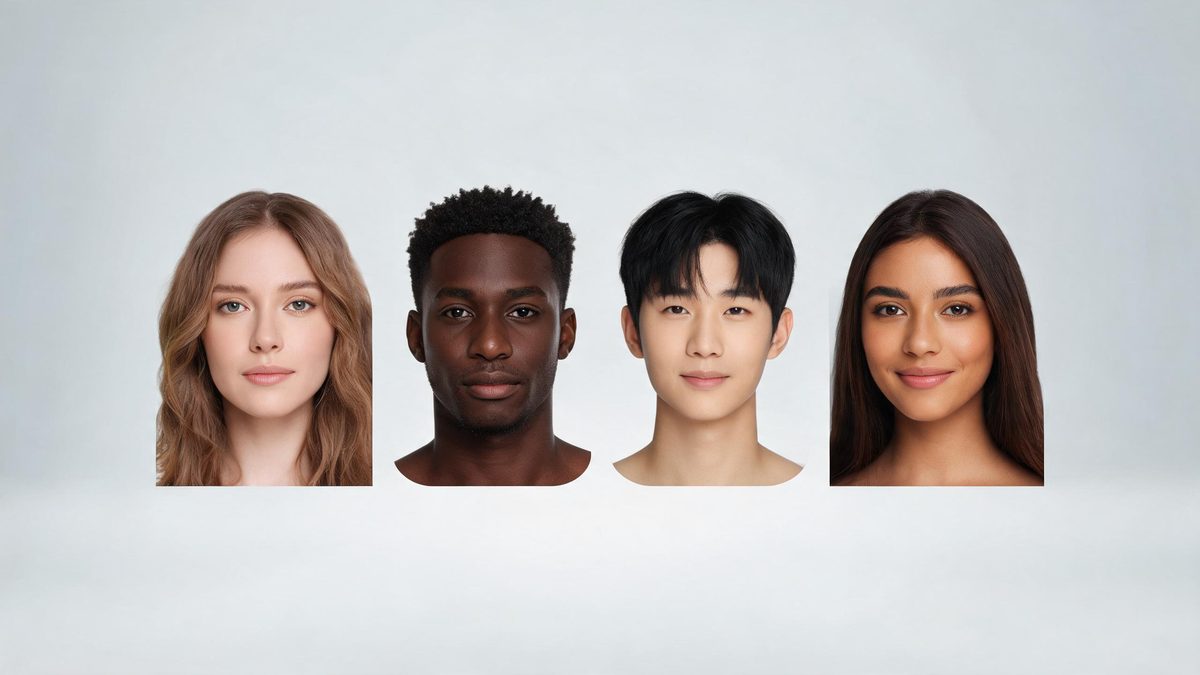
An AI avatar generator takes a face — sometimes a photo you upload, sometimes a fully generated one — and puts it to work: speaking a script, appearing in a video, or standing in for a person across a set of clips. The appeal is obvious. A shoot needs a person, a camera and a schedule; an avatar needs a prompt or a portrait and a few minutes.
The category has split into a few distinct kinds, and the right pick depends on which kind matches your job. Some tools specialise in talking-head spokespeople for training and marketing. Others generate stylised or photoreal portraits for thumbnails and social. OpenFilmo keeps avatar creation inside the same workspace as the rest of your video work, so an avatar you make can drop straight into a clip you are already editing.
The full toolset
Grouped by what you are making. One plan covers all of it.
Talking-head avatars
A face that reads your script on camera — the workhorse of training and marketing video.
Photo and portrait avatars
Stylised or photoreal faces for thumbnails, social art and channel branding.
The wider market
Established standalone services focus on spokes-avatar video at scale.
What people make with it
The jobs these tools actually get used for.
Training and onboarding
A consistent spokesperson for internal videos, without booking a presenter each time.
Marketing and social
A face for your brand that appears across Reels, TikTok and a feed without a shoot.
Localisation
One avatar, many languages — the same face presents in each market's tongue.
Thumbnails and channel art
A recognisable character that makes your content instantly yours.
Personal projects
A talking portrait for a greeting, an announcement or a hobby channel.
How to choose the right avatar generator
Match the kind to the job, not the hype.
Start with the output you need. If it is a person delivering a script, you want a talking-head tool with good lip sync and voice. If it is art for a thumbnail or a post, you want a portrait generator with style control. Picking the category first narrows the field fast.
Then weigh where the avatar has to live. An avatar that only exists inside one closed platform is annoying if your real work happens elsewhere. Keeping avatar creation in the same workspace as your editing — as OpenFilmo does — means the face drops into the clip instead of being exported, re-imported and re-graded.
Finally, check the rights. Whatever you generate should be yours to use commercially, watermark-free, without reading a waiver. That is true of every OpenFilmo plan, including Free, and it is the question worth asking of any avatar tool before you commit.
Credits and plans
Generation is metered in credits, shared across every tool.
A five-second video costs 5 credits and one image costs 2. The Free plan gives you 30 credits every month with no credit card, no watermark and commercial use included. Paid plans start at $9 for 400 credits and add faster generation, parallel tasks and higher export resolution.
Frequently asked questions
What is an AI avatar generator?
It turns a photo or a script into a person who can appear and speak in a video, without a camera or a shoot.
Can I use an avatar commercially?
Yes — on OpenFilmo every plan, including Free, gives watermark-free downloads cleared for commercial use.
Do avatars support other languages?
A talking avatar can present in multiple languages from one source face, which is handy for localisation.
Is my avatar consistent across videos?
Yes. Generate the look once and reuse it, so your channel or brand reads as one body of work.
What does it cost?
OpenFilmo's avatar tools run on the same credits as the rest of the workspace — about 5 credits per five seconds of video. Free gives 30 credits a month, no card.