
AI Avatar Product Demo Video: Show Features With a Constant Guide
Anchor every product walkthrough to one presenter who points out the features, then refresh the script whenever the product changes. No reshoot when the UI shifts.
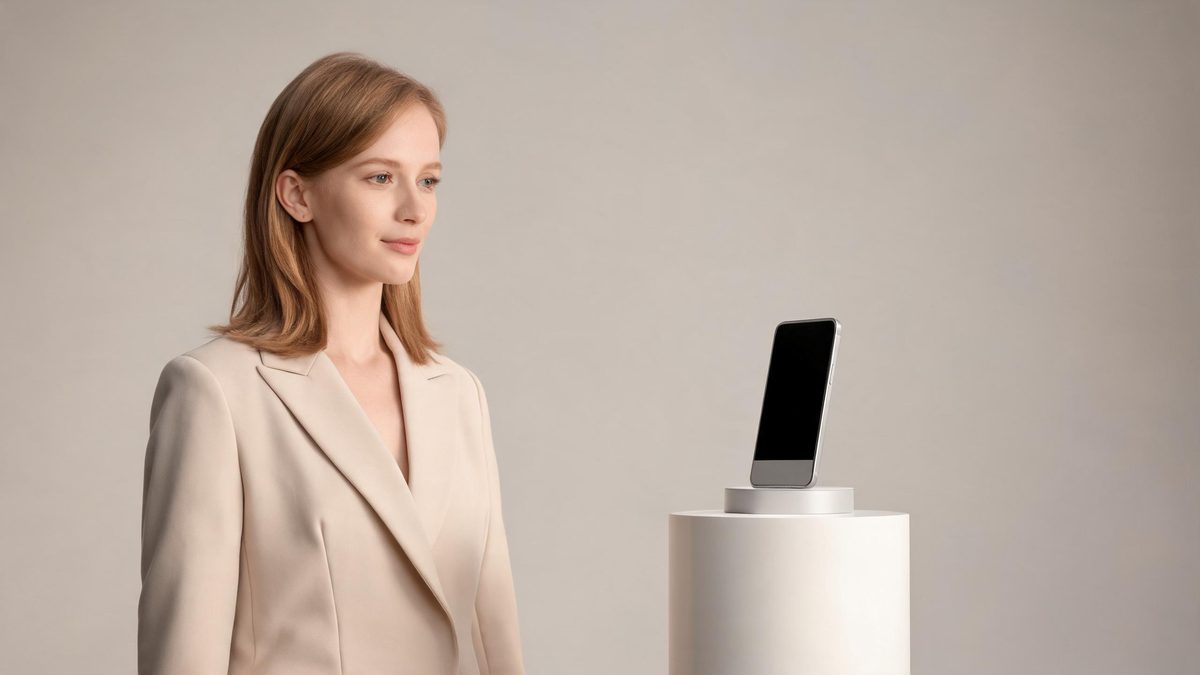
An AI avatar product demo video pairs a steady on-screen presenter with your product interface, so viewers always have a guide explaining what they see. You script the walkthrough once and reuse the avatar for every feature.
Where broader AI explainer video generates abstract footage, the avatar-led approach keeps a real-looking presenter in frame. That human anchor makes step-by-step demos easier to follow.
Demos built this way also age well. Because the avatar is tied to your script rather than a one-time recording, a feature that ships next quarter simply becomes a new paragraph, not a new production request.
What it does
Two ways in, one workspace out.
A guide for every feature
Keep one avatar presenting each demo so the product story stays coherent across short, focused clips. Viewers learn to expect the same guide and trust the pacing. The through-line makes a long feature set feel ordered.
Update as you ship
When a feature changes, edit the script and re-render. The avatar and branding stay consistent, so your library never shows a mismatched face. The demo tracks the product week by week.
No studio required
Combine a photo-based avatar with screen captures; no film crew or location needed. Everything is produced from your desk in a normal workday. The work stays inside your normal tools.
Lip-synced narration
The avatar speaks your script in sync, turning a screenshot walkthrough into a narrated demo. The voice lines up with the mouth, which keeps viewers focused. The result feels like a real presenter on screen.
Commercial and watermark-free
Even the free plan allows commercial product demos with no watermark on the output. You can publish anywhere your customers already are. The clip is yours to use without restrictions.
Reusable across formats
The same avatar clip works in a homepage hero, an in-app tour, or a support article. Produce once and drop the presenter into whatever surface needs a guide. One asset serves many placements.
How it works
Four steps, no timeline to learn.
Set the presenter
Upload a photo or choose a stock avatar to host the demo. Save it as a profile so every future clip matches. The presenter becomes part of the brand.
Script the walkthrough
Write the narration that maps to each screen or feature you will show. Keep steps short so updates stay easy. The script is the only thing you maintain.
Render with screen capture
Pair the avatar with your product footage; OpenFilmo adds lip-synced speech. A five-second segment uses 5 credits, so a full tour stays affordable. The render is ready in minutes.
Refresh on release
Edit the script after each release and re-render the affected clip. Only the changed section needs attention, which protects your credit balance. Stale footage disappears the moment you edit.
What people make with it
The jobs these tools actually get used for.
Feature announcements
Launch a new capability with the avatar walking through it on screen. The consistent guide makes the launch feel official. Buyers see the feature in context, not as a bullet point.
Onboarding demos
Give new users a presenter-led tour of the core workflow. They meet the same face in every follow-up clip. The early experience feels guided and calm.
Comparison clips
Have the avatar contrast your product with the old way, step by step. The narration makes the difference concrete. Prospects understand value without a sales call.
Integration guides
Explain how your tool connects to others with a constant narrator. Partners follow along without a live call. The setup looks simpler than it reads in docs.
Release notes videos
Turn changelogs into short avatar-led summaries each sprint. Customers actually watch a face more often than they read a list. The updates get seen instead of skipped.
In-app tooltips
Embed short avatar clips beside features so users get a guided explanation exactly where they are stuck, without leaving the product. Help arrives in the moment of need.
Why anchor demos to an avatar
Consistency makes complex products clear.
Product demos lose impact when the presenter changes between clips. A single avatar keeps the experience familiar as you build out a library of feature videos.
Maintenance is the real win. Products change constantly; with an avatar you update the script instead of rebooking a shoot, so docs and demos never fall behind.
Credits stay predictable. Five credits per five-second video and two per image let a free plan support ongoing demo production.
There is also a brand dividend. A recognizable presenter becomes part of your visual identity, the same way a logo does, which makes every demo feel like it comes from one competent team.
Over a year, the savings compound. Instead of re-filming a product that changes monthly, you edit a paragraph, so the demo library tracks the product closely and the marketing team stops firefighting outdated footage.
Credits and plans
Generation is metered in credits, shared across every tool.
A five-second video costs 5 credits and one image costs 2. The Free plan gives you 30 credits every month with no credit card, no watermark and commercial use included. Paid plans start at $9 for 400 credits and add faster generation, parallel tasks and higher export resolution.
Frequently asked questions
Can the avatar point to features?
The avatar presents while your screen capture shows the product. You script what the avatar says for each step, and the clip stays in sync. The guide and the UI move together.
How do I keep demos current?
Edit the script when the product changes and re-render. The avatar and branding stay the same, so the library never drifts out of date. A text change is all it takes.
What is the difference from AI explainer video?
This is avatar-led: a fixed presenter guides the demo. The sibling guide covers broader AI explainer video generation. The difference is the constant human guide.
Is commercial use included?
Yes. The free plan includes commercial use with no watermark. You can ship demos to customers and prospects freely. The rights cover paid products too.
How many credits does a demo use?
A five-second video costs 5 credits and an image costs 2 credits; the free plan gives 30 credits monthly, and paid plans start at $9 for 400 credits. A full tour stays cheap.